
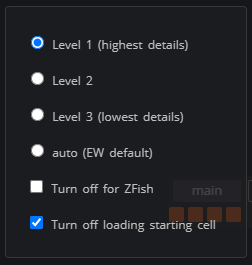
It should look like this:
1 Like
Alright ! Yes  Thank you so much ! i’ll try this ASAP
1 Like
That’s just PERFECT ! It load the tab extremly faster, no freeze (during loading), i can change for any other cell quickly !
Thanks you very much for this another awesome script ! 

3 Likes
Is it possible for the option to complete while inside the cube (inspect mode) to come back as part of the Utilities addon? I can’t find the reason why it was removed…
This script will help New script to allow some inspect panel shortcuts while inspecting cubes, as well as showing cube information while inspecting
Thanks, bl4ckscor3 
A small script to add a  before a username in chat if the player is a trainee - also useful to distinguish imitation accounts from the real ones (if they use characters that look the same, which happened recently >.>)
eg: 
https://github.com/st0ck53y/ew-trainee-icon/raw/master/src/script.user.js
3 Likes
UP ! Just for finding it easier, most usefull for all Eyewireers !
Thanks @KrzysztofKruk (again)
1 Like
I used chatgpt to re-work this script (not the workshop, just the stats) along with some aid from KK for which API calls (chatgpt) to use for the all time/top 100 part of the stats pop-up.
The (basically new) script now allows the button stats to appear always up top left, although for the life of me I can’t get chatgpt to not ‘merge’ it stylistically with the about button.
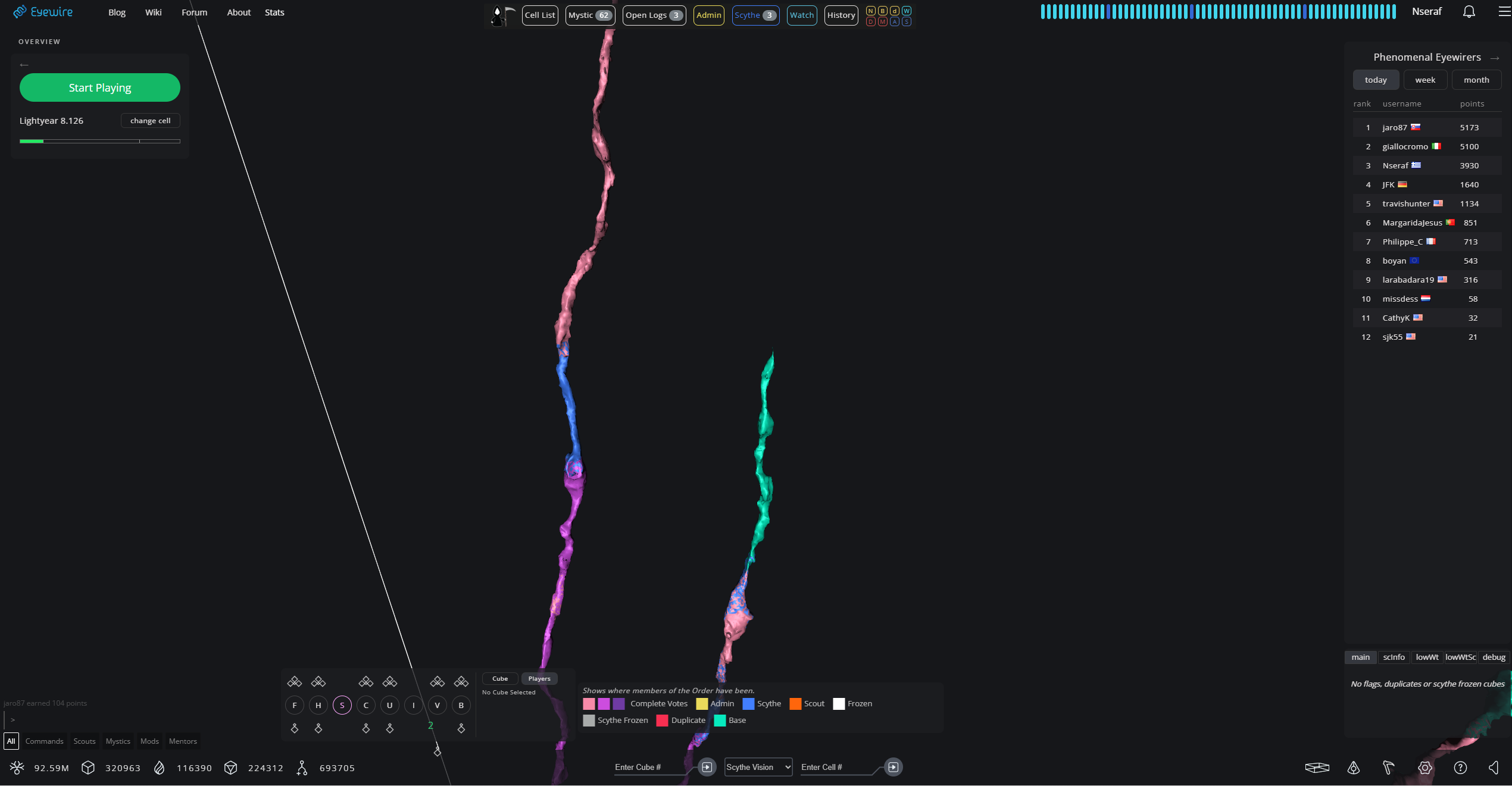
both buttons work independently, but when one hovers over one they both turn cyan-blue for reasons chatgpt can’t work out, if it fixes the about button, stats button vanishes, if the stats button works/appears the about button gets mouse-hover bugged out…maybe someone can work it out.
I had chatgpt make the popup as close to the native popups (like player profiles) with blurred background etc
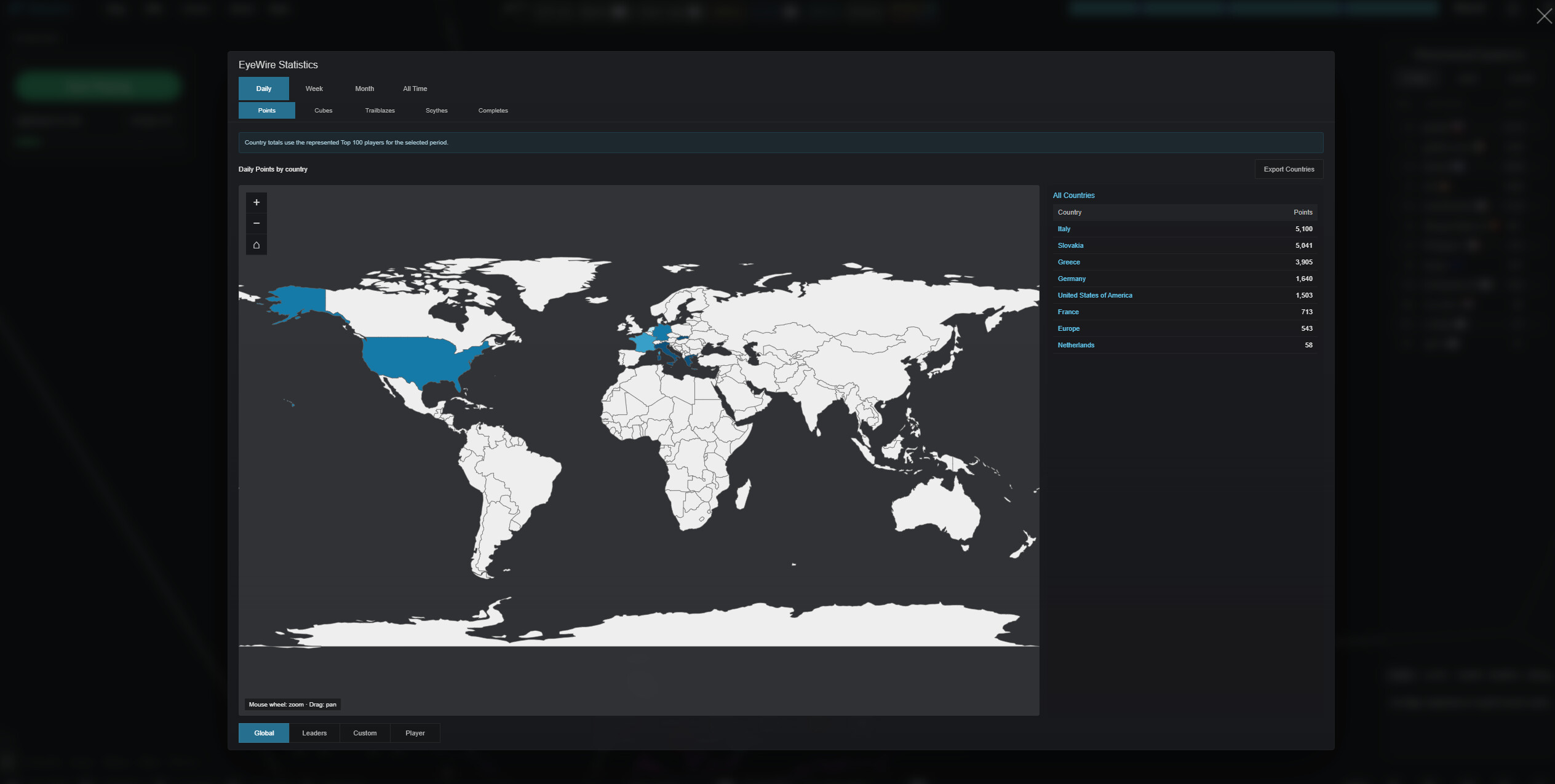
It kept but changed the world map from what it was to a svg file (faster and limits the need to external files/connections), the daily/weekly/monthly parts of the stats leaderboard are fast to load, the all time/top 100 will take some time (secs/mins) to load but every subsequent refresh is much faster thereafter unless one deletes the cache and/or the script is changed/updated.
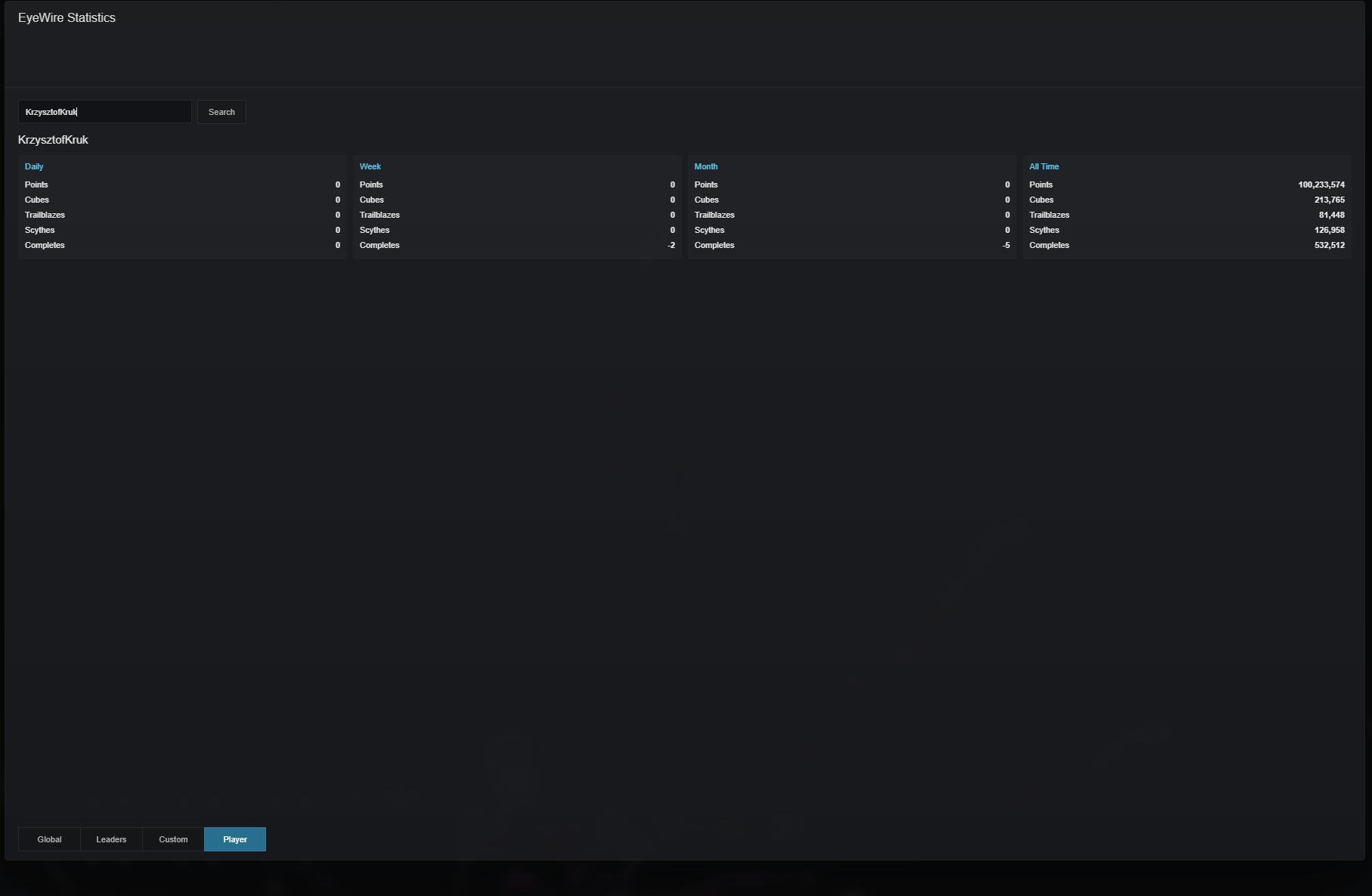
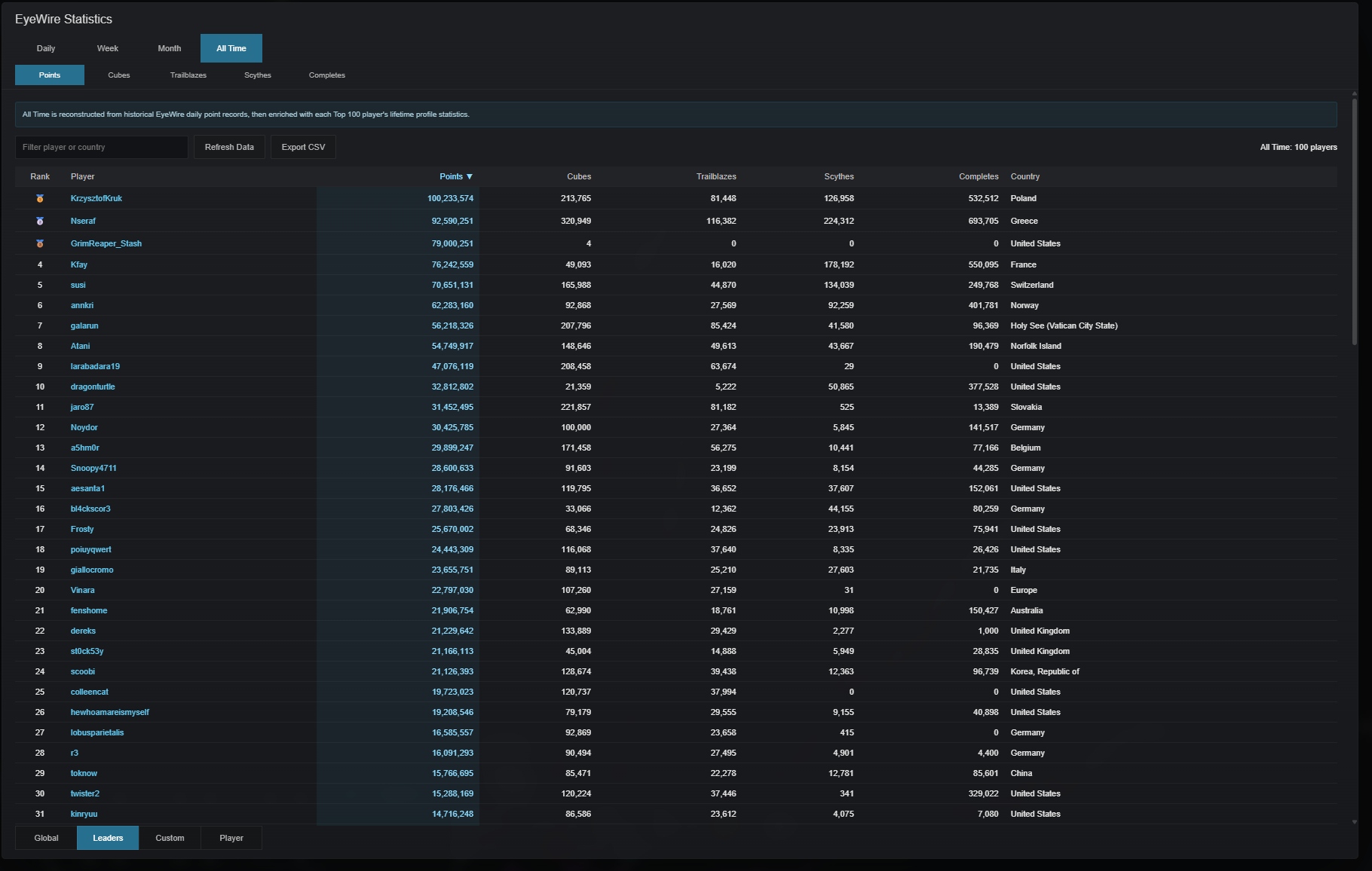
Also ‘new’ (if memory serves) is the ability to click on any of the name(s) in the leaderboard(s) -even people who have not come online in days/weeks/months/years and the script finds you their profile, it won’t tell you how long since they were last online, I thought against negating one of nkem_bot’s main functions (i’m rather fond of that bot lol), but it’ll show you this:
The ‘leaders’ tab is basically an all time top-100 but instead of points/cubes/etc being on seperate sub-tabs they are all in one tab and you can click on any of them to sort/rank people based on that ‘value’
The custom tab is if one wants to define a custom time frame range for an all time leaderboard, (ie: from 1/1/2013 to 1/1/2020).
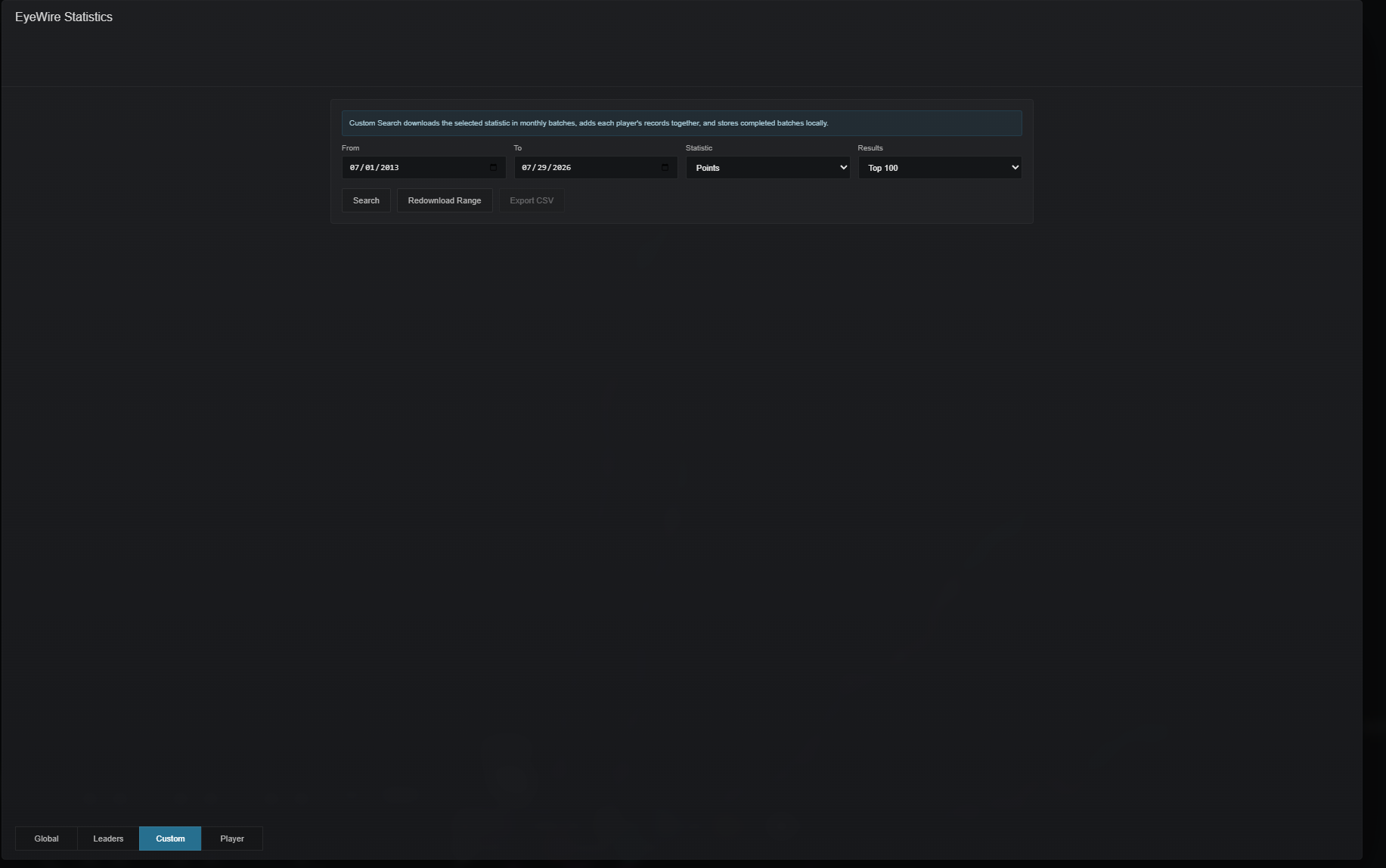
And everything is downloadable in csv files (idk why chatgpt added that but I decided to leave it, who knows there might be someone who likes to download the info and be able to see it in google sheets/excel.)
The player tab is to search any player’s username, it is also where the script gets you if you click any name in any of the leaderboards.
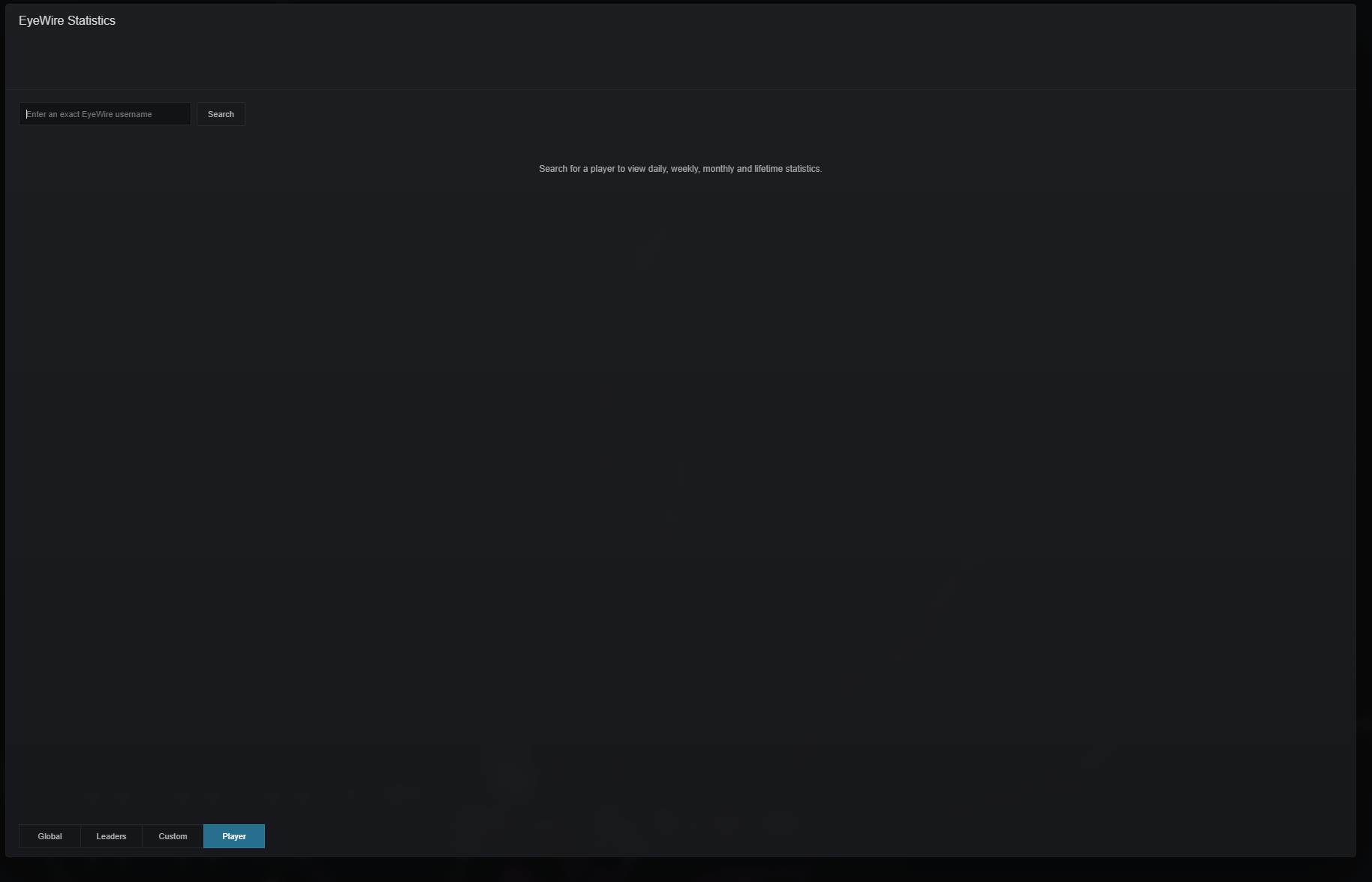
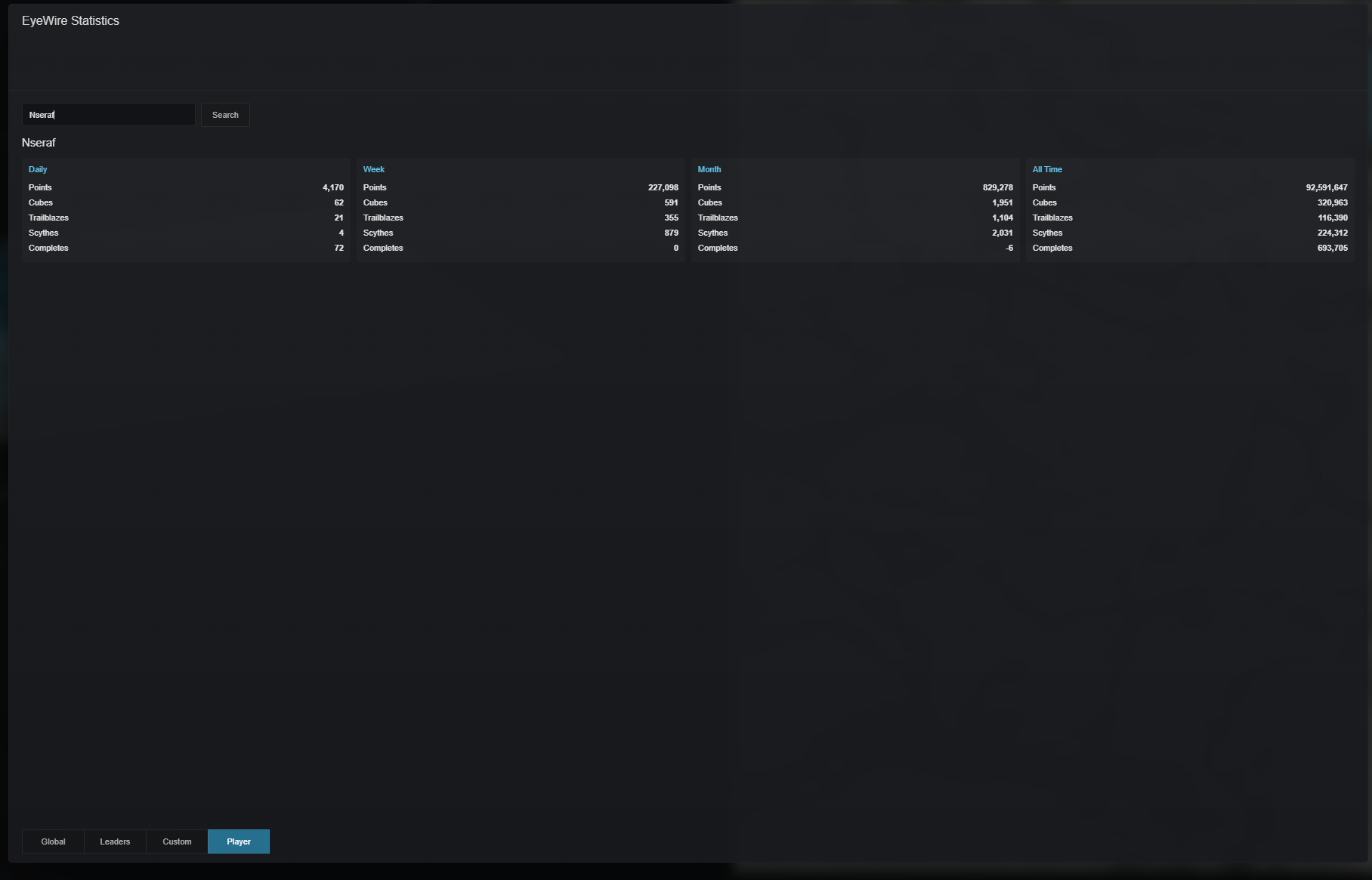
The one thing I cannot do is produce a clickable link like KK has done above, I’d have to create a github account and whatnot and I don’t know how to do any of it. For a clickable link KK will have to update the script in github and give us a new/updated link to either ‘install’ in tampermonkey or directly in eyewire from the ‘addons’ in the gear settings.
For now if someone wants to enable this player script you have to go in gear settings > disable statistics (so that it doesn’t conflict) > install tampermonkey if you don’t already have it > create a new script from the dashboard > copy the script from the link below and paste it over any existing sample code.
1 Like
I forgot to mention that the pop up size should be responsive to playes’ monitor size. I say should because all of my monitors are the same size so I cant easily test it out.
1 Like
Aaaand with a little help from @KrzysztofKruk the about and stat buttons are fixed! Thnx!
one note about this fix:
without KK’s update to the utilities list:
https://github.com/ChrisRaven/EyeWire-Utilities/raw/refs/heads/master/utilities.user.js
the button won’t be visible in the top menu bar (up left), but in the burger menu top right, with the above 2nd link it’ll be visible in the menu bar.
2 Likes