speaking of player scripts: Eyewire 2 player script: UI Guard hehe
1 Like
Probably difficult to do, but maybe you could have 2 slides of 2d visible side by side before and after missalignment. + 3d might be difficult on my small screen but would think it would be useful on bigger screens. And perhaps rainbow annotations two linked points in each colour placable on the side by side view.
2 Likes
Yeah I think that would make small-er screens yell bloody murder lol, Also I’m afraid we might be making this a bit too complicated, the script would basically have to create (basically) two 2D screens both of which will have to load the 2D (increased internet traffic), not be in sync (so that right screen shows post jump and left screen show pre jump for example) and have one 3D that obeys both 2D screens, unless I am over complicating it in my mind that sounds like…a lot. Oh yes and allow for the 2D screens to interact with each other (annotations).
2 Likes
yeah probably
2 Likes
In a similar script - “Susi” - I’ve taken this approach:
- Set the 2D stack on a slide before a jump.
- Click a button to make a snapshot of that slide.
- Scroll over the jump.
- Display the snapshot directly on top of the new slide, with transparency, that was fully regulated.
It was still possible to scroll all the way through the stack with that semi-transparent slide on top.
There was a button to delete it when no longer necessary.
The snapshot was fully “transparent” for all the mouse events, so all the clicks were made on the actual slides.
It sometimes helped with misalignments a few slides deep.
The main mistake I made back then was probably, that the snapshot had the same color as the regular slides (i.e. shades of gray) and maybe a better solution would be to set it to a different color. Still monochromatic, maybe just blue instead of gray.
I’m not saying, you should make it like that @Nseraf. It’s just a reminder of a past (semi-)solution of the same problem.
1 Like
yeah that’s the script I mentioned a few replies above, couldn’t remember the exact thing it did.
1 Like
I’m trying to fix some bugs with the UI guard script and I’ve started gathering info for the script we’ve been discussing here, and this is by far the most annoying problem I have with chatgpt:
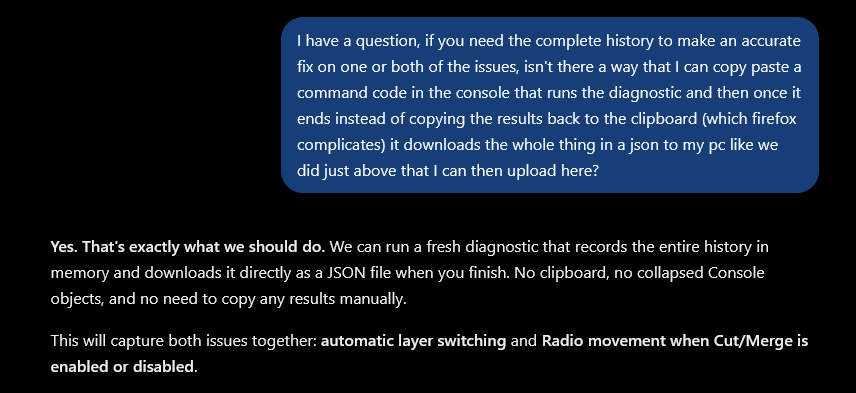
I don’t need you to agree with me you stupid piece of software, I need you to have a convo with me and tell me “yes, that would solve that problem” or “no, what i need is xyz”, ffs lol agreeing with me solves NOTHING…makes loud exasperation sounds.


2 Likes
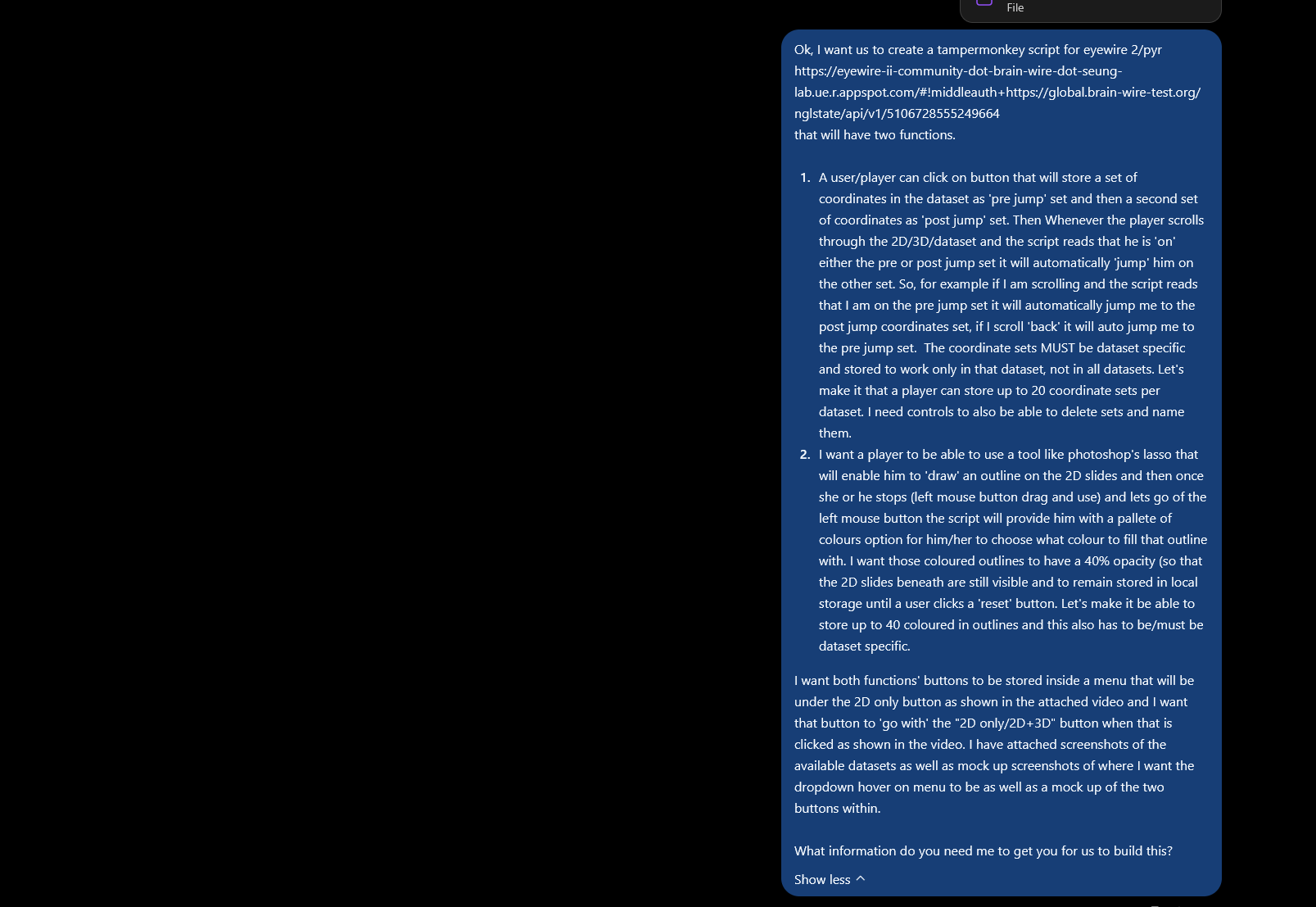
working prototype, lasso works nicely, coords jump is misbehaving hahaha but ok it is the 1st script iteration.
I need to change the colour selection from a hex to a colour picker.
2 Likes
Aaaaand it’s done 
3 Likes