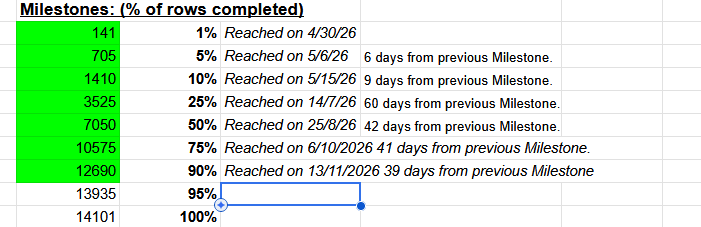
from what i have seen it is z=2650 - z=2663 or sometimes 2662 is the problem
2 Likes
That would make sense, that the gaps are dataset wide, however, I didn’t check it, so can’t say for sure and also can’t say, if there aren’t any other black slides.
1 Like
there are but they are either 1 every so often so the gaps aren’t as large or they are EOD-related. I think if ‘we’ can ‘lock’ the great chasm by coords the script won’t just blindly hide any and all black slides everywhere, and by locking it to MEC only we won’t/shouldn’t have problems by slides being hiden in retina etc. I’ll make it my Sunday project, lol
1 Like
i think if you can be sure of the coords the best would be to make it a official fix not a player script. would probably also be a tiny bit faster if the database are not trying to send some broken pictures you are not asking for.
2 Likes
I’d agree except for the ‘maybe they can fix it in the future’ and add the missing slices/images, an official fix now would mean an unfix in the future, a player fix now only means a disabling/deletion of the script.
Both have pros and cons. I’m good with either/both just lemme know before I put in the effort 
But yeah I can find the exact coords for either official fix or player script, and they are database-wide.
An official fix would probably require to resegment large part of the dataset and I’m not sure, if they would be willing to do that.
I was thinking a bit more about the script and I think, maybe the best would be, if the script would maintain a list of slices and have those 3 ones mentioned by @annkri added by default with ability to add some more (maybe there are some local problems, where the script could also help) as well as a possibility to remove even those defaults. Maybe also a button to restore the defaults, if someone deleted them by accident.
1 Like
Yeah I wouldn’t ‘ask’ the script to delete them, b/c if by some fluke ‘it’ can’t undelete them it’d be…oh so very bad hahaha, I’ll ask it to either hide them or to ‘read’ for coordinates in MEC (and MEC alone) and when it reads ie: z 2650 then it auto-jumps directly to the coordinates of the next viable/usable slice at z #### so it effectively becomes a misalignment and w/o the unusable slices then it might be easier to ‘read’ and select the correct segment post jump.
I also had an idea for a second script (or 3rd?) taking an idea out of a script KK had built for either FW or BANC to help deal with misalignments, where maybe via the script we can ‘colour’ in, in the 2D, not by selecting segments but placing temp colours like a drawing pad, have a tool like a pen, make a selection outline and then the script places a temp colour within that outline, place same colour outlines pre and post jump to indicate correct jumps, like we do with line annotations (or how susi used to do it in EW where she’d print the slices (screenshots) and then colour them side by side to find the correct trace.
No one who doesn’t have have the script would be able to see them but maybe those who have the script can?
I can ask chatgpt to create me a player/user script that has two functions (instead of creating two separate scripts):
-
for MEC only skip/jump from coords <###> to coords <###> automatically to skip the great chasm, with a preset set of coords and an additional ability to add more sets and/or modify the preset set.
-
For all datasets create the means (and maybe a button in the top bar so as to not clutter the 2/3D with buttons) of being able to ‘draw’ an outline on the 2D, have the script colour inside it (with the means/ability to change the colour per outline (for a max of 20 (10 before, 10 after jump?) outlines so as to not make things way too heavy for RAM/GPU/CPU etc) and remember them as we scroll back and forth. A button to reset/clear the outlines and colours and a button to modify the # of possible/available outlines (with a warning when you click it that increasing can impair performance).
1 Like
I like the idea of putting our own markings on top of the slices, it would be very helpful in those cases, where there are black slides and additional misalignments/stretches at the same time, but some parts are still recognizable. It would basically be a game of deducting recognized parts from the picture (so to speak) and what’s left must be what we’re looking for.
As for the original idea - I don’t remember, how does it look in other datasets, but maybe the script could also works for them, just in a fully manual way (i.e. no default slices to hide, user has to add all the slices on their own).?
2 Likes
I could make the script recognize -then- the dataset (instead of making it only for MEC) and storing different coordinate sets per dataset, could be useful for any future dataset. I don’t think there’s much use in the retina one (no chasm(s)) but maybe there is.
1 Like
Probably difficult to do, but maybe you could have 2 slides of 2d visible side by side before and after missalignment. + 3d might be difficult on my small screen but would think it would be useful on bigger screens. And perhaps rainbow annotations two linked points in each colour placable on the side by side view.
2 Likes
Yeah I think that would make small-er screens yell bloody murder lol, Also I’m afraid we might be making this a bit too complicated, the script would basically have to create (basically) two 2D screens both of which will have to load the 2D (increased internet traffic), not be in sync (so that right screen shows post jump and left screen show pre jump for example) and have one 3D that obeys both 2D screens, unless I am over complicating it in my mind that sounds like…a lot. Oh yes and allow for the 2D screens to interact with each other (annotations).
2 Likes
yeah probably
2 Likes
In a similar script - “Susi” - I’ve taken this approach:
- Set the 2D stack on a slide before a jump.
- Click a button to make a snapshot of that slide.
- Scroll over the jump.
- Display the snapshot directly on top of the new slide, with transparency, that was fully regulated.
It was still possible to scroll all the way through the stack with that semi-transparent slide on top.
There was a button to delete it when no longer necessary.
The snapshot was fully “transparent” for all the mouse events, so all the clicks were made on the actual slides.
It sometimes helped with misalignments a few slides deep.
The main mistake I made back then was probably, that the snapshot had the same color as the regular slides (i.e. shades of gray) and maybe a better solution would be to set it to a different color. Still monochromatic, maybe just blue instead of gray.
I’m not saying, you should make it like that @Nseraf. It’s just a reminder of a past (semi-)solution of the same problem.
1 Like
yeah that’s the script I mentioned a few replies above, couldn’t remember the exact thing it did.
1 Like
I’m trying to fix some bugs with the UI guard script and I’ve started gathering info for the script we’ve been discussing here, and this is by far the most annoying problem I have with chatgpt:
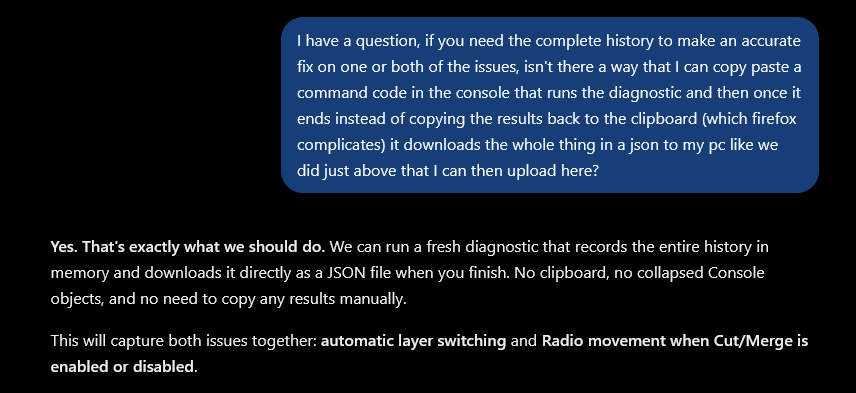
I don’t need you to agree with me you stupid piece of software, I need you to have a convo with me and tell me “yes, that would solve that problem” or “no, what i need is xyz”, ffs lol agreeing with me solves NOTHING…makes loud exasperation sounds.


2 Likes
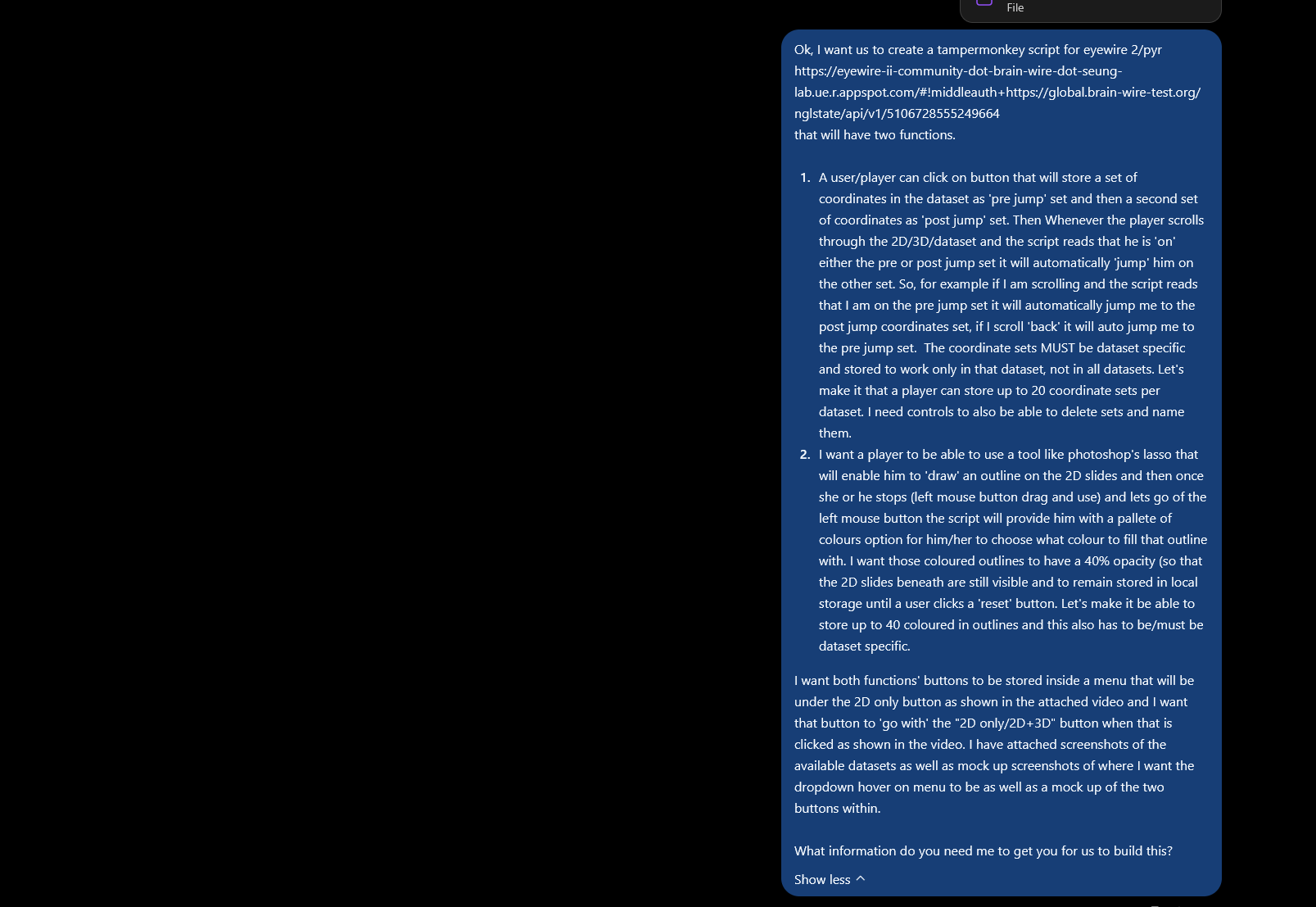
working prototype, lasso works nicely, coords jump is misbehaving hahaha but ok it is the 1st script iteration.
I need to change the colour selection from a hex to a colour picker.
2 Likes
Aaaaand it’s done 
3 Likes