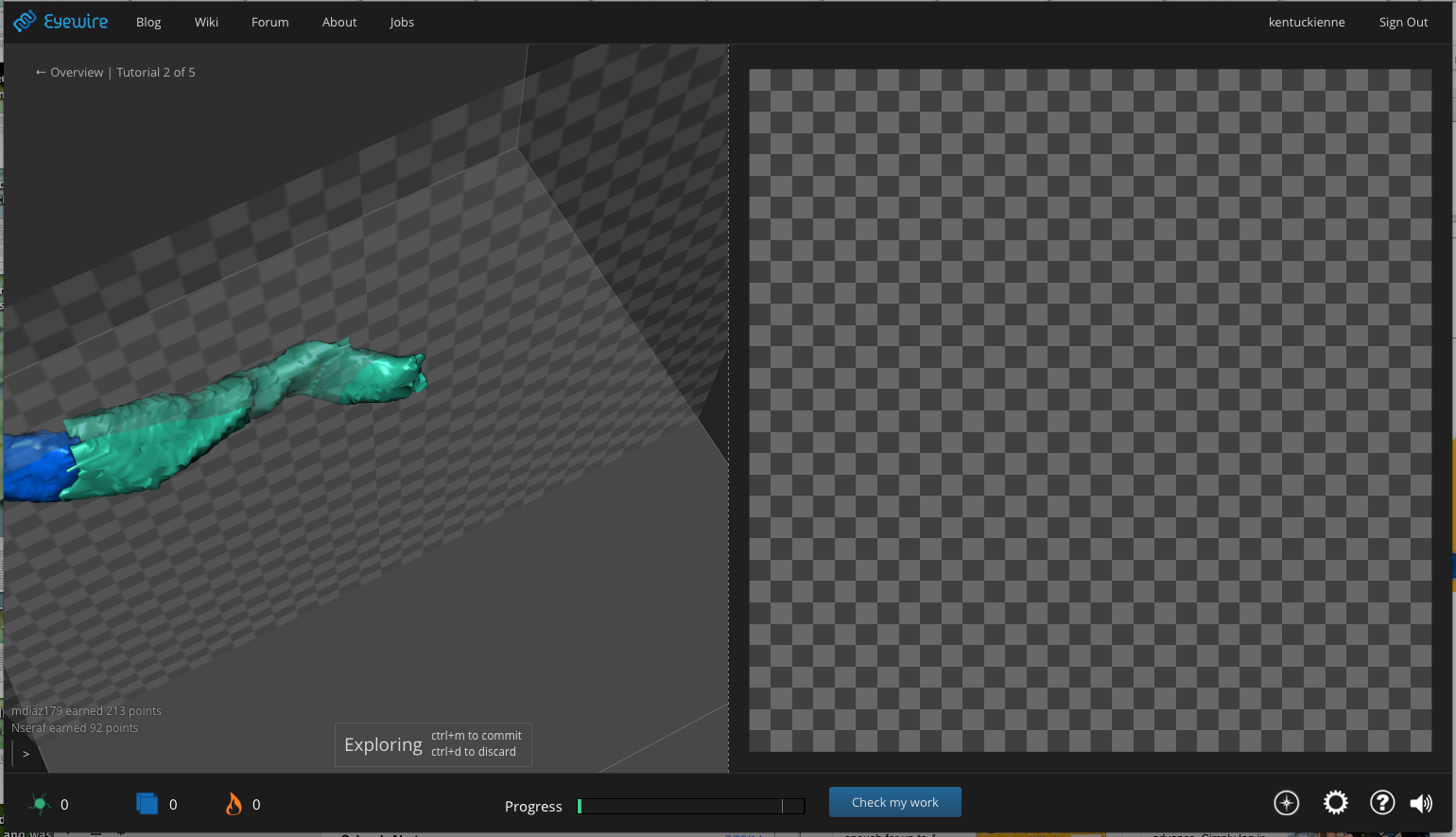
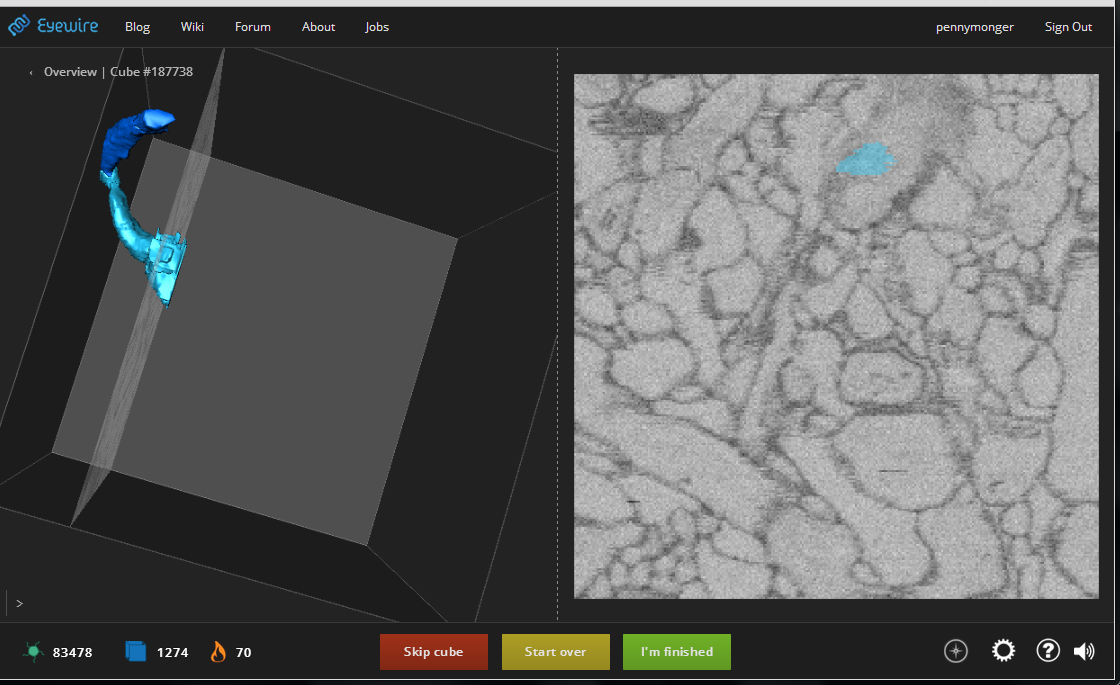
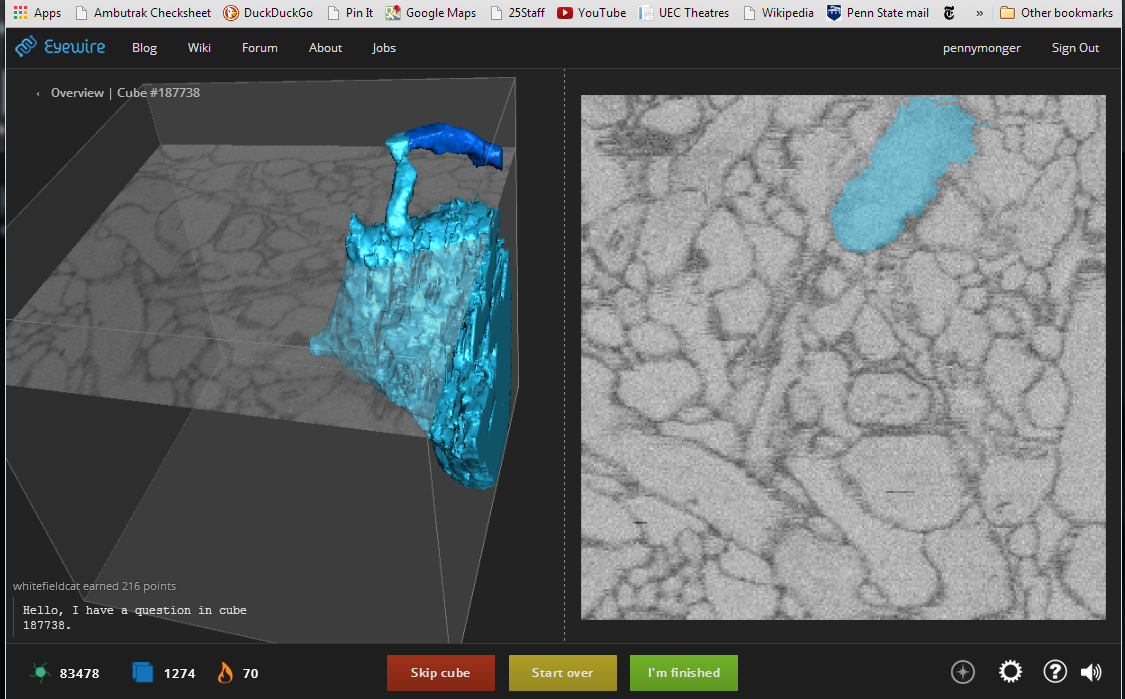
We’re rolling out a new feature tentatively called the Arbitration Game (care to help us come up with a less Lawyer-y sounding name? Please?) We’re rolling this out to a few people at a time so we can test it and figure out just what to do with it.
I tried it out for five minutes, and it’s kinda uncomfortable. Since only part of the neuron is shown at a time, the successive pieces are difficult to ascertain whether those belong. Also, I’m getting afterimages when I look at the colors, so it takes me a few moments to adjust. And, adding a button with “Not sure” or something like that helps too.
Thanks for the feedback.
So far so good. No afterimages for me thankfully. My second image is a monster, and it’s hung the page on Chrome (Mac OS X) a couple of times. I noticed that the selection moves up and down through the image in random order… rather than proceeding all in one direction. I think I’d prefer if it was just working its way through without the constant jumping (unless there is a specific reason for it?).
Forgot to mention, I do really like it!
OK… seems I can’t get beyond a certain point in the big neuron. It always hangs the page in Chrome and I have to kill it. Many of the things that come up as controversial are right in the middle of the neuron - not sure why it wouldn’t have been marked by previous players (unless it was too heavy for most people to load and mark at all).
The email link “https://play.eyewire.org/?mode=1” takes me to the regular game. How can I see the arbitration game?
@smalljude Sorry you are having crashing issues. What browser/os combo are you using again?
I can’t seem to get back to the arbitration game. One thought is that if the entire neuron is shown, blue + yellow, then clicking on a portion would subtract…? Then press “submit” or "pass"
@mkwak and norm rhett
What I mean is that the portion I was looking at, the yellow part extended for awhile, so one section at a time was asked whether to keep or discard. It would be nice to see the entire yellow part to accept all of it.
Using three different browsers (Chrome, IE and Firefox) “https://play.eyewire.org/?mode=1” is immediately translated to “https://play.eyewire.org/overview.php”. Any suggestions what else I might try?
@smalljude Oh yeah, forgot to mention, it’s not supposed to be moving through slices in random order. It’s supposed to be jumping toward it with an exponential decay. It shows a few slices on the way, and more as it gets closer to it’s stopping point. If it is truly jumping around randomly, that is a bug.
I’m using Chrome on Mac OS X (10.7.4). It worked fine for the first few, but then the giant neuron that took up most of the 3D view crashed it. Interestingly, it went through a huge amount of yellow sections before the crash. I confirmed that it does move randomly up and down… I was watching the 3D view and it was all over the place.
Just an FYI … I pressed restart and a different task loaded up - taking me back to the regular game. Are you aiming for restart to work in the arbitration mode?
Oops that’s a bug, restart is supposed to work in the arbitration game. Thanks smalljude!
Ah yes, logging in first. Perhaps the AG should start there.
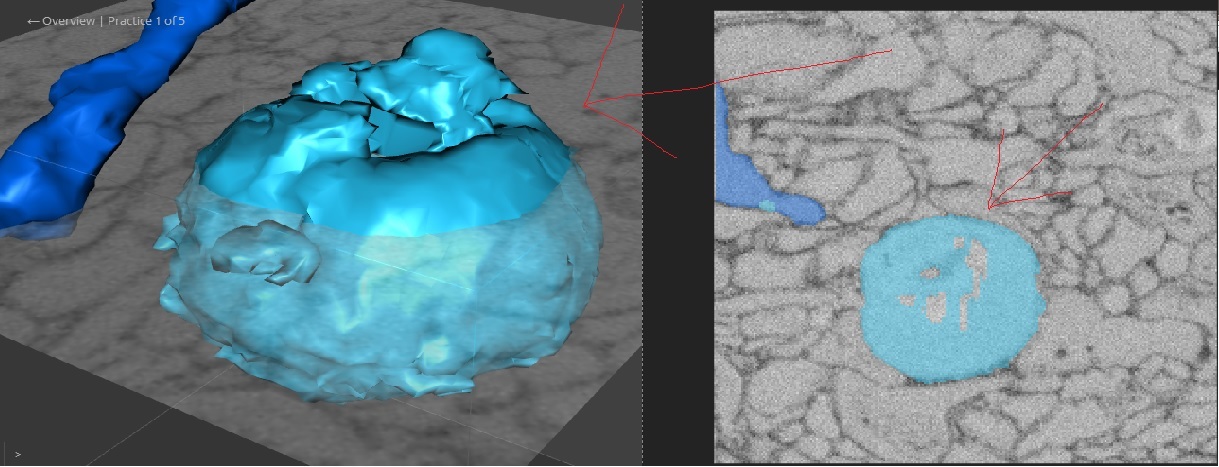
Sometimes the segments are ordered in a particular way (for instance, you say one segment belongs, then the system might ask you whether a child of that segment belongs). In general though, there are lots of individual pieces of dust which drag you all over the volume, which we can fix.I'm curious, how much time are you guys spending deciding on dust pieces rather than pieces that are part of branches?
Sorry for a stupid question, but what exactly do you mean by dust?
By dust we mean those tiny tiny pieces.