Tips and tricks on proofreading the large MEC cells

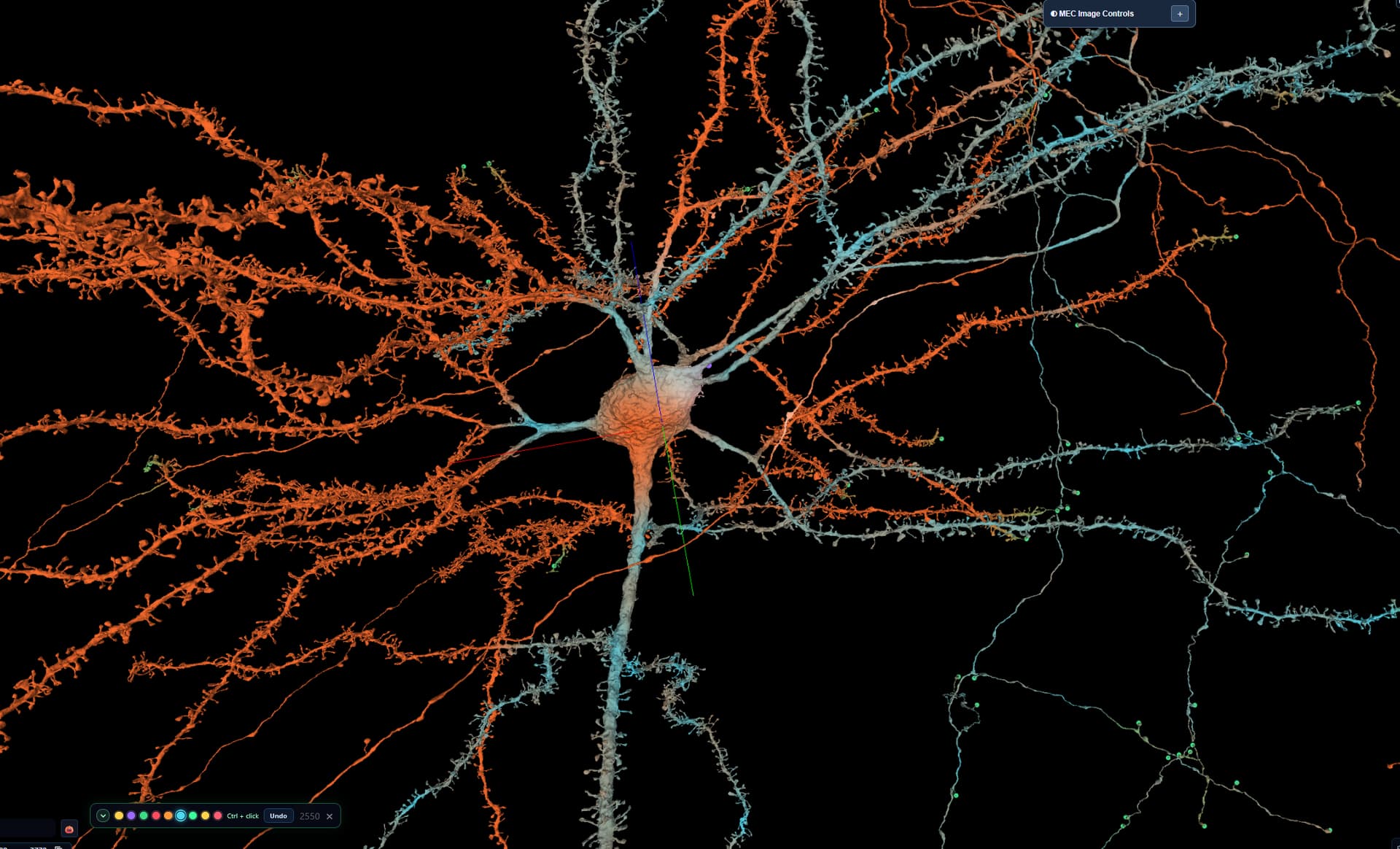
I’m creating this topic with the hope that we’ll be sharing here our ways of fighting through the thick bushes on that new jungle called Medial Entorhinal Cortex :wink:

Here are a few of mine:

  1. When I’m going to start to split a large cell to smaller ones, I create a separate annotations tab and select a specific color for it (e.g. violet). Then I mark there each cut point. It helps me, when I’m proofreading the branches one by one - when I see a violet annotation point I immediately know, I don’t have to do anything on this end.
  2. I like to create 2 folders for the segments: todo and done. After all the cutting all the segments go to the todo one. When I’m working on a branch, I move it from that folder to the root one, i.e. IN VIEW and when I’m done, the segment goes to “done”.
  3. If a cut off branch grows big, don’t be affraid to cut it further down (don’t forget to mark the cutting points and move the new segments to appropriate folders).
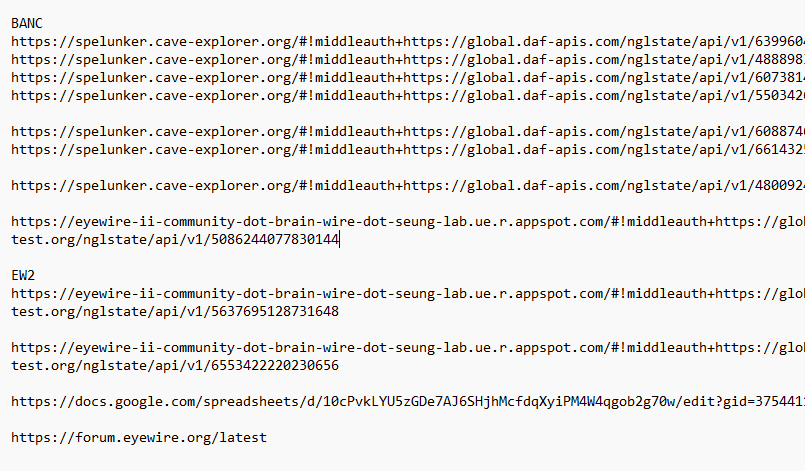
  4. Since we’re still in alpha/beta testing, it’s good to copy a share link from time to time and save it to a .txt file on our computer, just in case.
4 Likes

I’ve only done two cells so far in the MEC dataset, and 2nd one’s not yet fully done, but I think for me it depends on the cell type and/or how ‘convoluted’ the cell is.

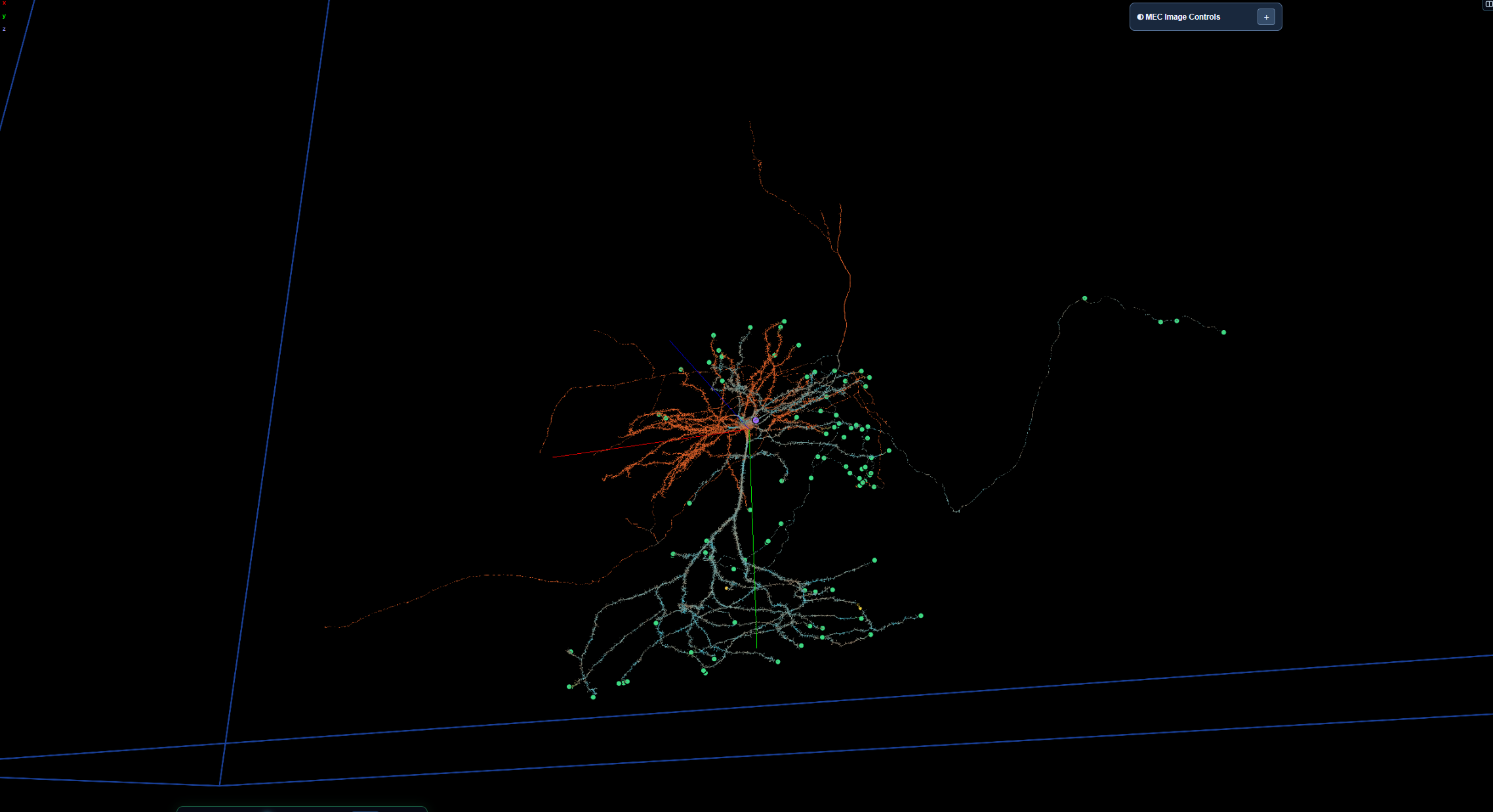
For my first cell (I don’t know the cell type, I just call it ‘The Colossus’ lol):

Imgur

this beast of a cell, I made several splits along the axon (the two heavily clustered regions above and below the Soma) so that I could proofread each without having everything else in all at once, then once proofread and annotated I merged each with the ‘whole’ until the whole of the cell had been proofread and complete. In some cases like KK mentions above I had to make a cut on an already cut branch.

I didn’t think to add the split and hidden parts into a different folder, but not a bad idea.

For my current cell, a pyramid cell, I am not splitting/cutting branches off (other than some mergers that I found), I am instead using highlight, starting from the Soma outwards (much like I/we would do for Hunts in EW), highlighting as I go, when I reach a branch end I annotate with ‘true end’.


I am not checking the branches for missing nubs, or I’d spend several…weeks(?) on this one cell haha, and it is not asked by the admins/assignment, I’m just making sure that the branch(es) belong, don’t have any obvious large branches missing and don’t have any obvious mergers on them.

Eventually the whole thing will be checked, proofread and complete. So far all the splindly, thin branches are all part of cell’s axon, not mergers.

And yeah I agree about creating and saving links, I’ve been doing it since the BANC days lol

Now in addition to my txt notepad file I am also saving them in the ‘my links’ in the library (not public) and I have my notepad txt file in my google drive…I am not losing any progress haha

2 Likes