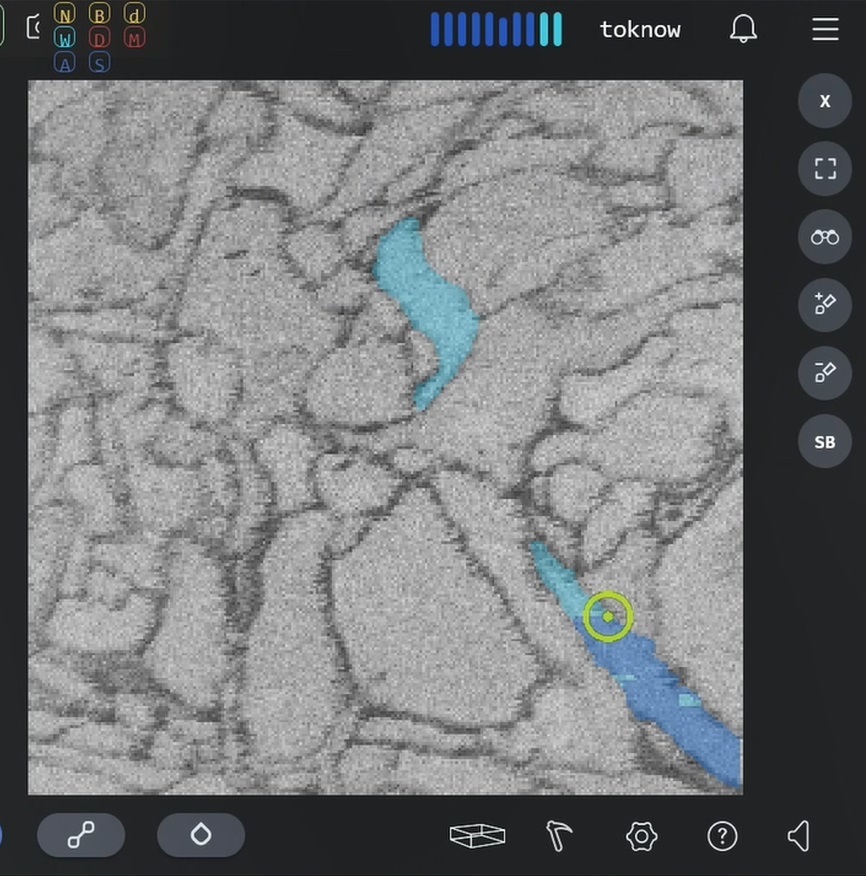
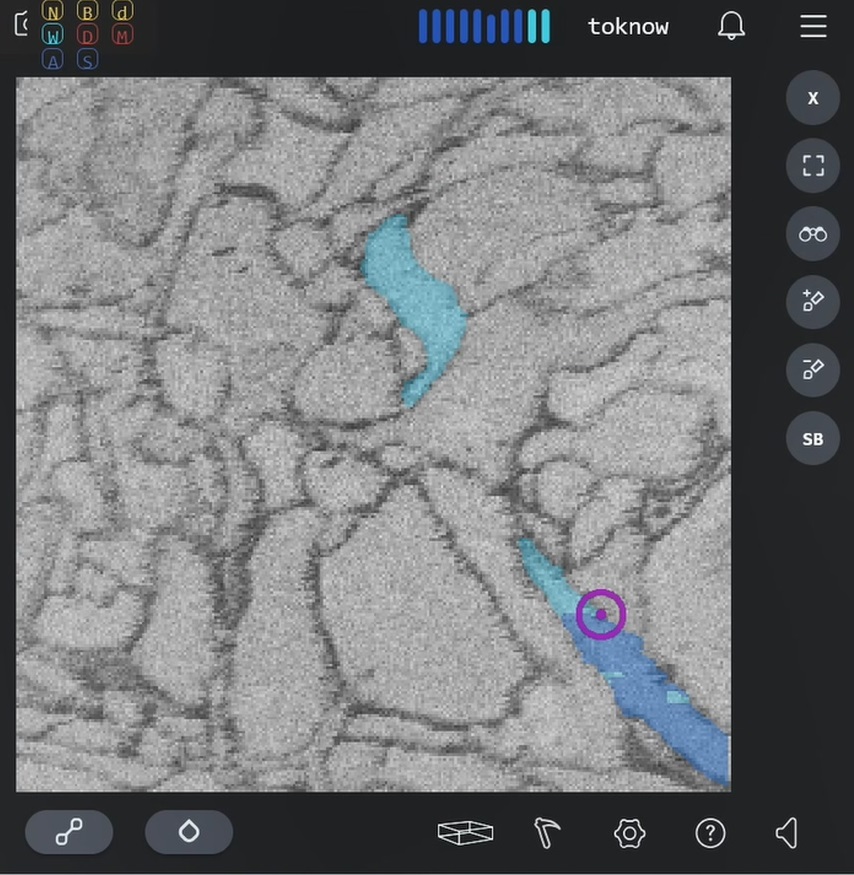
The cursor color in the 2D view of EyeWire lacks sufficient contrast with the background, making it difficult to see the cursor. If you want to change the cursor color, this script can help you:
eyewire-cursor-color/eyewire-cursor-color.user.js at master · toknow-gh/eyewire-cursor-color · GitHub
Special note: If the light green color provides sufficient contrast for you, you may try this TamperMonkey script: https://github.com/ChrisRaven/EyeWire-2DCursorFix/raw/master/2d_cursor_fix.user.js
How to setting color:
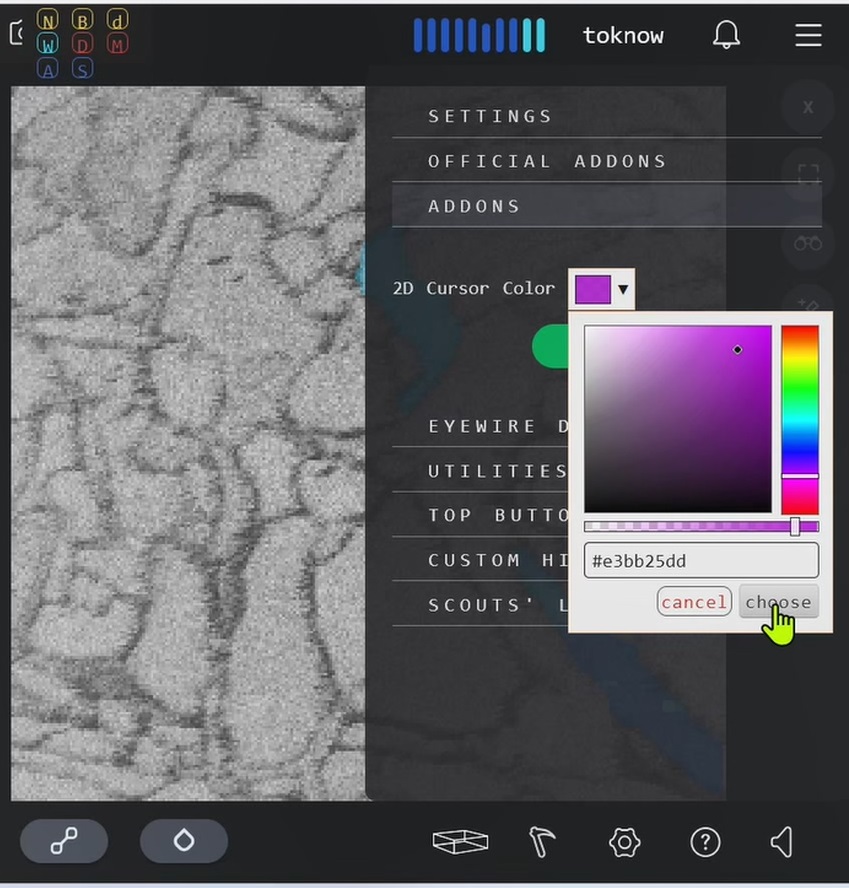
Examples: