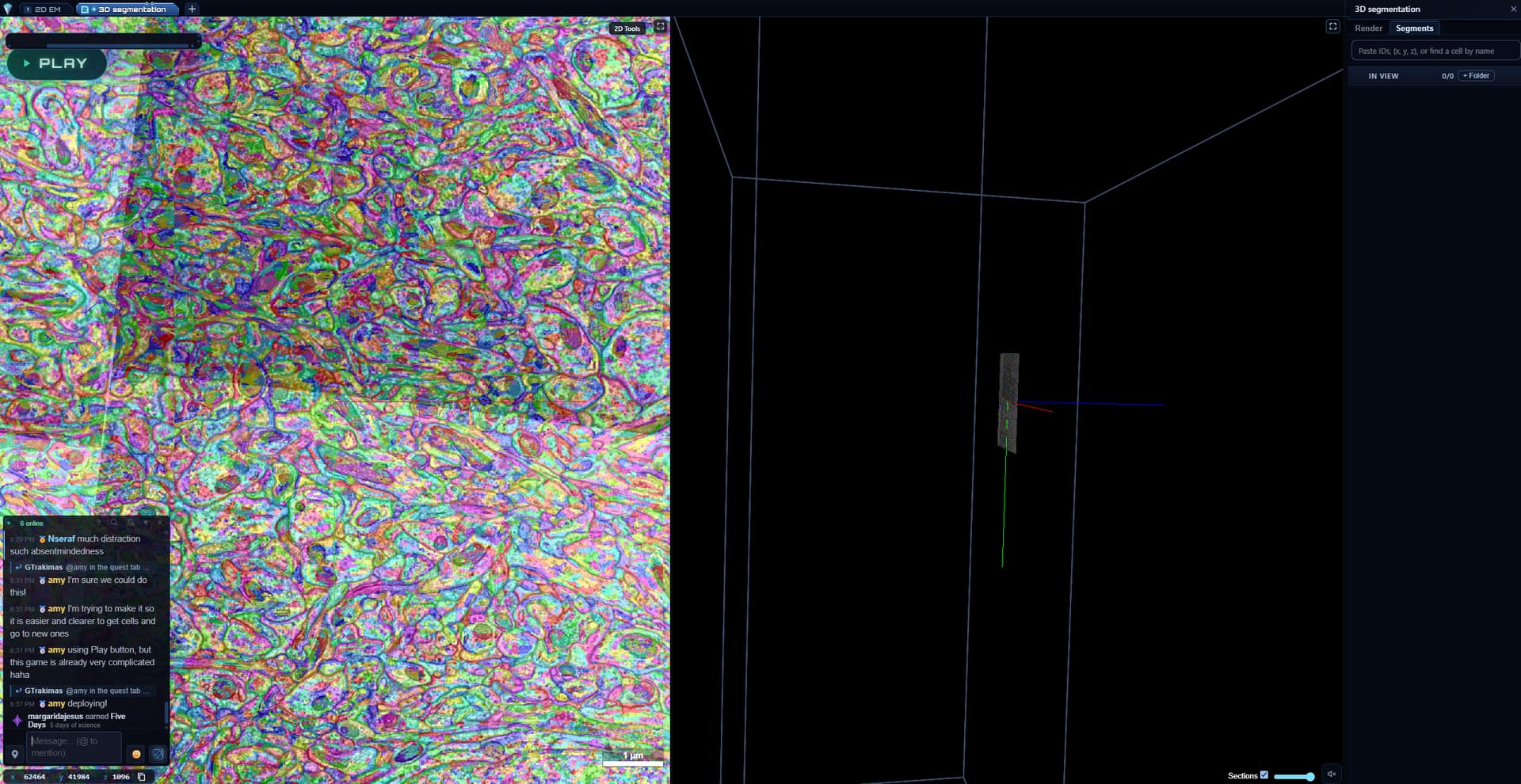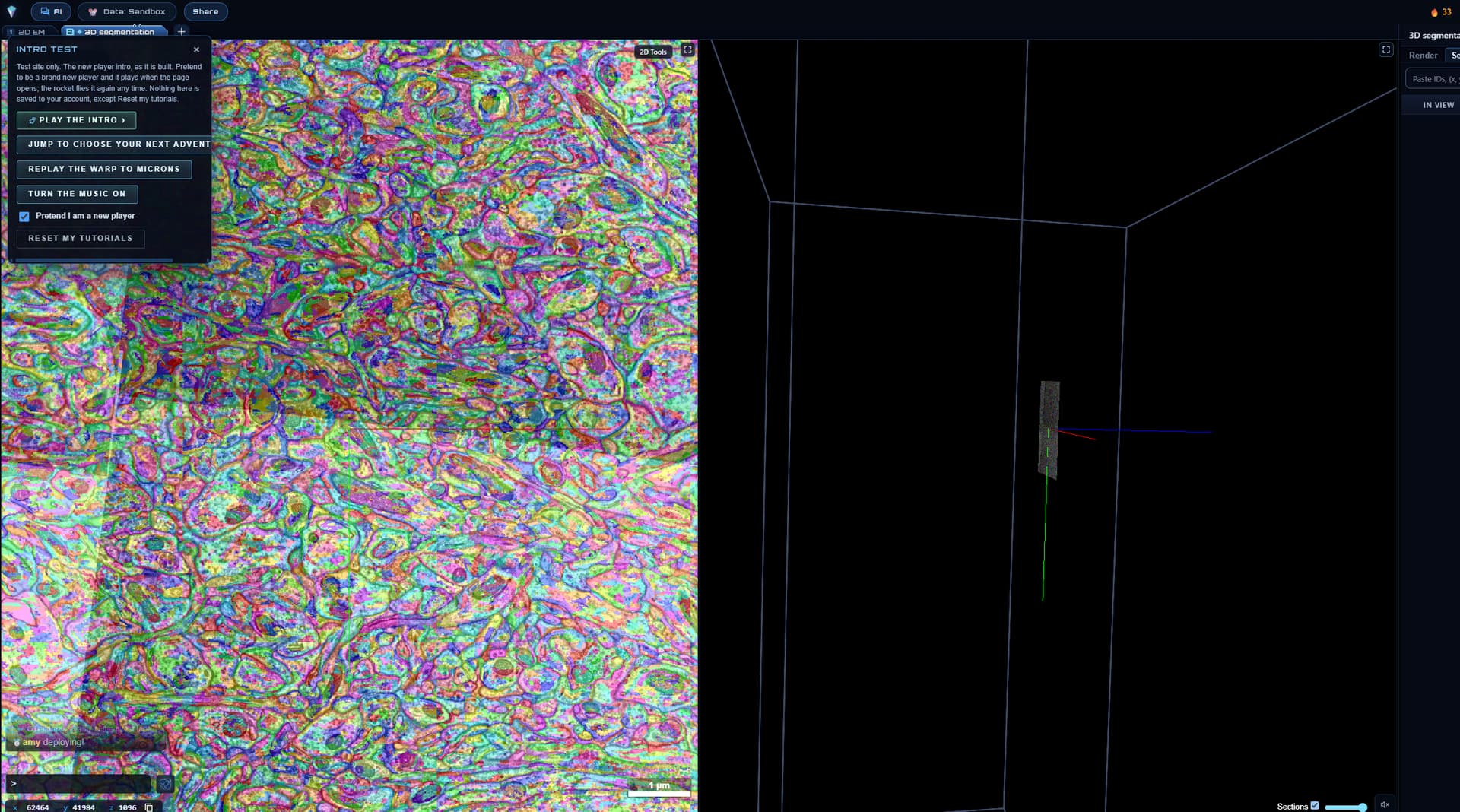
Test a new feature: Real-time Accuracy in Sandbox
Try the new Sandbox Playing box
Want instant feedback while you practice? On our test site, the Sandbox Dataset now shows a live match score as you proofread. Please help us test so that we can get this to production! The new Playing Box includes:
- how much of the cell you have merged in
- how much you have cut off
- Jump button that takes you to the next spot to fix.
When you finish, the Complete and Review button shows you what you missed the lets you teleport directly to a new cell.
To Test
Sign in, open the Sandbox and press Play. Close any extra boxes that pop up. Practice cells go back into play after you complete them, so it is fine to finish a few early to try the Review.
If you encounter issues or have suggestions please submit a bug report from the test site titled “Sandbox Test”
Please note that I am actively improving the UI so there may be some issues like buttons overlapping the box. For now the most helpful feedback would be related to the function and user experience of the site, for example did it show inaccurate results? Is it confusing to get from one cell to the next? Does anything not make sense? etc. Thank you for testing! -Amy
https://sandbox-match-dot-brain-wire-dot-seung-lab.ue.r.appspot.com