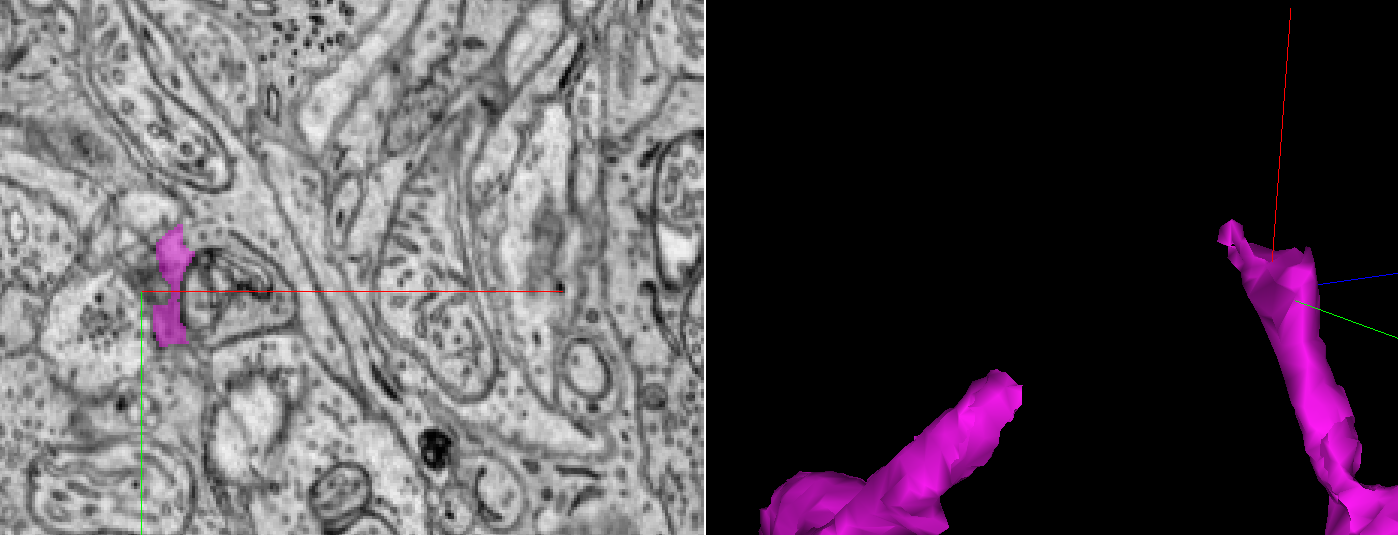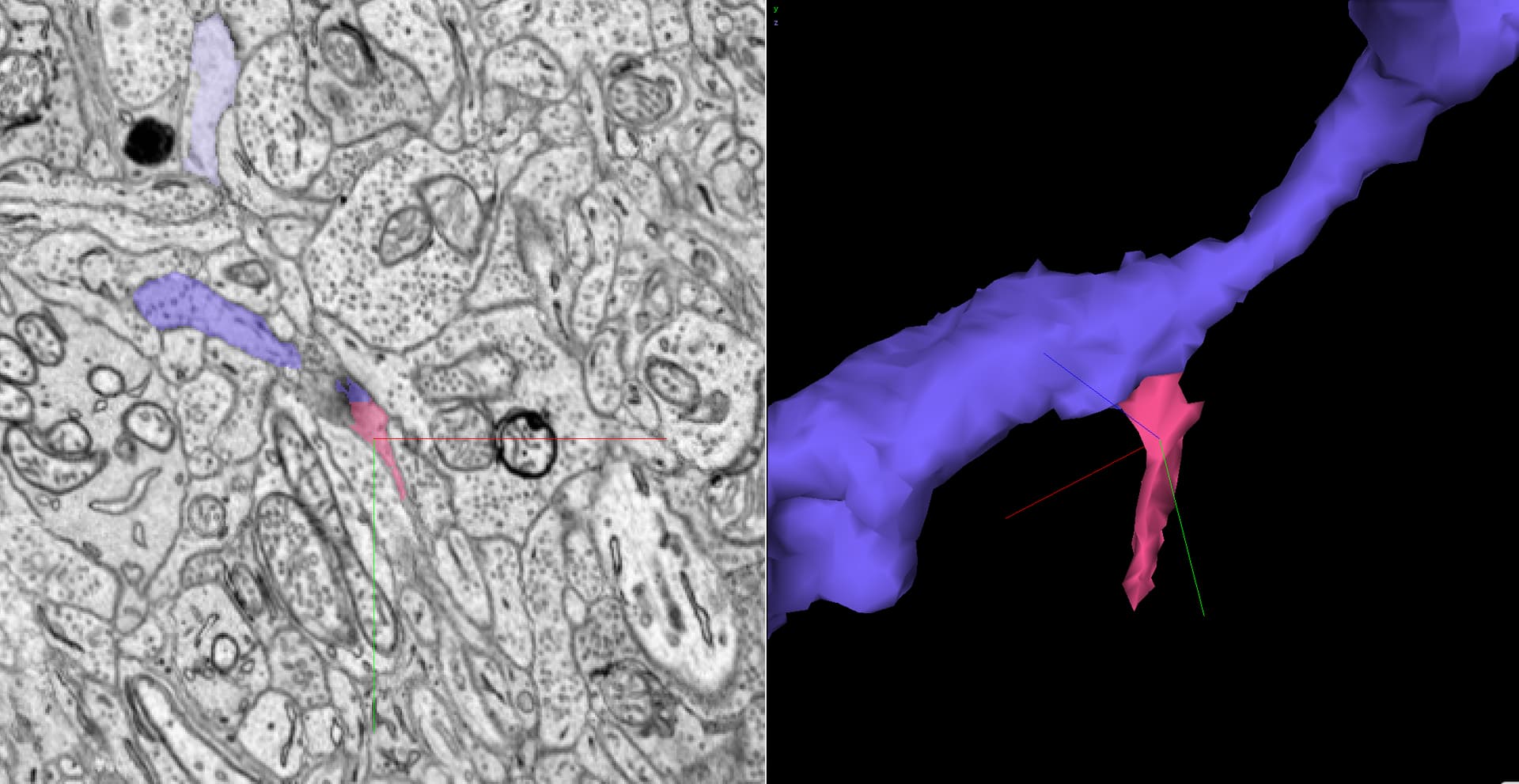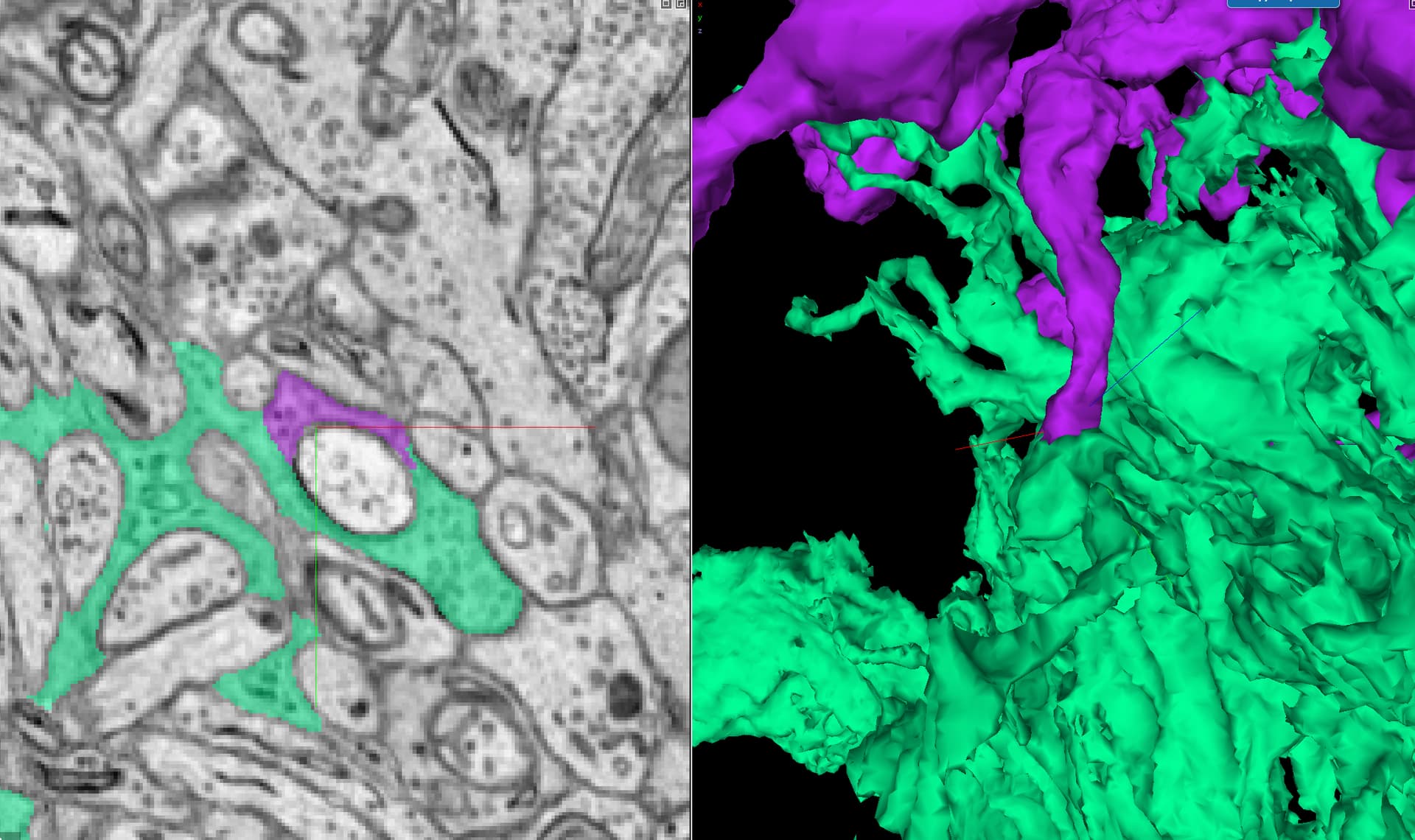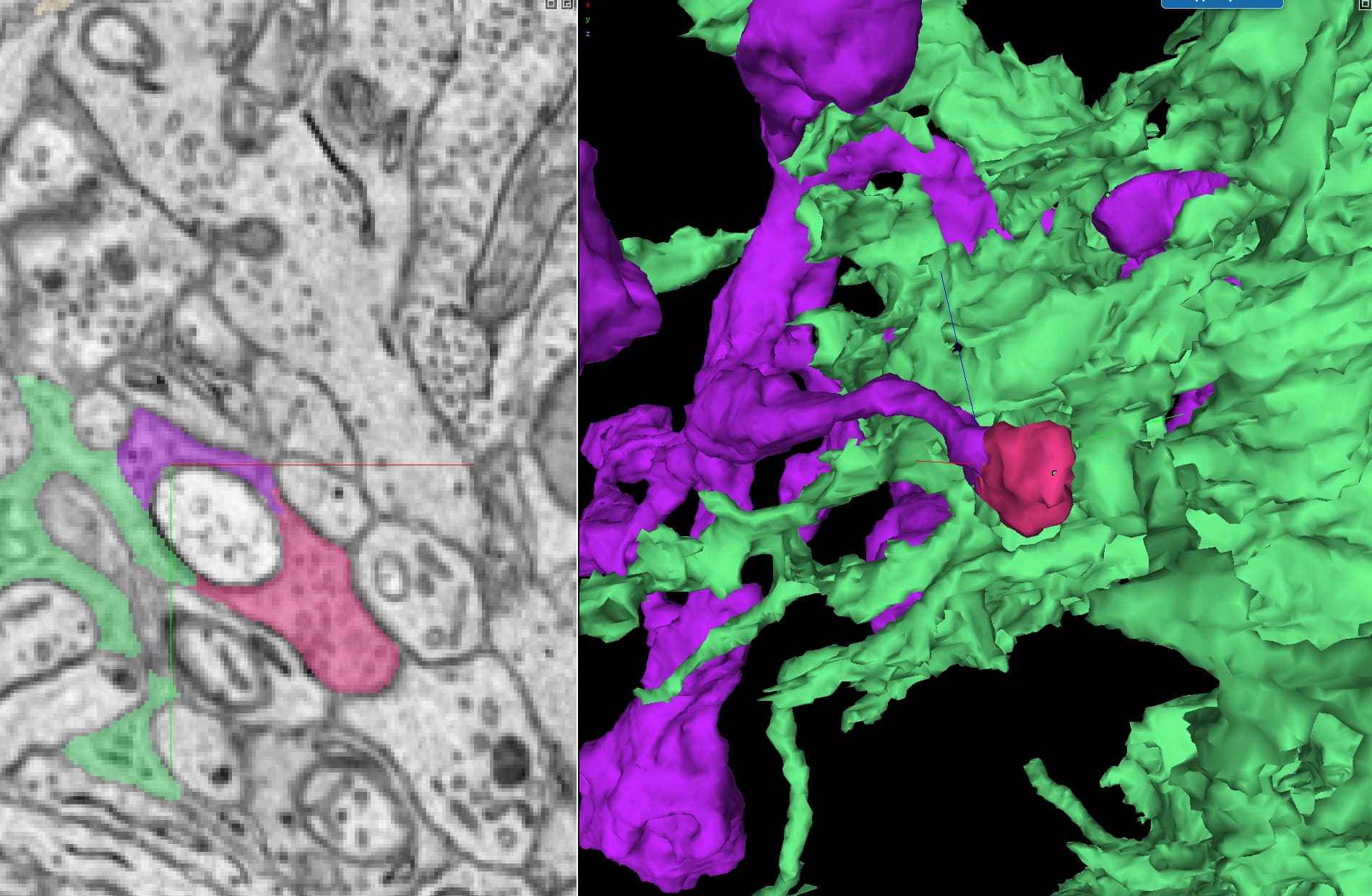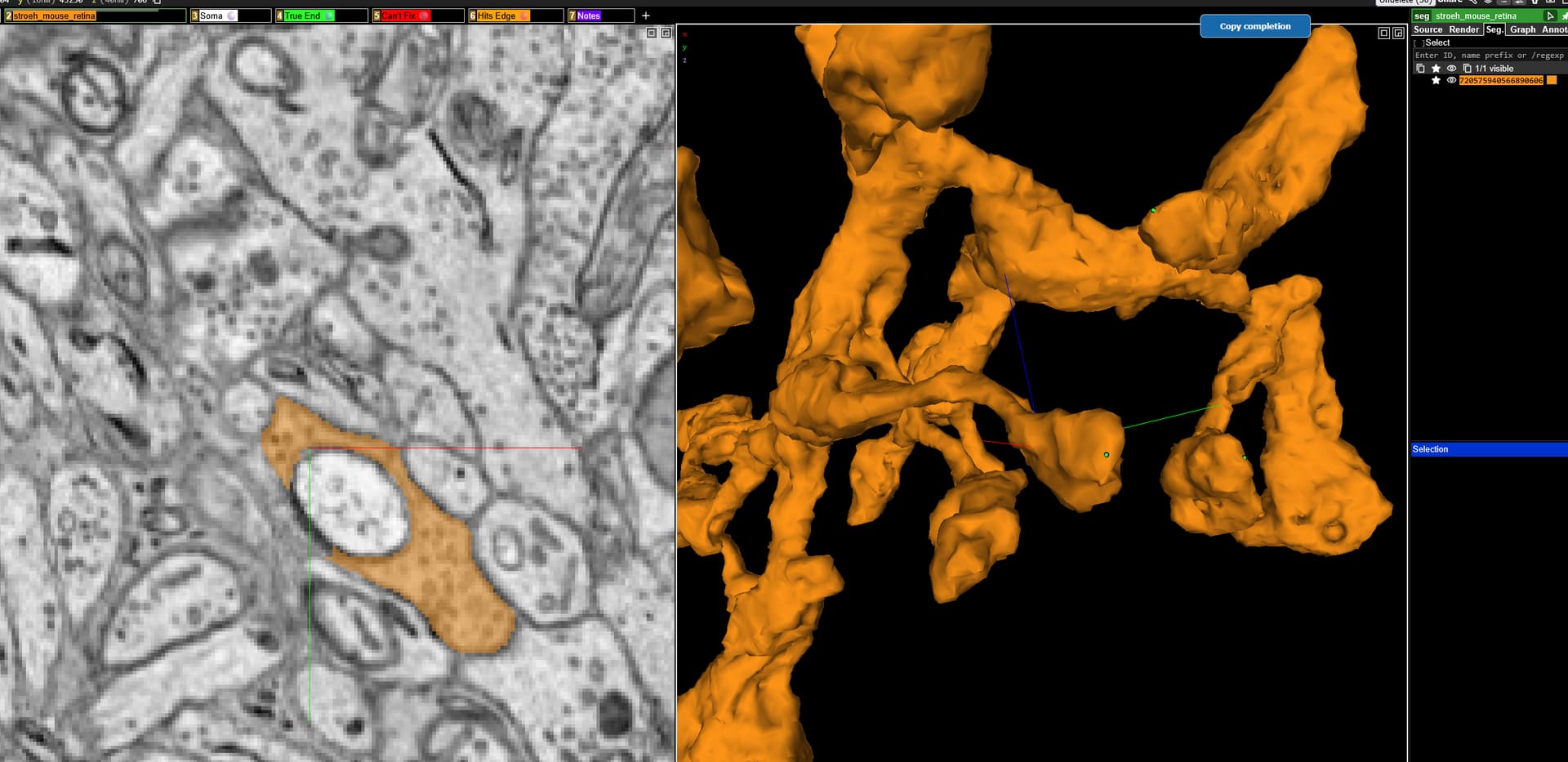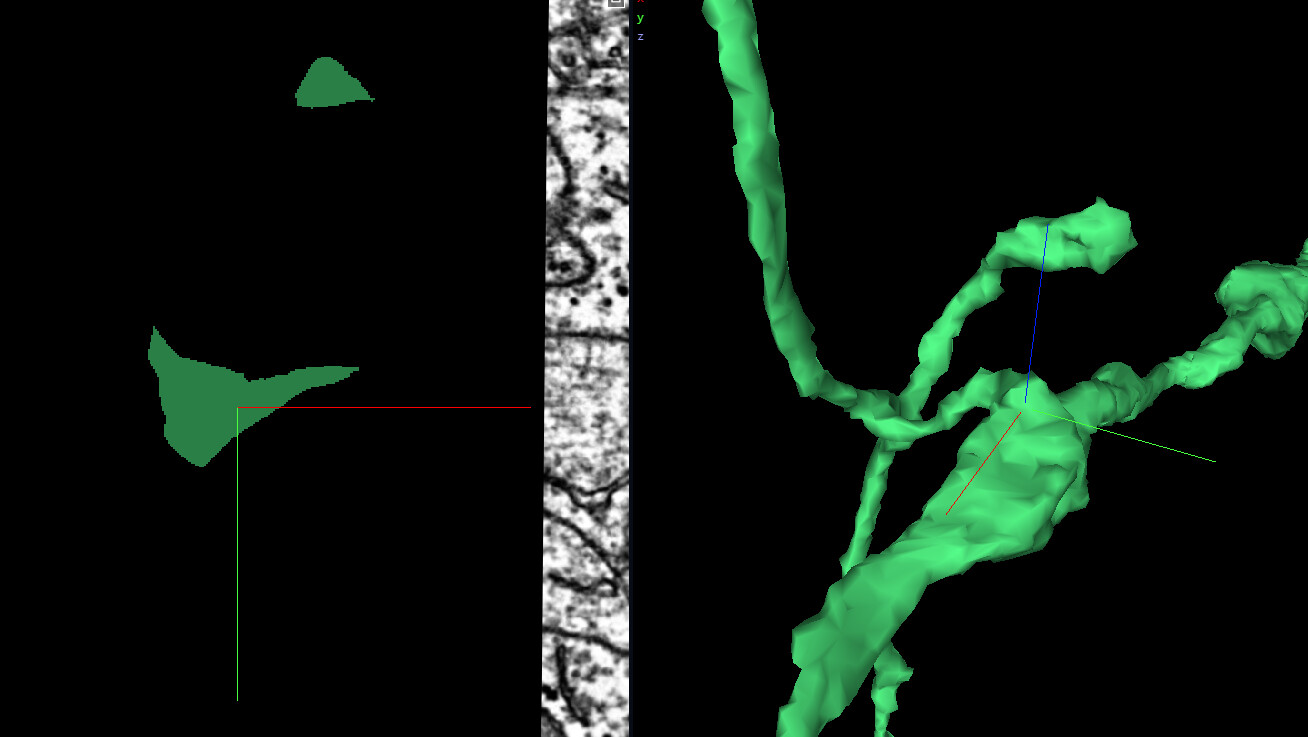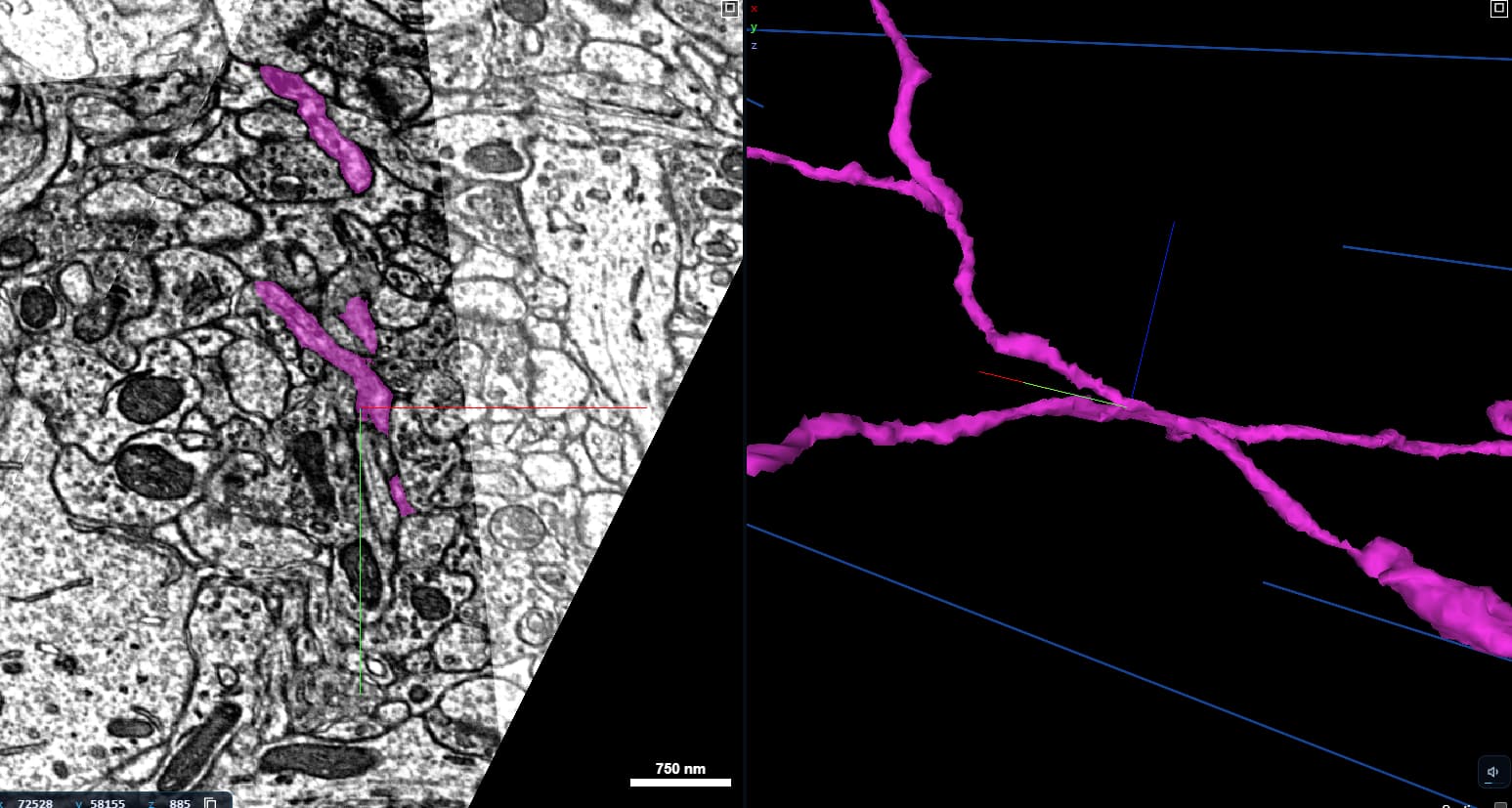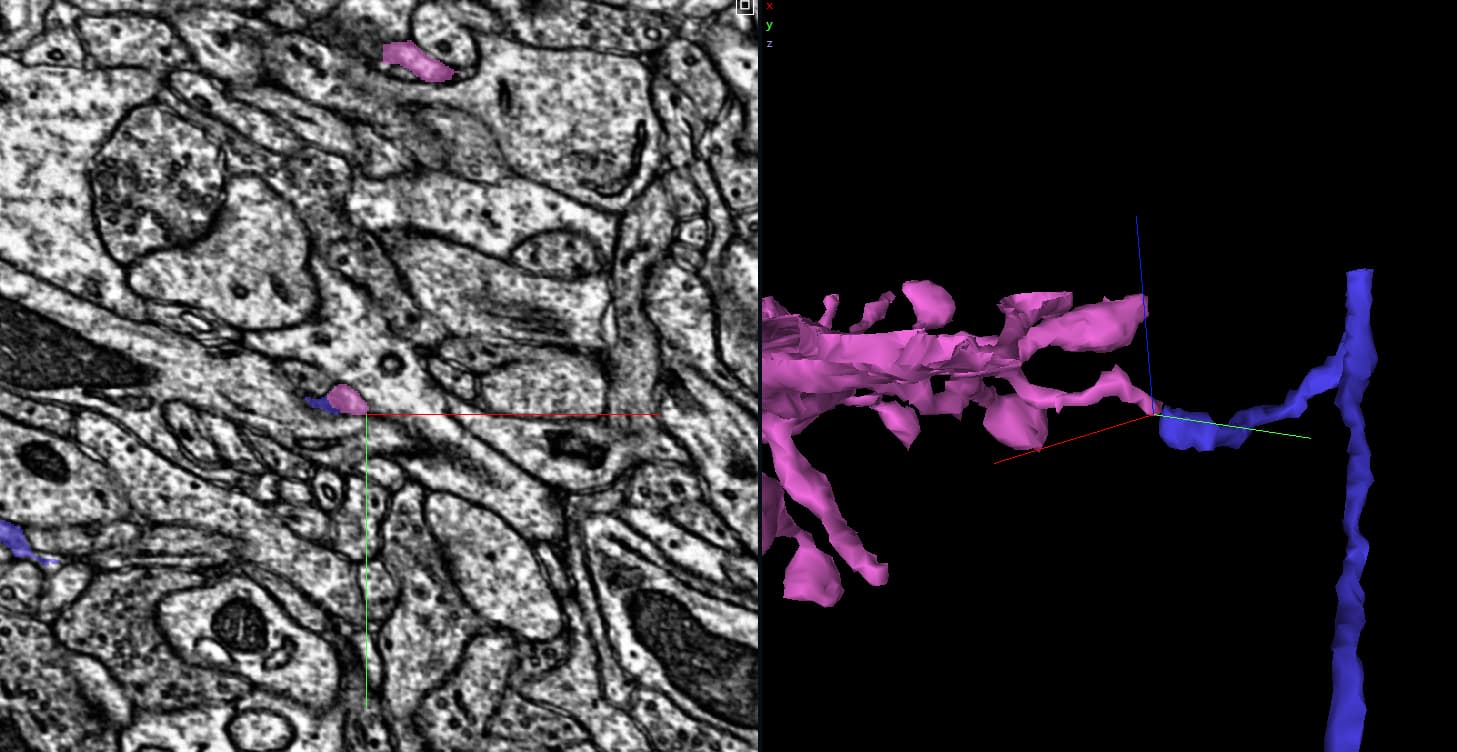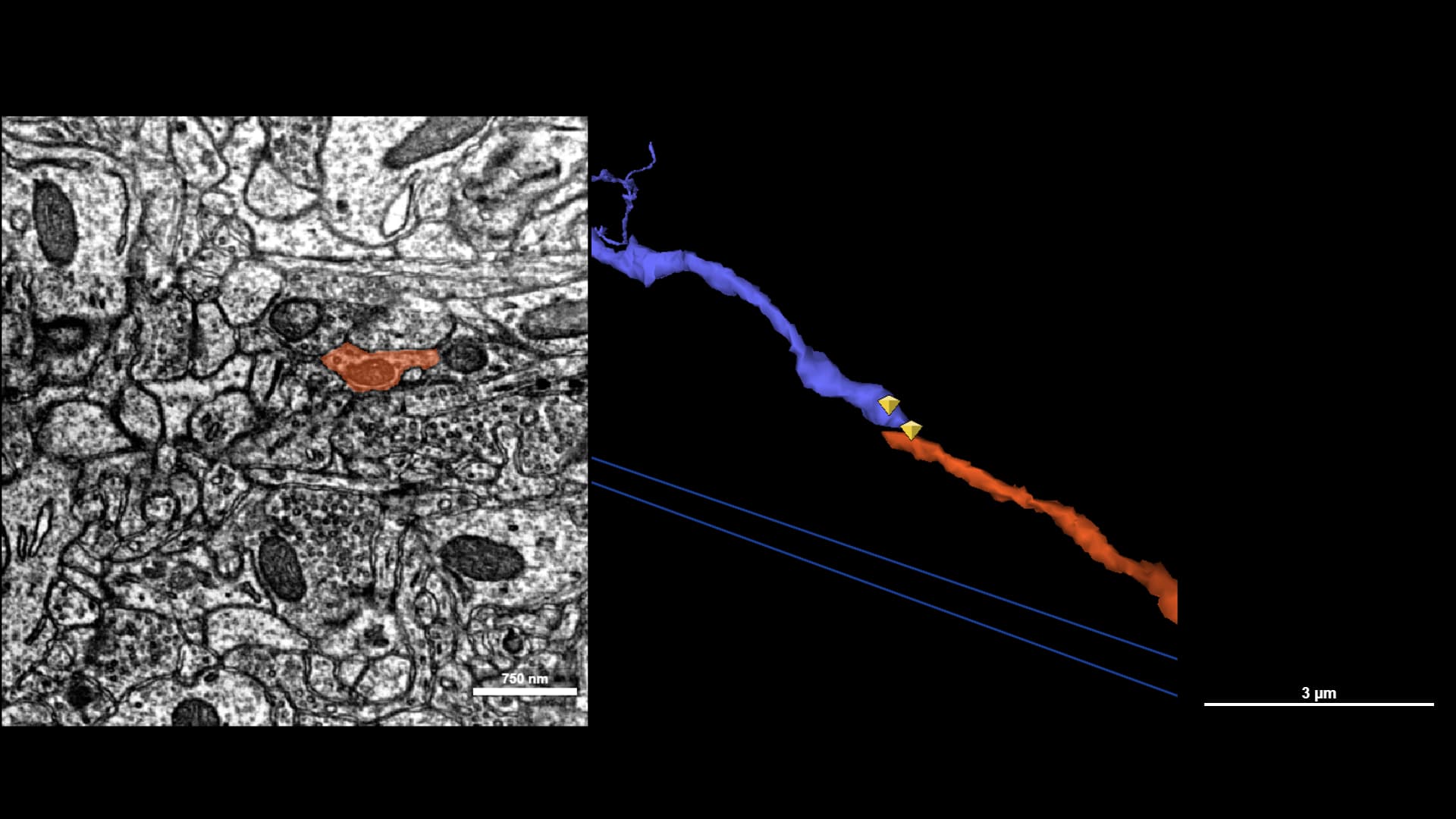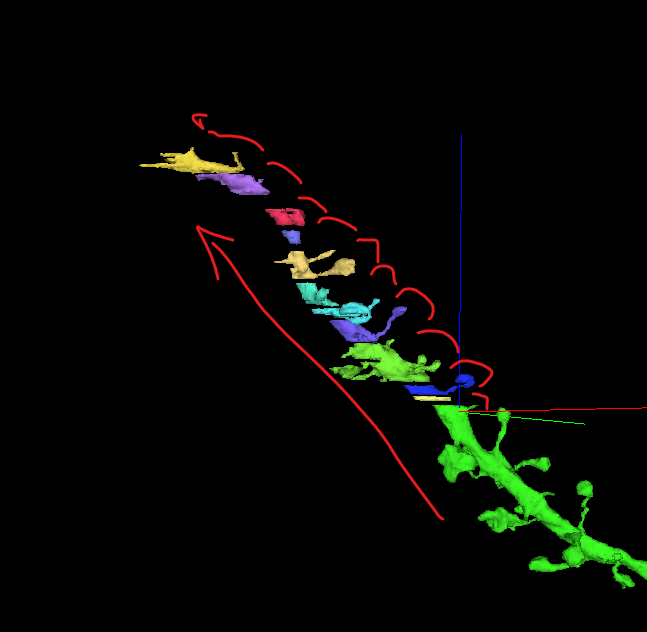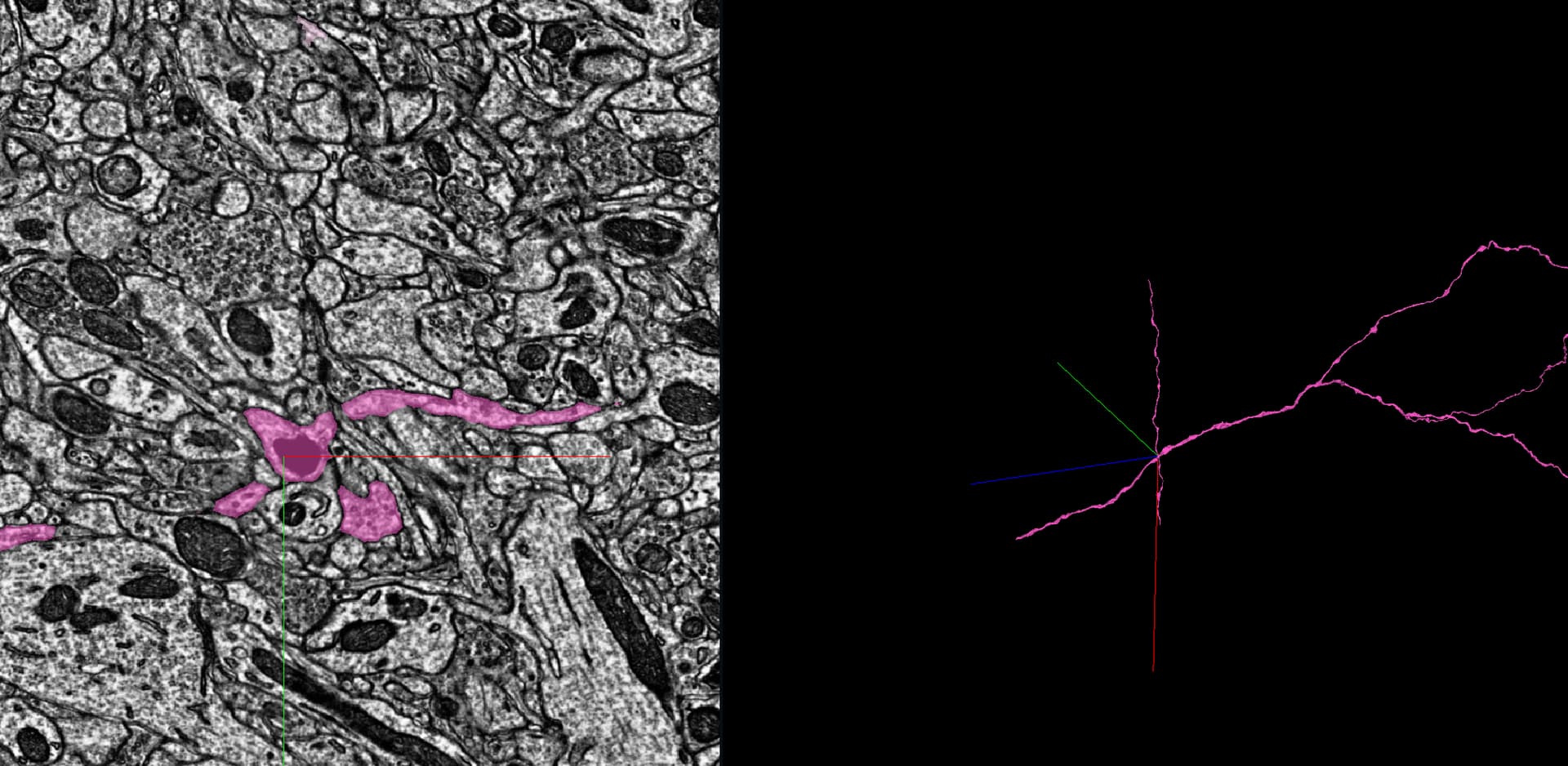
Proofreading Examples for Tutorial

Hi all,

THANK YOU so much for testing today!

As some of you noted, the tutorials are still a WIP. We need your help to find good examples! And eventually we would like them to progress in difficulty. Currently the merge and cut tutorials allow only one user at a time and they reset the edits when player finishes.

Important: examples must come from the Sandbox dataset.

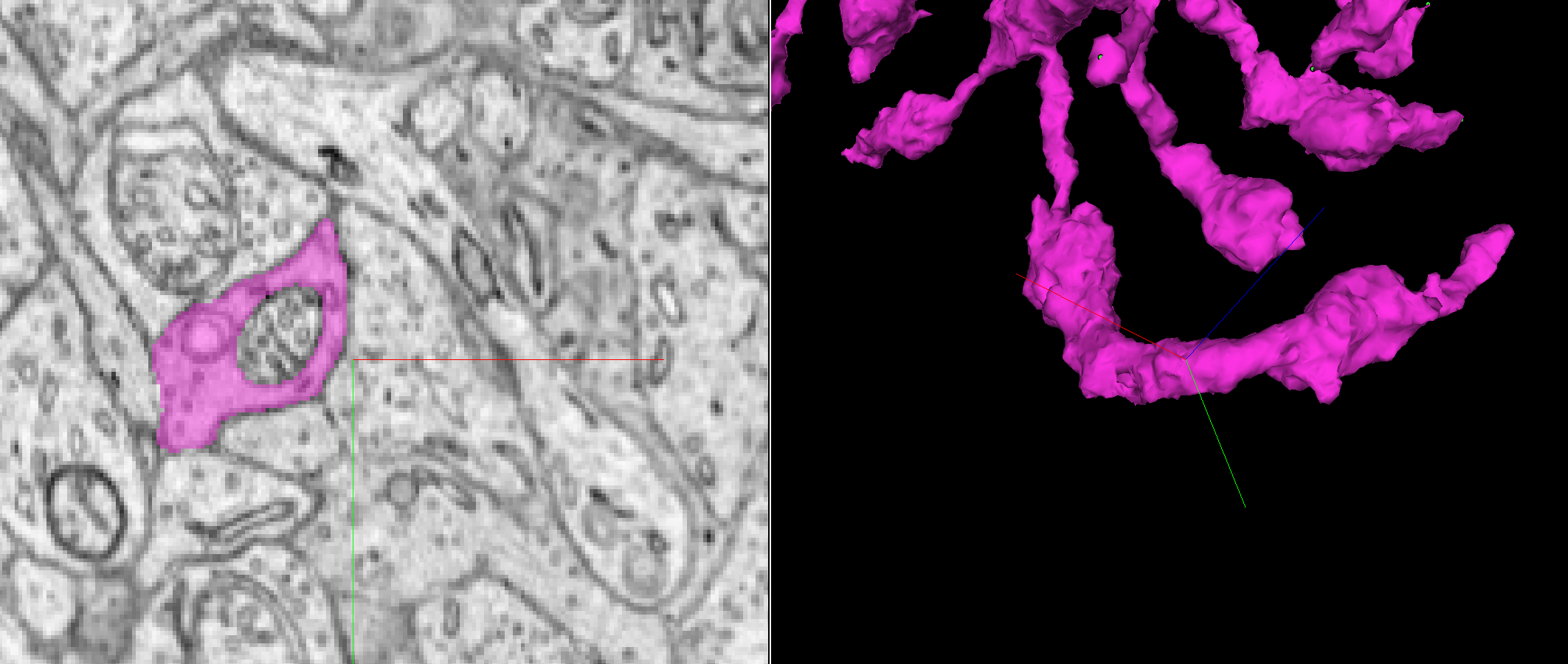
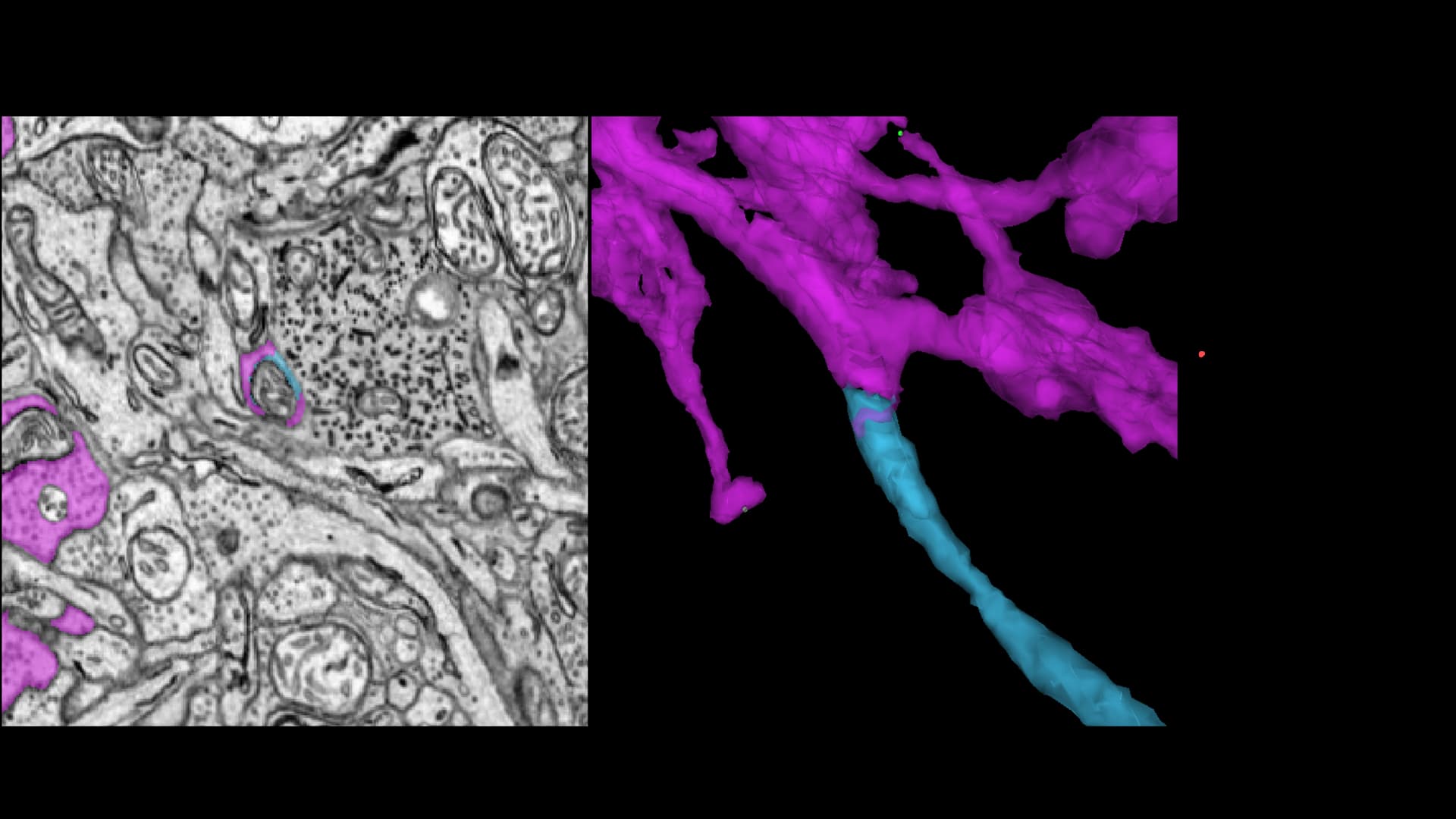
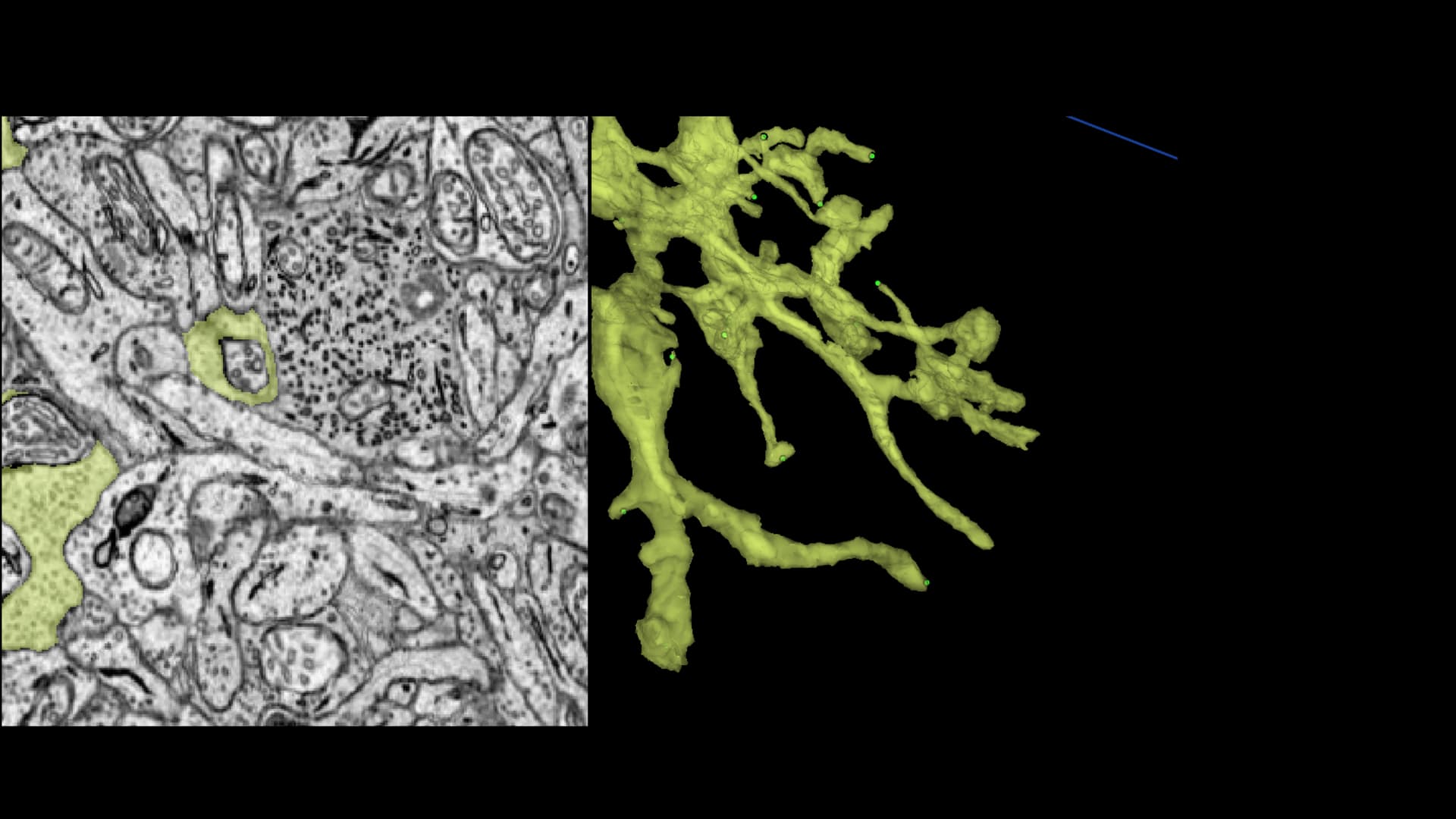
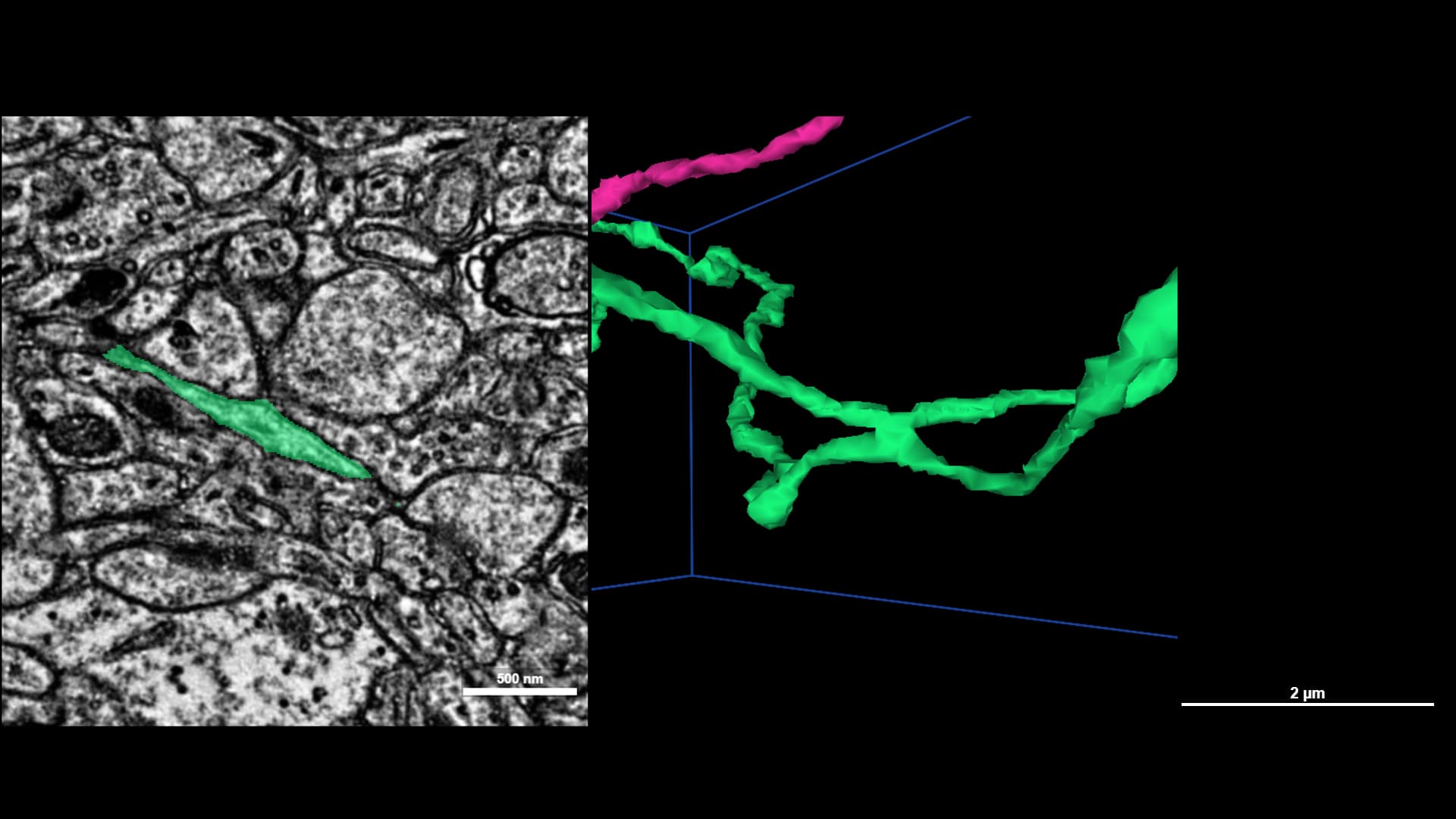
Please comment below with examples of merge and cut. In your example, label difficulty 1-3 (1: EASY - we need lots of these!; 2 - medium; I understand this will be a range; 3 - HARD)
Please include a screenshot, link the before and after merge/cut, and provide description. Please provide coordinates within each piece that should be cut / merged. The system detects “correctness” by reading coordinates and it “sets back time” by serving segIDs from specific time (that are, for ex, fused or cut).

We could also utilize the find path tool for example to find origin of tricky mergers. Hopefully we will be able to invite more of the Eyewire community soon!

Amy
3 Likes

It’s not a difficult ‘find’ but it’s a usual find in terms of what may be missing in a bc cell:
https://spelunker.cave-explorer.org/#!middleauth+https://global.daf-apis.com/nglstate/api/v1/5107645732618240


Just like with finding missing stuff in EW jagged and/or flat edges leads the way.

2 Likes

Small merger, but typical of the glia stuff that can be merged with a BC cell:


https://spelunker.cave-explorer.org/#!middleauth+https://global.daf-apis.com/nglstate/api/v1/5607545029263360

2 Likes

thank you!

2 Likes

Something a little trickier,

A before:
https://spelunker.cave-explorer.org/#!middleauth+https://global.daf-apis.com/nglstate/api/v1/5597478162792448

and an after:
https://spelunker.cave-explorer.org/#!middleauth+https://global.daf-apis.com/nglstate/api/v1/5376898725576704

A missing branch/bouton that when clicked is merged with a rather large glia piece that needs to be sliced, diced, good stuff to be merged together and bad stuff removed.

1 Like

If you want/need something a little more…complicated for a/the tutorial(s), for split/merging stuff:
https://spelunker.cave-explorer.org/#!middleauth+https://global.daf-apis.com/nglstate/api/v1/5957567112019968
this is a link of 203 super-merger segments in EW2

and if you want/need I can search and find (if there are any) similar multi-cell mergers in the Pyr dataset, if you need to have samples from diff. datasets.

1 Like

I just remembered! You can find some harder-to-find splits/merges here. :smiley:

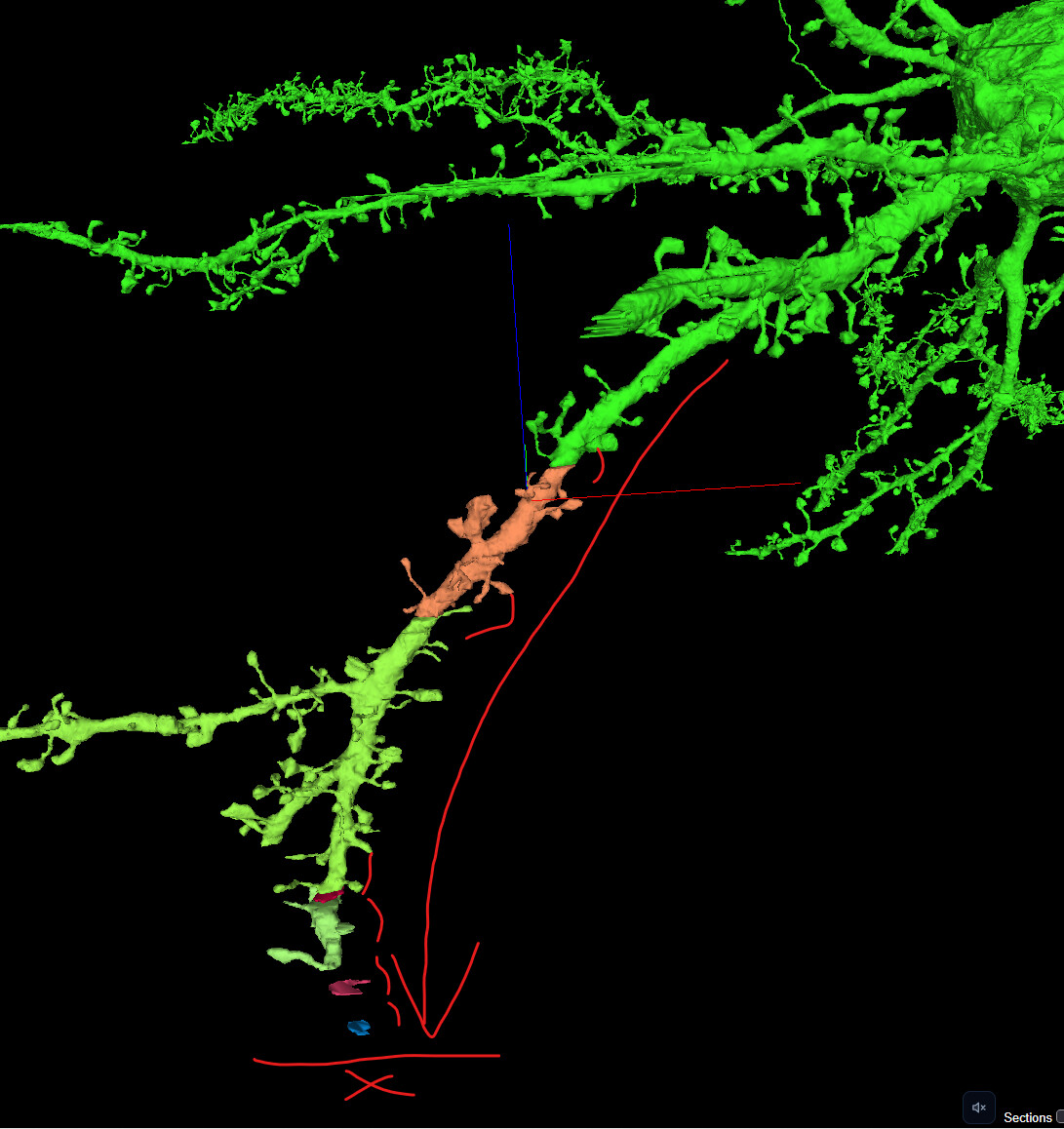
several missing branches and a lot of eod missing segments and probably a lot of missing nubs. Some of the branches are easy while using the whole cell as a example is hard. have a lot of loading issue so have not proofread the whole cell

2 Likes

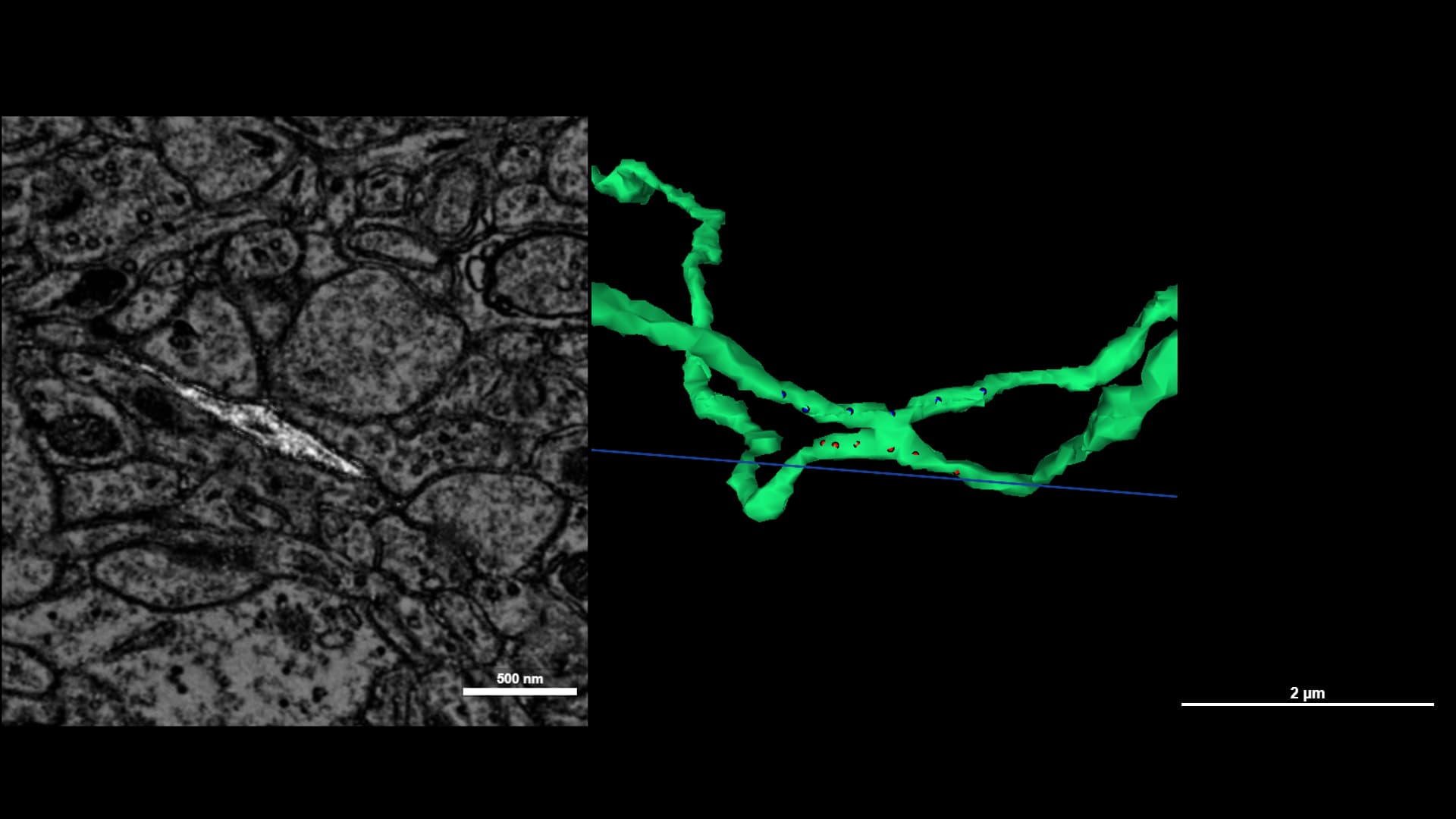
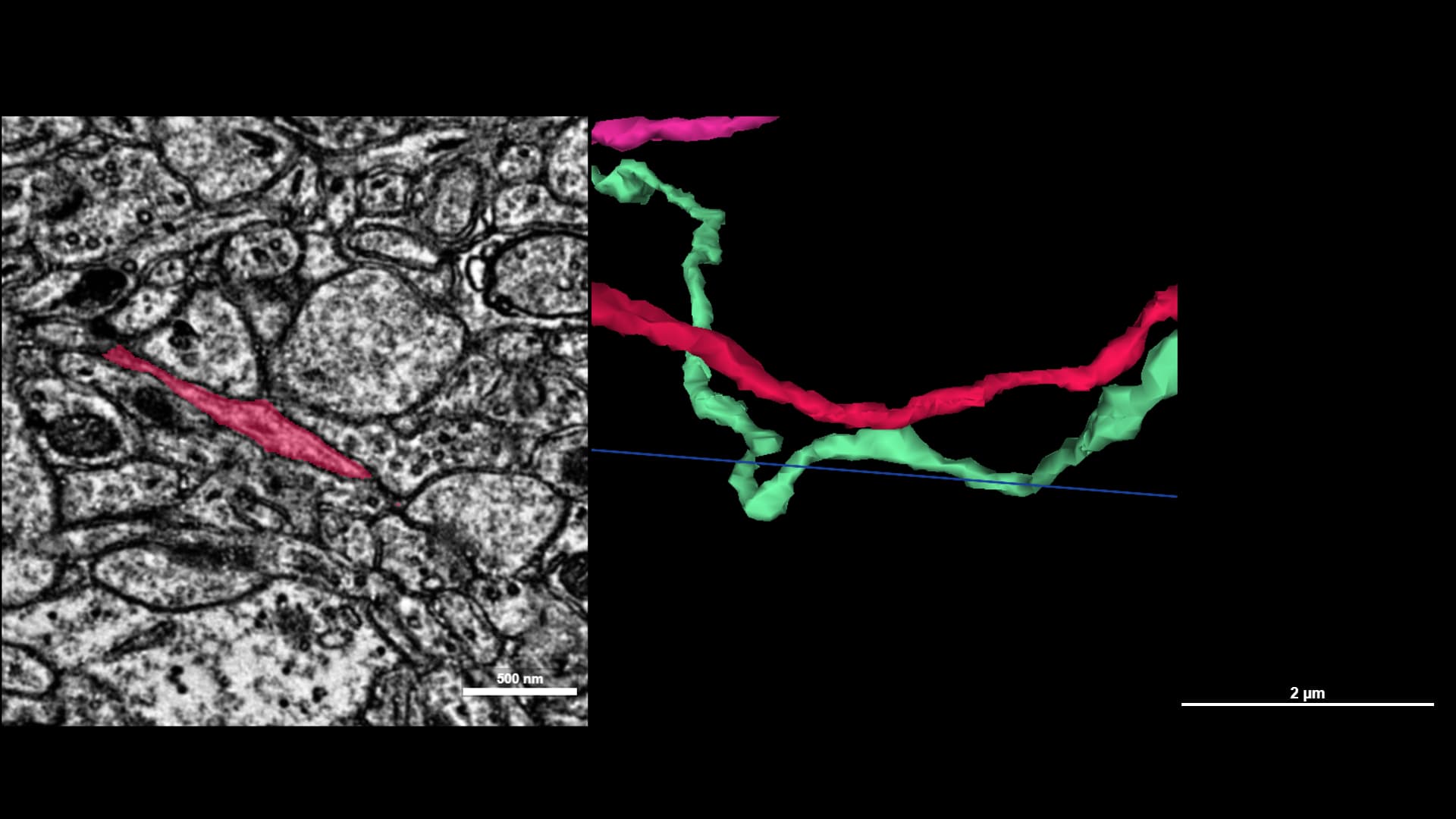
1 - Easy

Before / After

Note: Very simple merger caused by a bad slide. Not a perfectly clean cut. Great demo for a basic merger.


1 - Easy

Before / After

Very simple crossed paths merger.


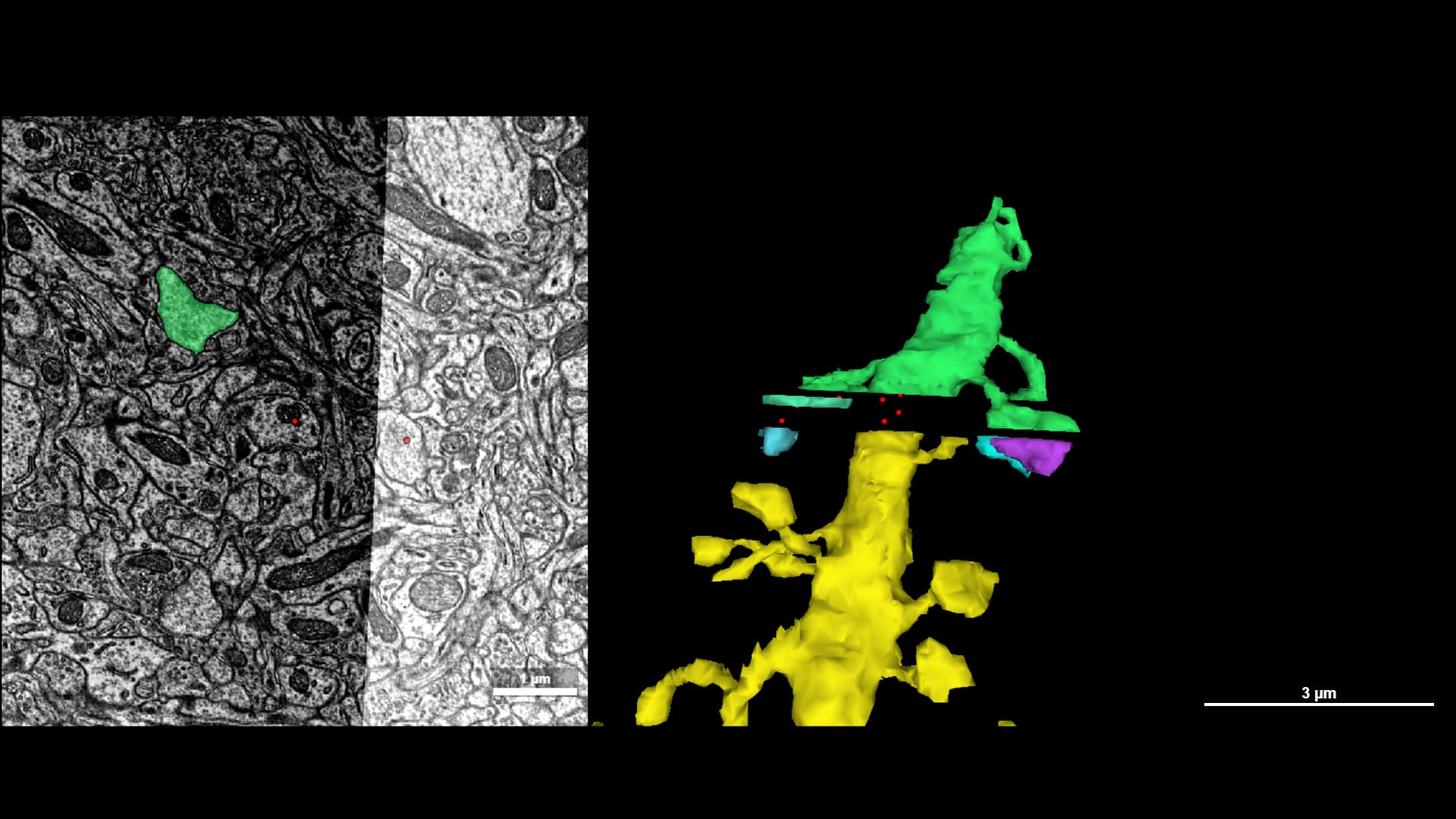
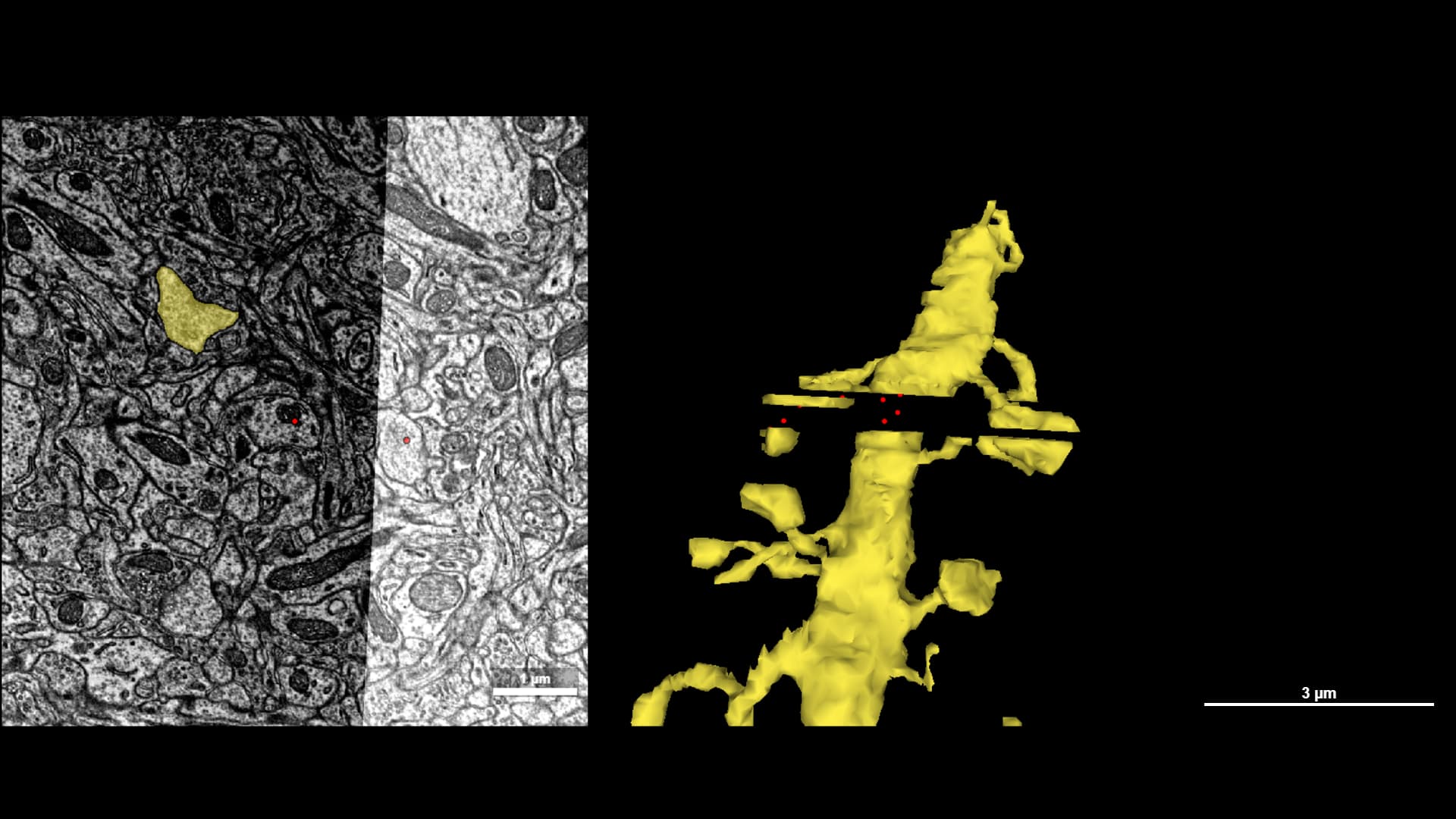
2 - Medium

Before / After

This one could be tricky because it hits the edge of the data set. The merger itself isn’t hidden beyond the borders. There are also some branches that may look wrong to an inexperienced player here. The real merger? A synapse.


2 - Medium

Before / After

This is a good example I think of a stagger-step branch continuation where the data set is near the edge and inconsistent, leaving a lot of voxel gaps. Additionally, several of these voxel fragments have either a merge or cut that need to be made on them.


2 - Medium

Before / After

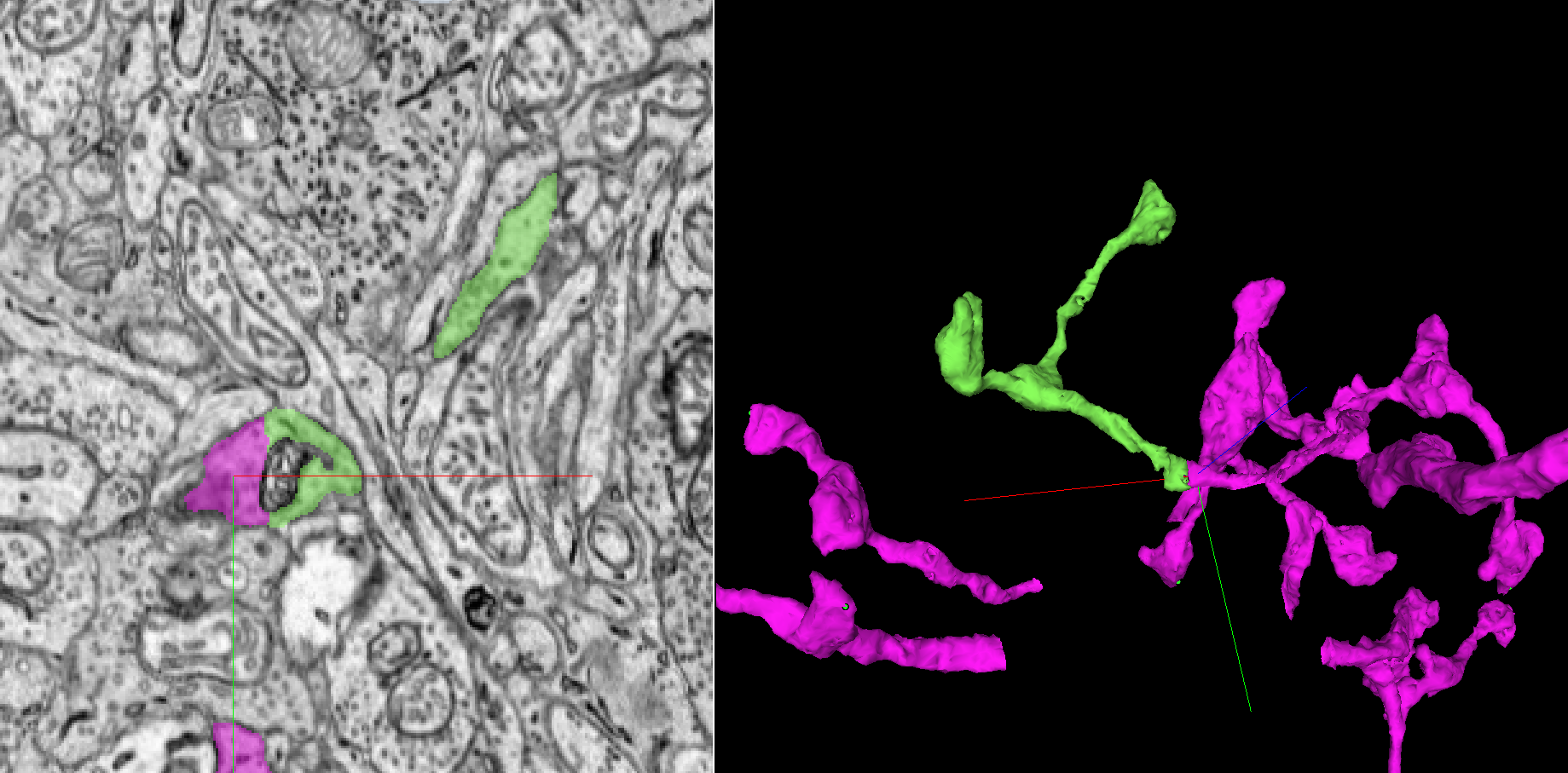
Easy-medium, but might surprise newbies. Here’s a huge chunk caused by a misalignment. This is a great simple way to learn to use the find path tool, which found the point of merge immediately!

image

3 Likes

Before and after easy bp addition,

Before
https://spelunker.cave-explorer.org/#!middleauth+https://global.daf-apis.com/nglstate/api/v1/4638954339434496


After:


https://spelunker.cave-explorer.org/#!middleauth+https://global.daf-apis.com/nglstate/api/v1/5743443649757184

Them jagged edges being a dead give away in ew and ew2 lol.

2 Likes

1 - Easy
Simple branch that was cut off/missing.
Before:

After:

2 Likes

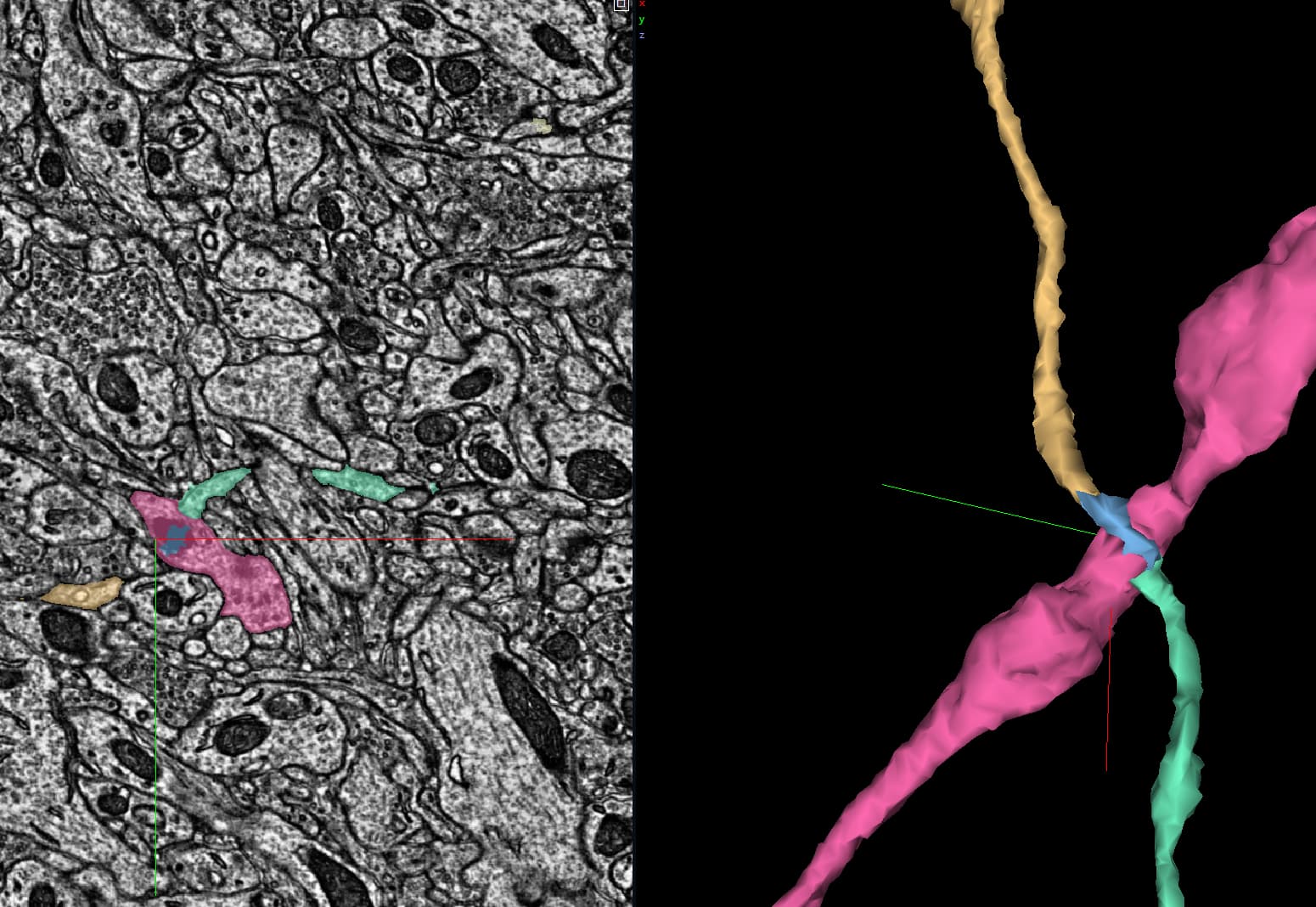
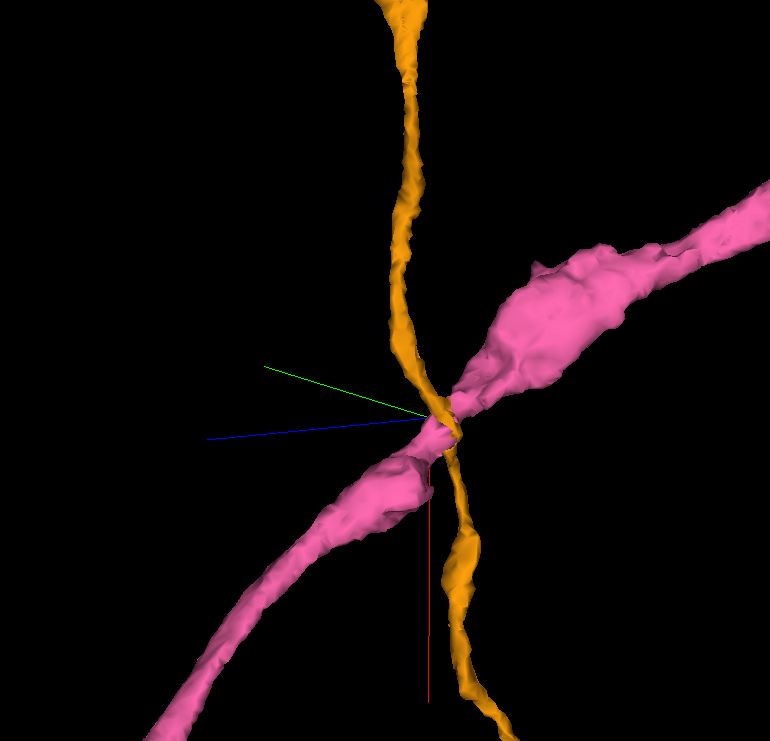
2 - Medium - Cut
Not necessarily a difficult cut, but not simple to spot unless you have a decent grasp of the general specifics of what a cell looks like. Two branches from different cells cross in an X without sufficiently clear border visible to distinguish a boundary.
Before:


(With cut placements)

After:

2 - Medium - Missing segments
Low resolution/issues with the slices for one section caused the branch to not continue. Extrapolation of trace located the continuation of the branch, as well as the bottoms of some nubs which were cut off.

Before:

After:

1 - Easy - Branch Extension
Branch ended prematurely; easily seen by having a ‘flat’ end in the 3D, and cut off color in the 2D.

Before:

After:

2 - Medium - Missing segment/layer
The missing layer spans across a branch bend and also cuts off a nub. For this larger branch it’s easy enough to trace. For smaller branches, context clues from surrounding branches/cells may be needed. (see next example)
Before:

After:

3 Likes

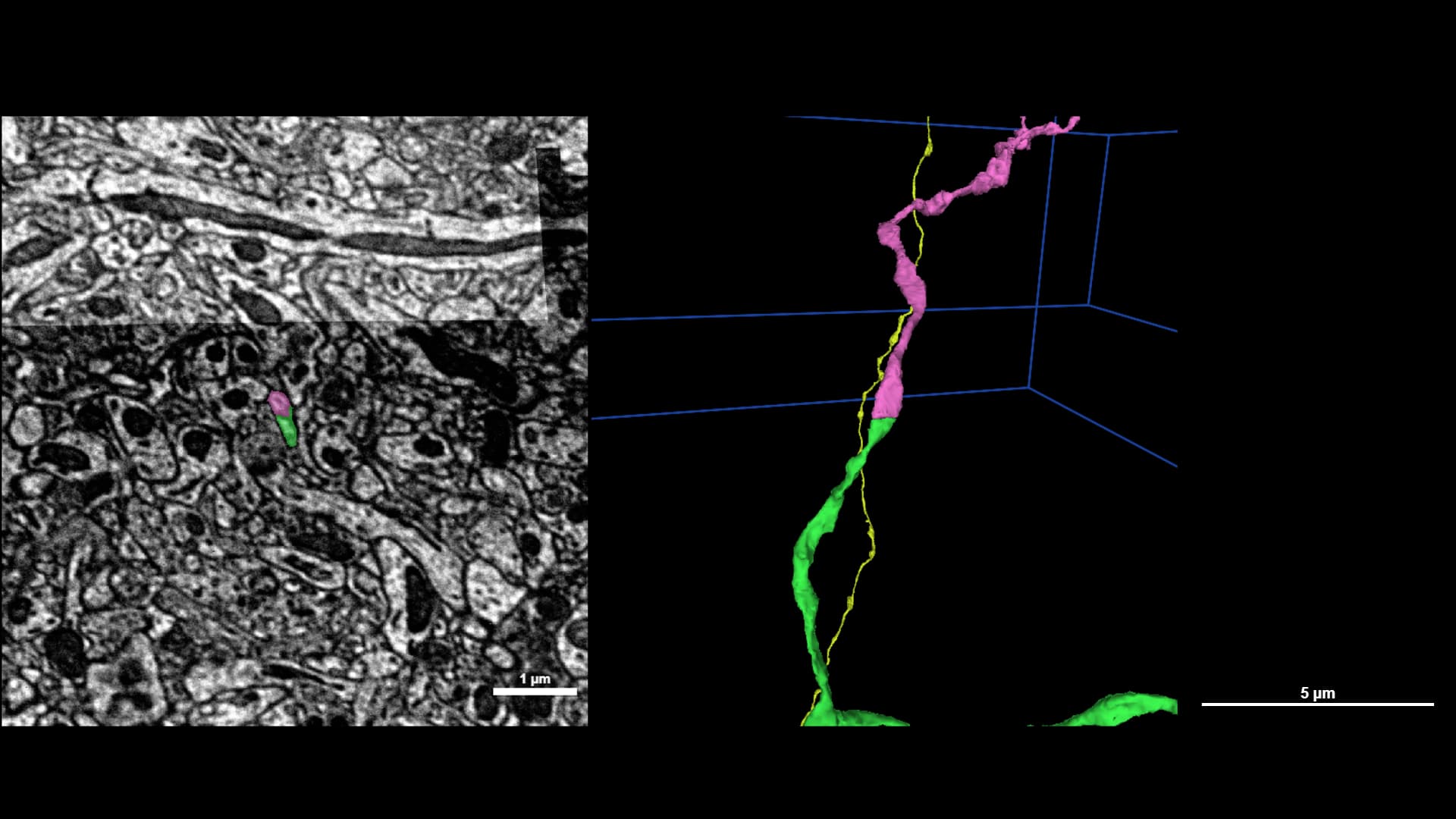
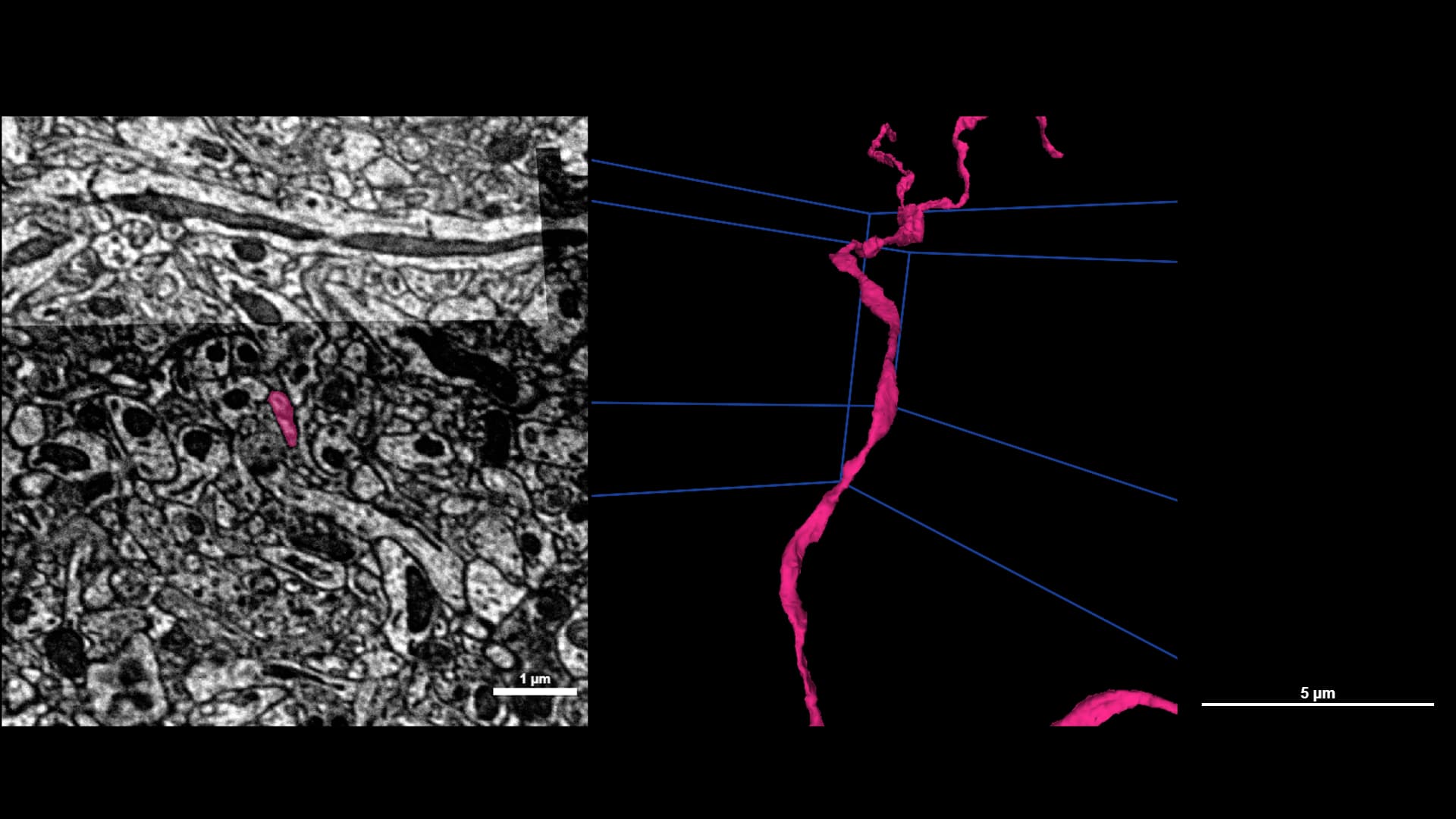
3 - Hard - Finding a thin branch extension after a missing slice
When tracing a thin branch which is surrounded by other thin branches, it can be difficult to find the right extension.
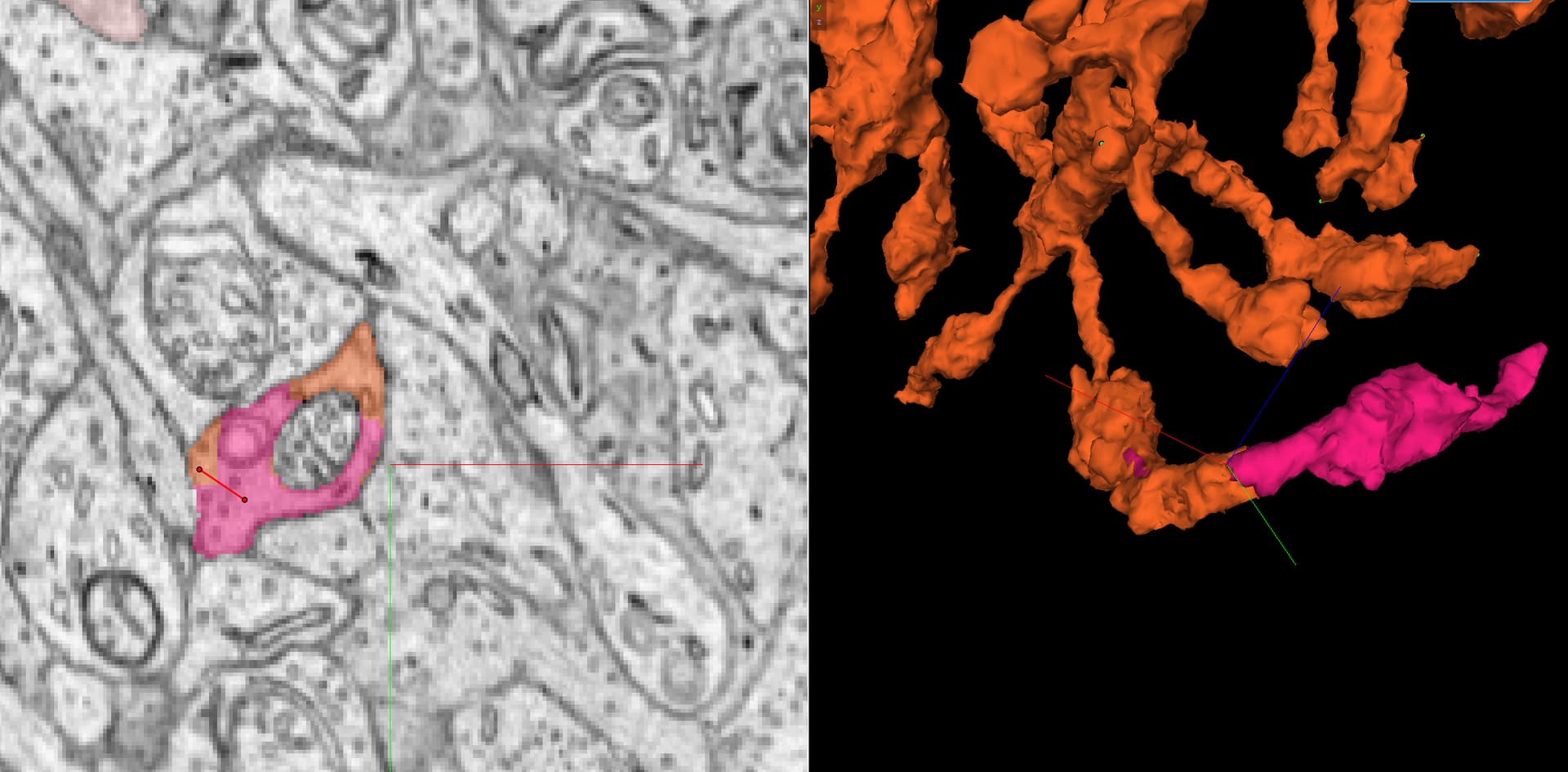
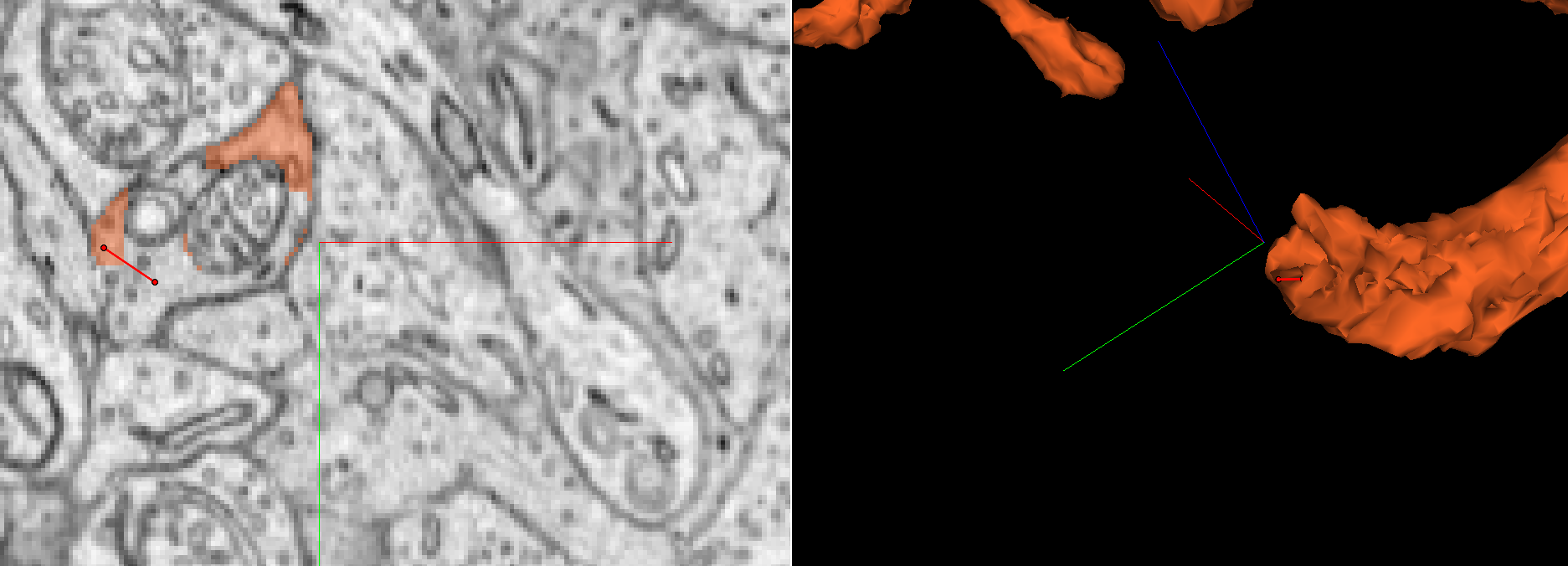
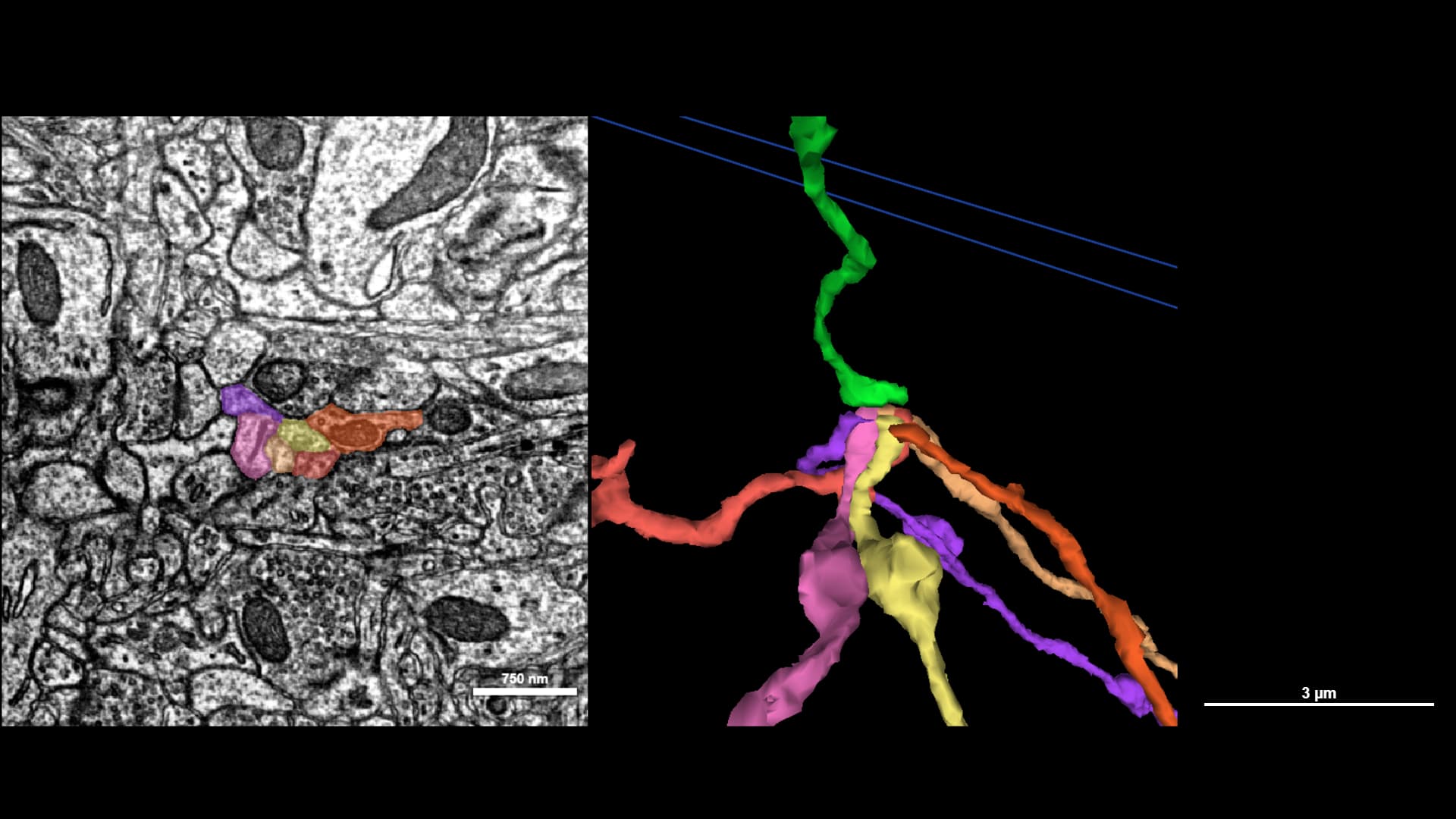
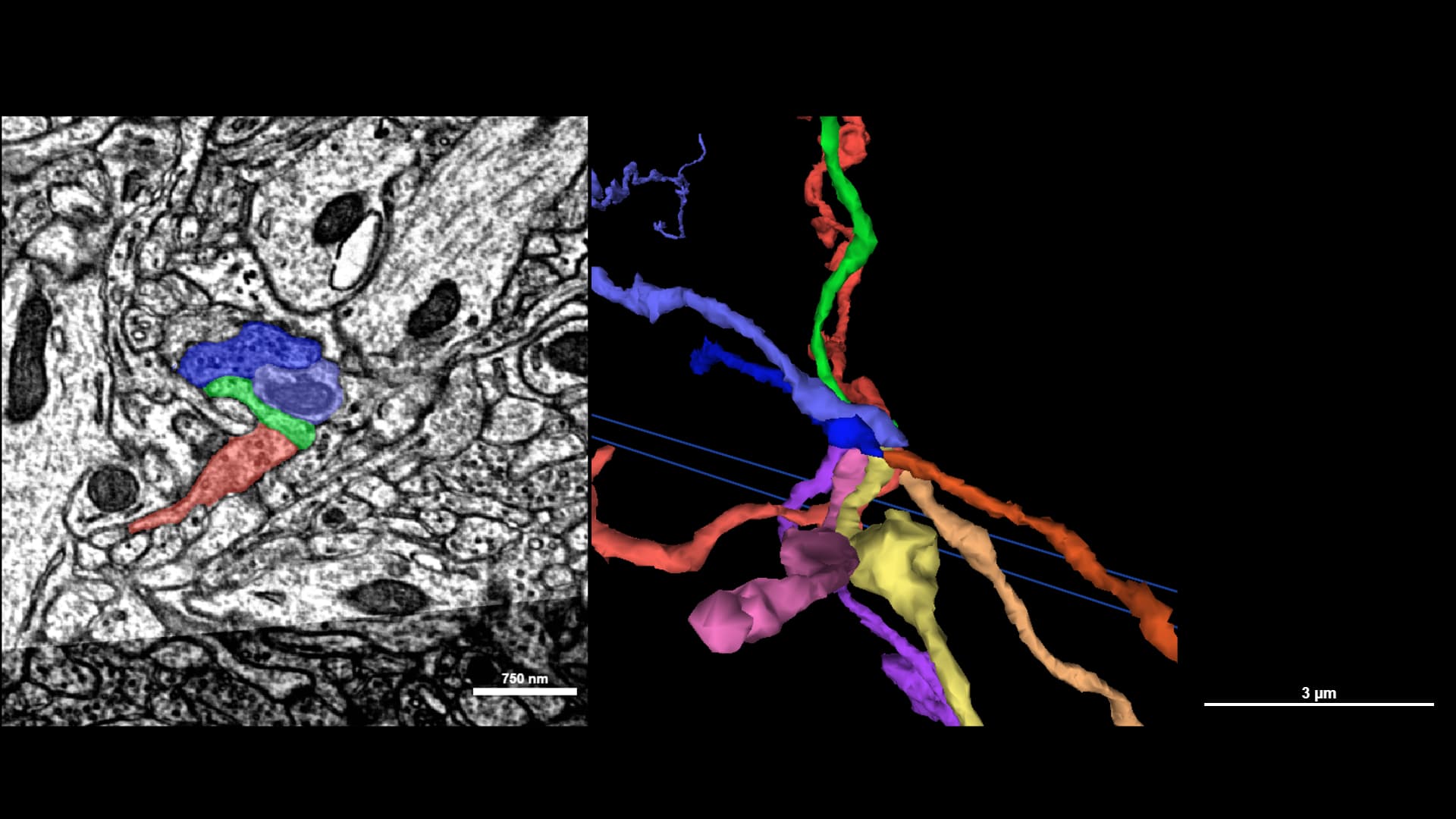
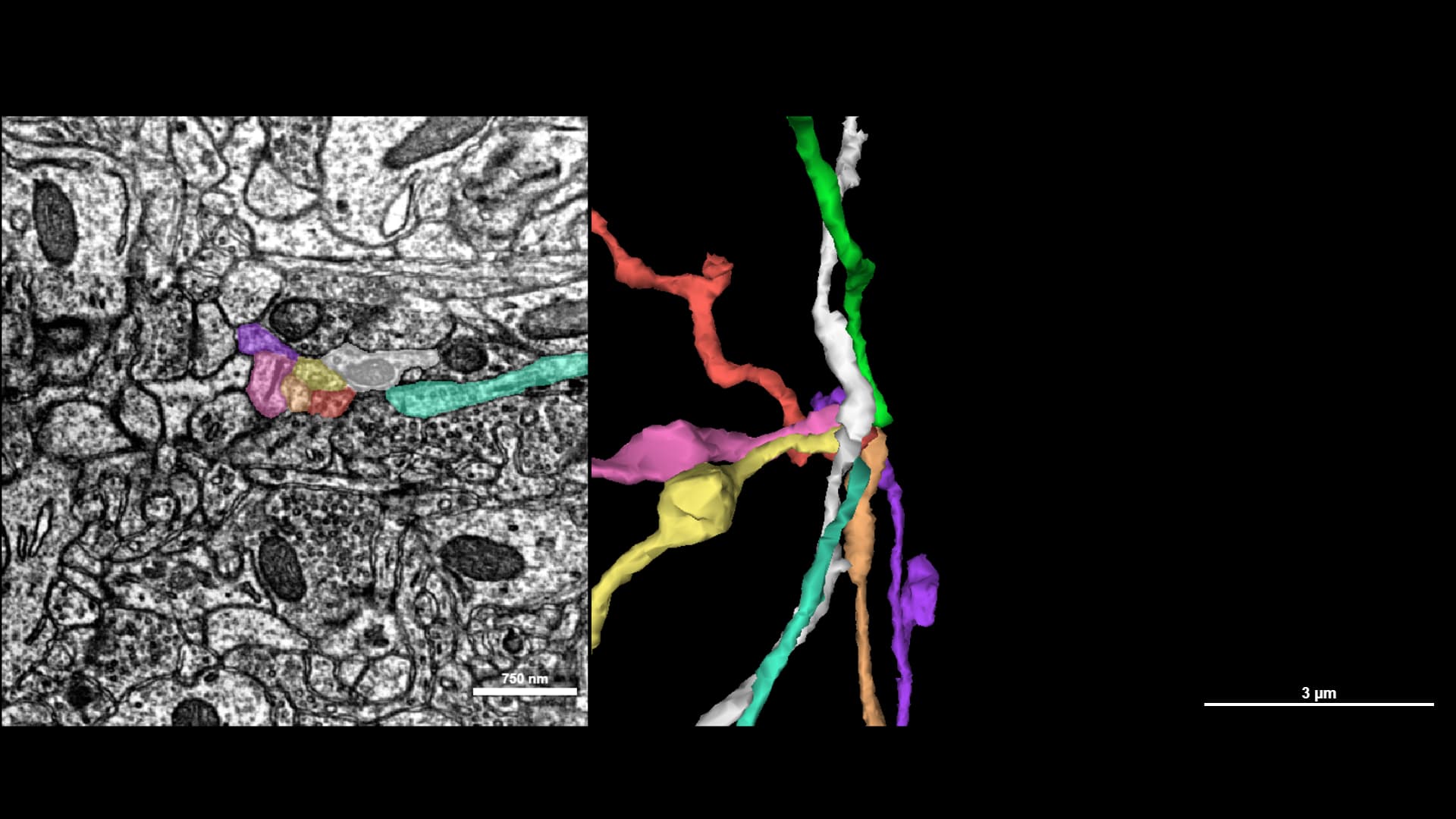
Which of these options is the right extension for the green branch??

One of the best ways to find the correct branch is to rule out the incorrect branches, by using context clues from the surrounding branches.

Time to find the right branch combinations from these, so we can locate the green-branch extension!

Strategy 1 - Characteristics in the 2D
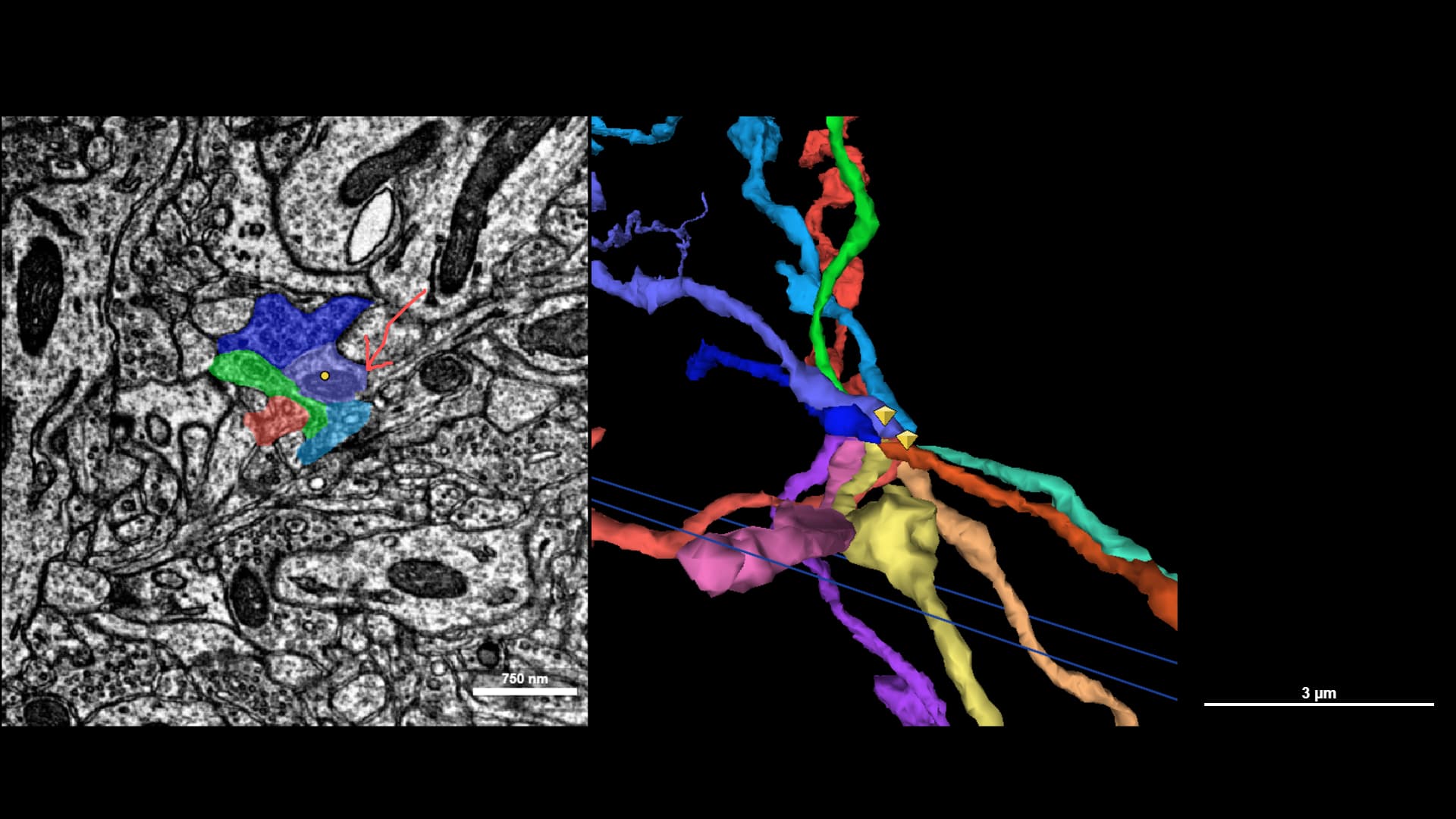
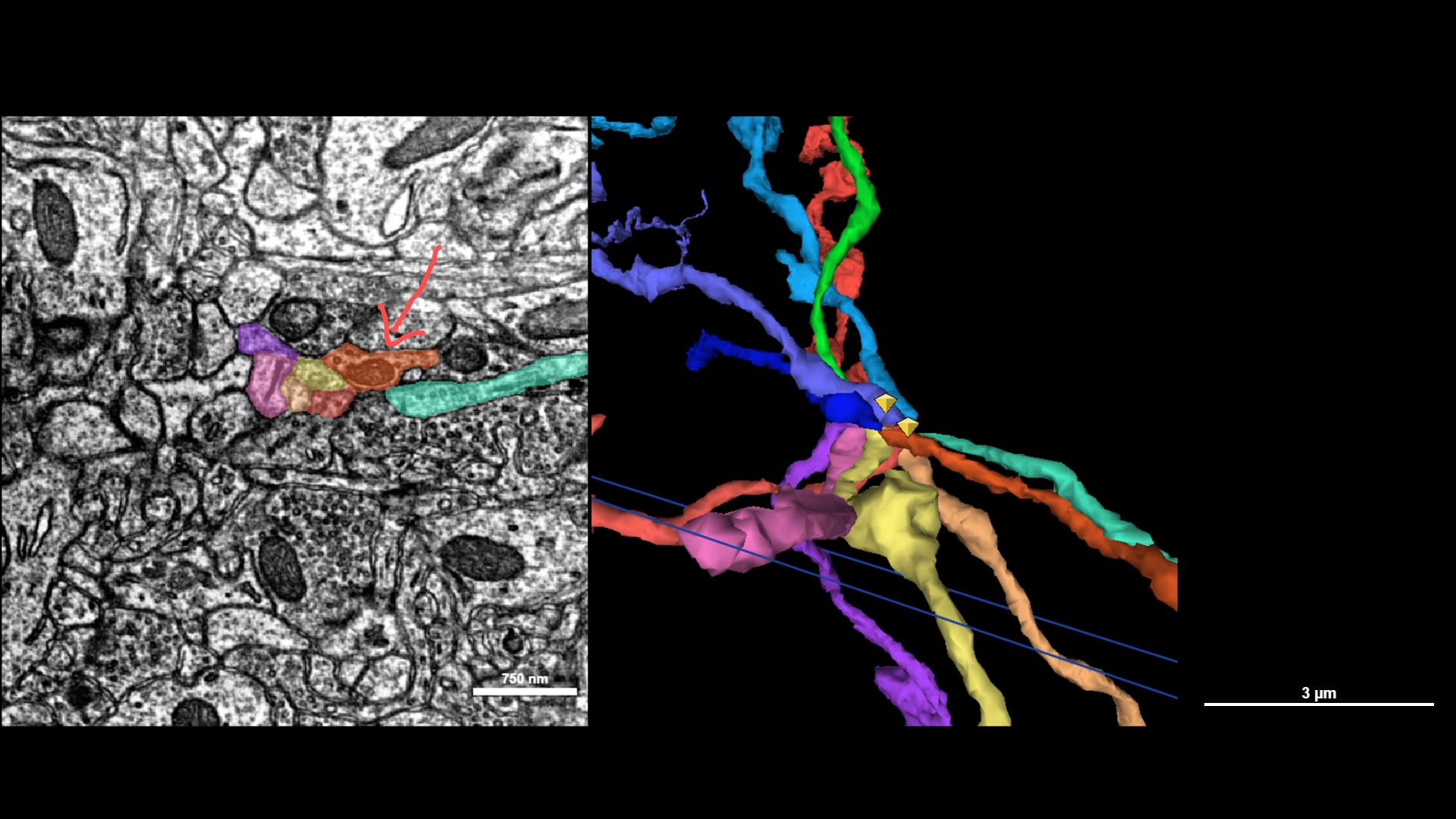
This purple branch is thicker than the others, and has an obvious dark spot in the middle which continues into the next slice. We can match based on shape and that dark spot and conclusively extrapolate which of the lower branches is the continuation.


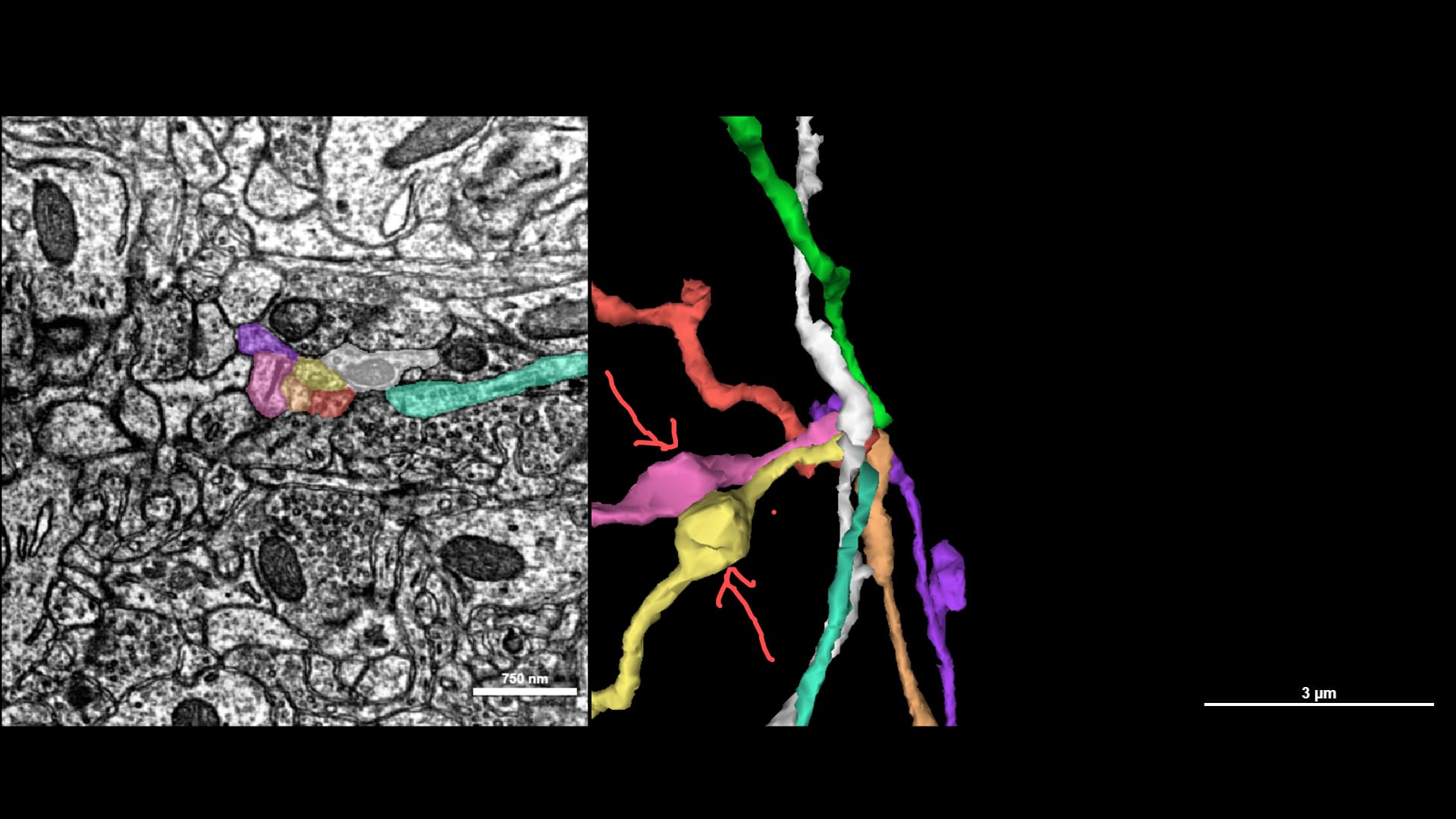
Always use the 3D as an additional check – if the branch shoots off in a different direction without any obvious turns in the branch, it’s probably not correct. In this case, the purple-to-orange is a clear continuation along the same path.

One down!

Strategy 2 - Branch direction in the 3D
Now that we have one confirmed branch, we can use it as a general guide for determining the ‘flow’ of the branches in the 3D. Branches that are clustered like this very rarely exhibit strong deviations in direction - so we can rule out a few other possibilities as not being extensions for the green branch due to their ‘direction’.

The pink and yellow branches are traveling in a perpendicular direction to the path of the green branch, so they probably aren’t continuations. But, we need to go one step further and confirm the correct counterpart for those branches before we can conclusively rule them out.

2 Likes

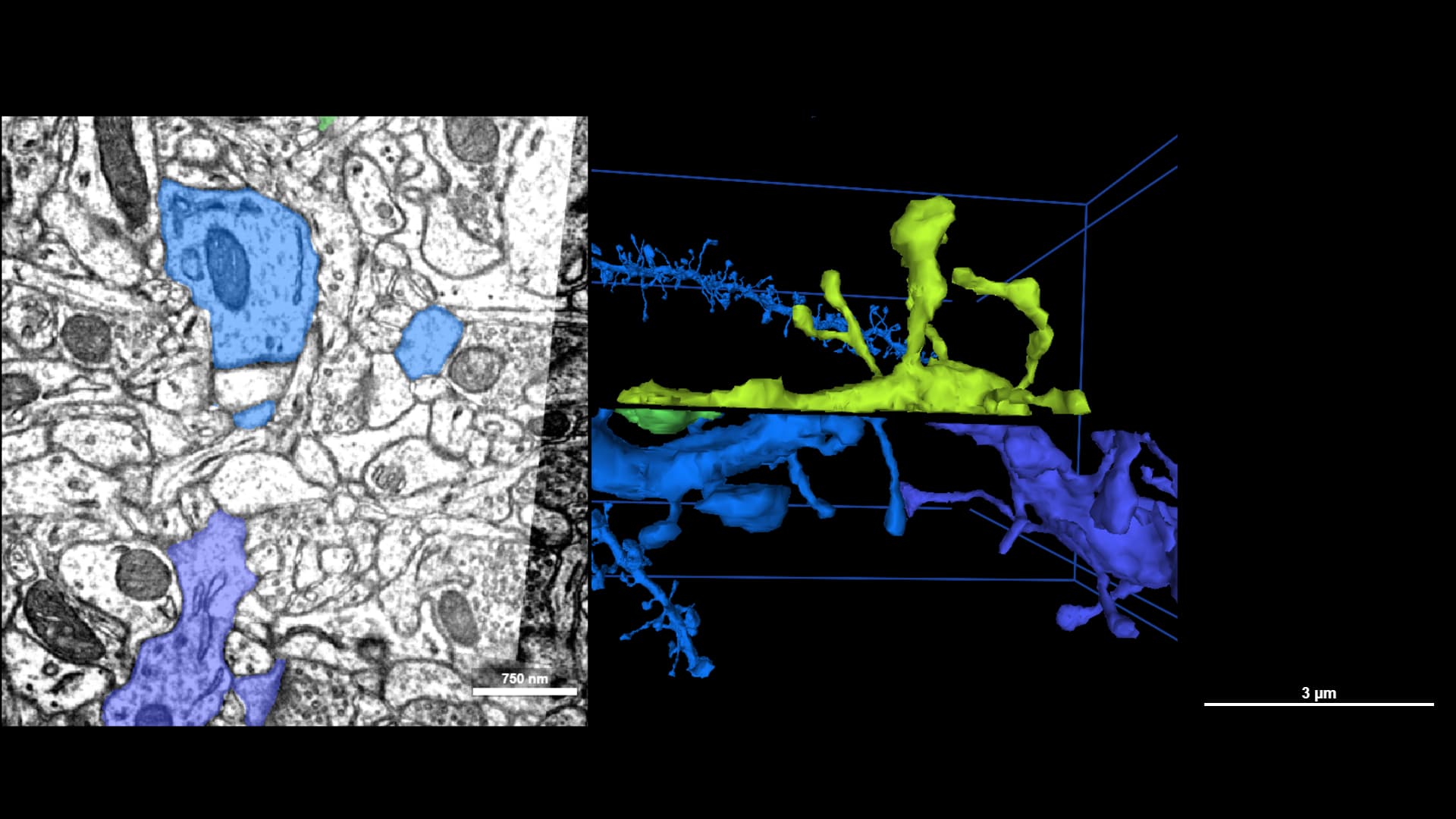
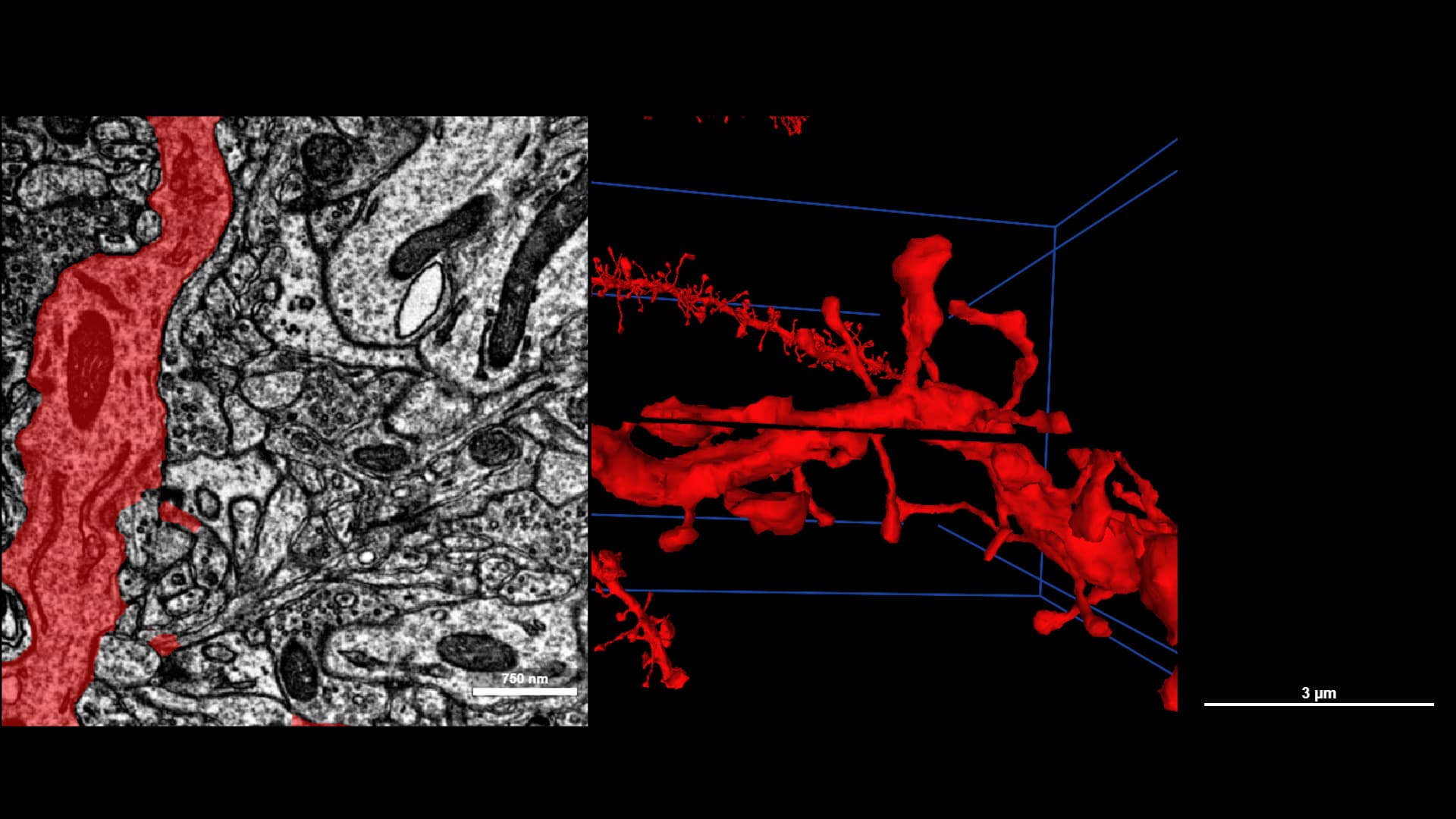
Merge example,

difficulty Medium:

Good couple of different examples of having to proofread/trace through black slides and EOD gaps.


Splits examples:

Medium:

I’d place this on easy if it wasn’t for the fact that one has to split the thinner from the thicker branch in 2 splits, otherwise cut will error out because red and blue can’t bypass each other cleanly.

Before:


During:

After:

2 Likes