Hello y’all.
With the help of KK and chatgpt we created 3 scripts to help (us) automate some stuff in EW2 gsheet.
ok script one, built by ‘me’ (chatgpt):
you’ll need tampermonkey, create a new userscript and paste the above any existing code.
This will create a copy completion button in neuroglancer
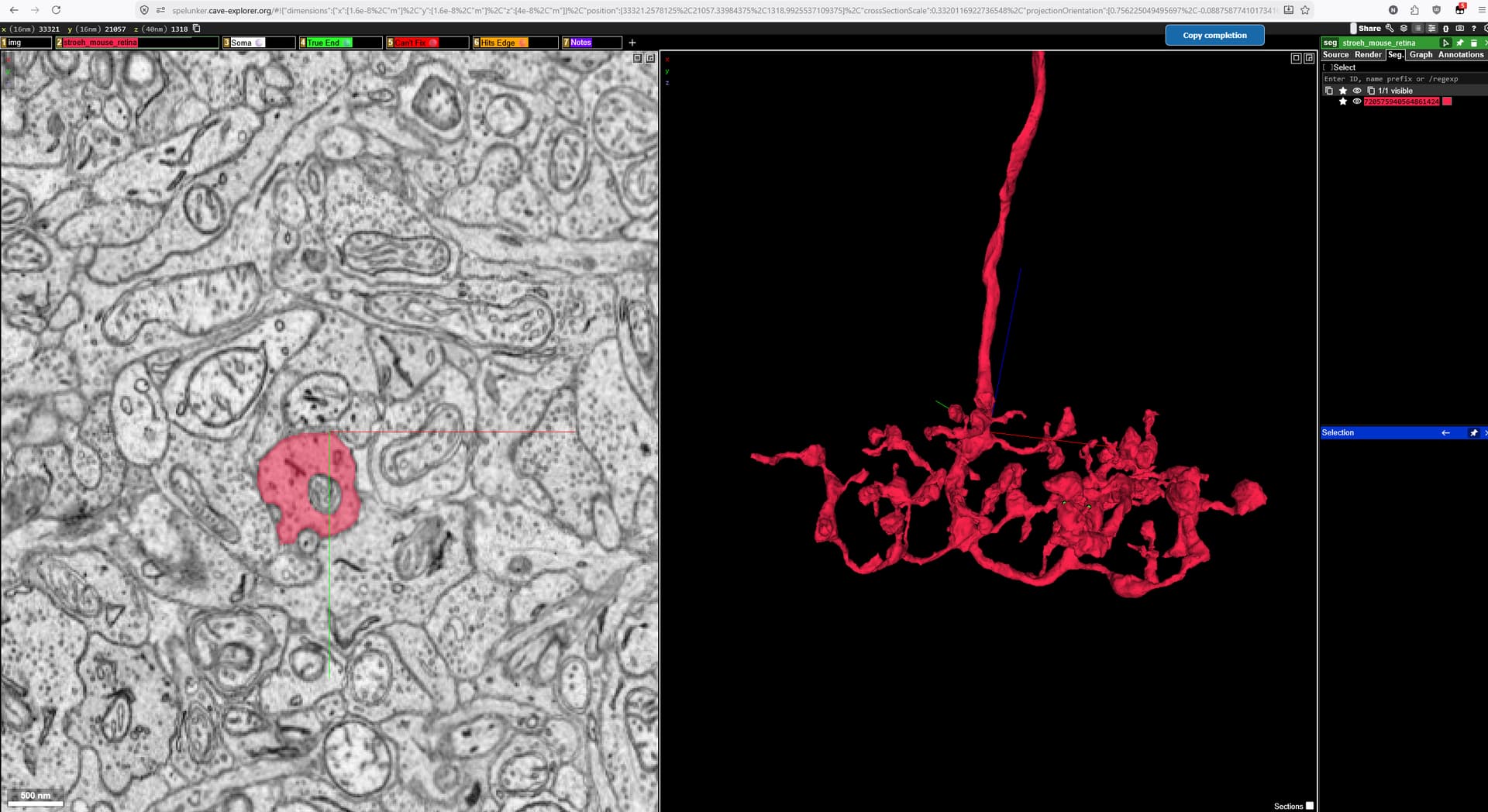
It is draggable and movable by holding down the left mouse button and in theory it should also remember where you place it between different links.
This will copy to your clipboard the current date, segment ID and that ‘share’ json link.
DISCLAIMER: I have not tried it with multiple segment IDs as we only need 1 for the Final SegID, so I don’t know how it’ll behave if there’s more than 1 segment ID to copy.
So having clicked that button head over to the gsheet to where you type/copy paste the date and paste, and all three entries will paste, so no need to paste date, final segID and link, leaving you with only having to type/paste your name and select the status (complete, complete(cut-off) etc).
2nd script by KK:
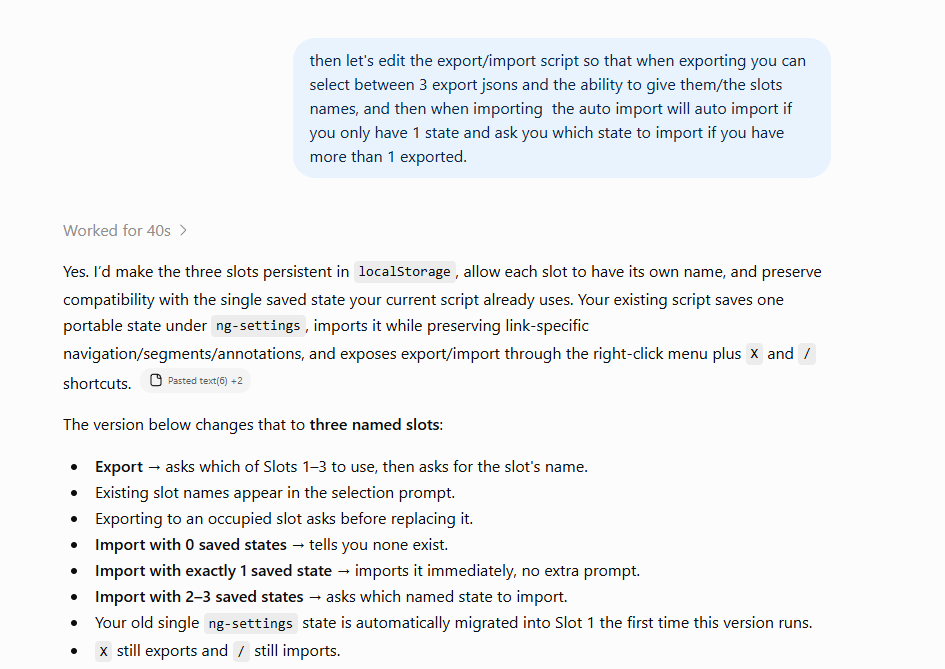
this will export and/or import settings such as opacity for 2D/3D, in render, as well as the gear cog:
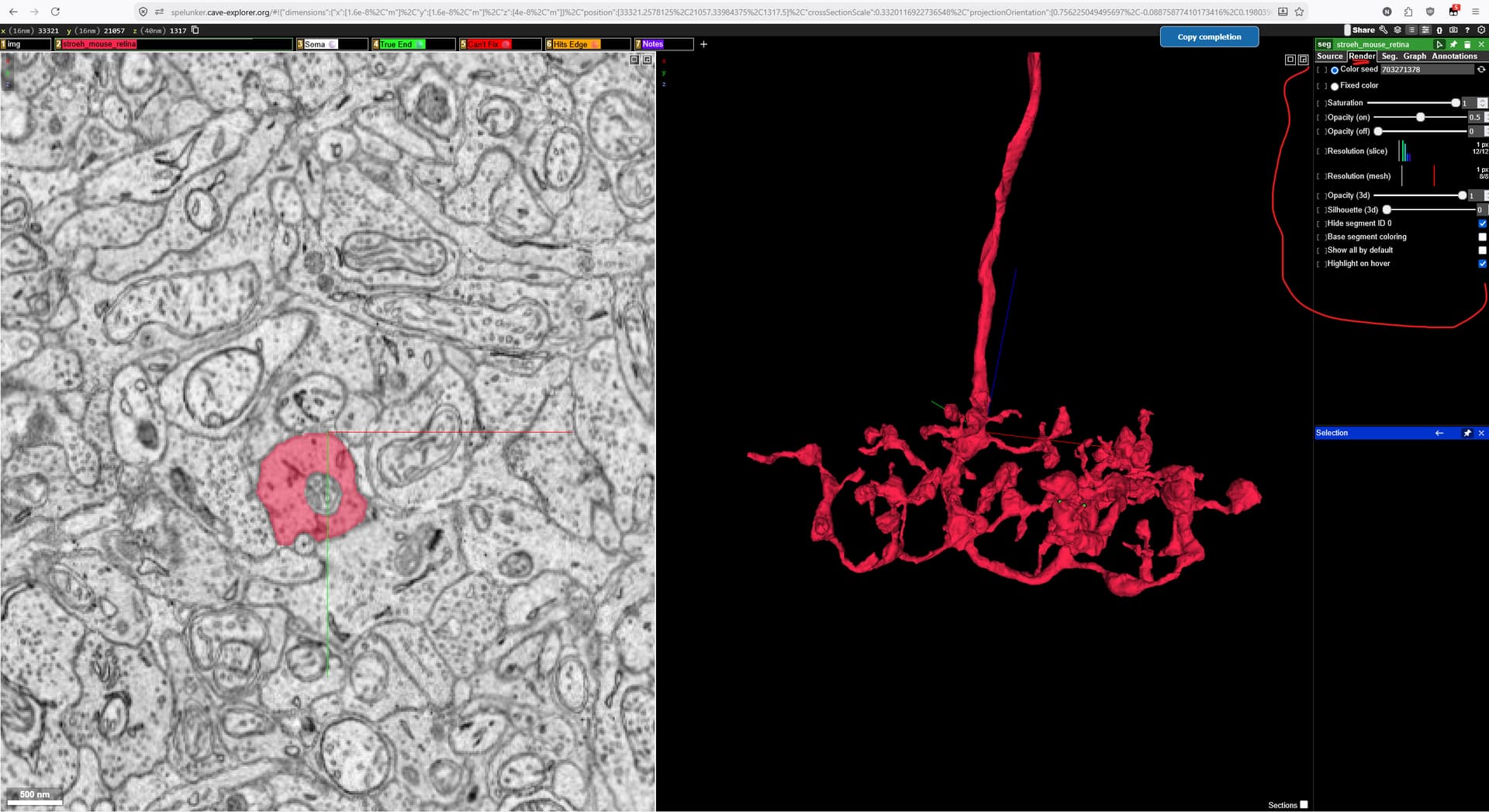
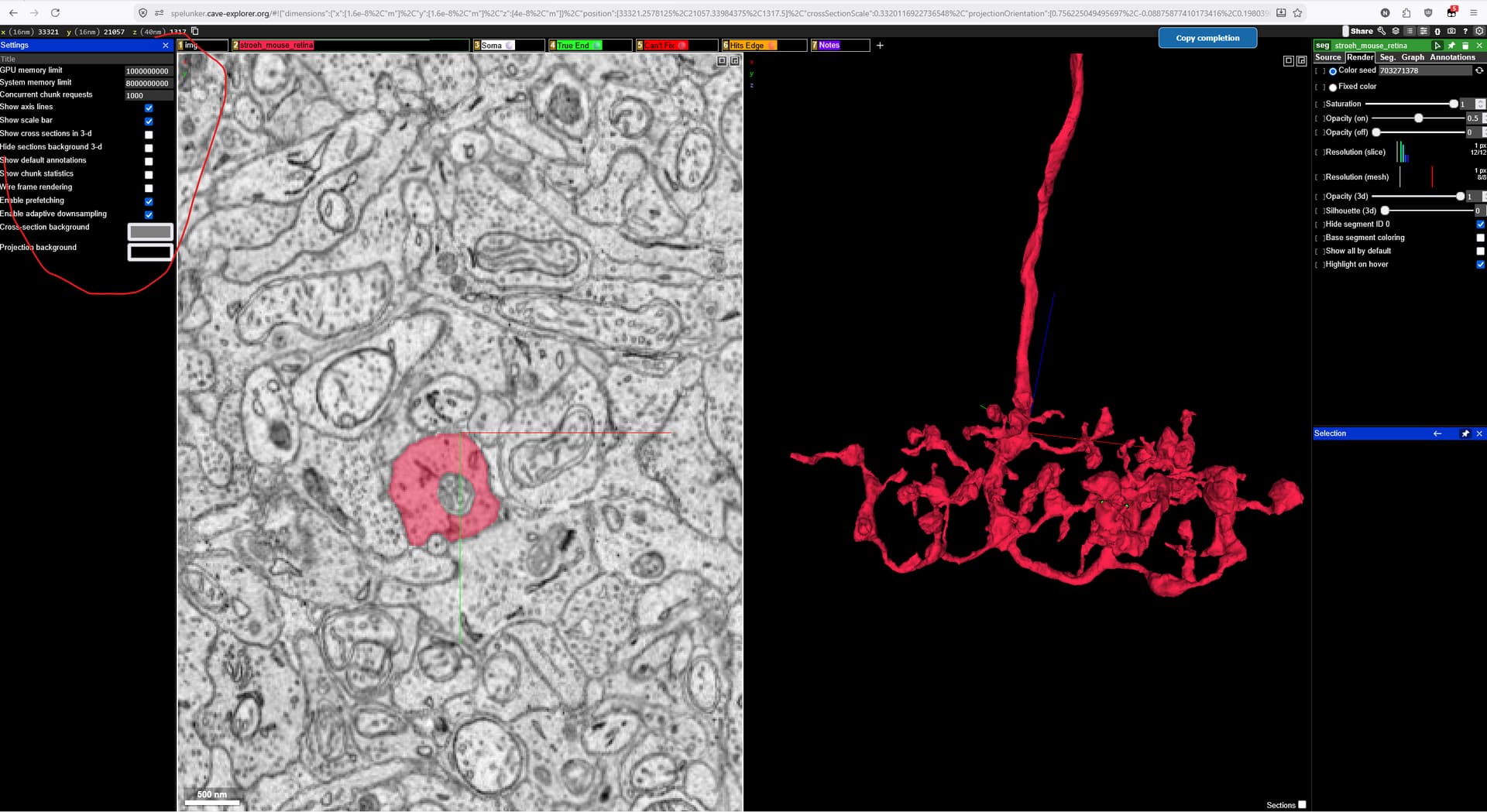
So anything from 3D opacity to whether you want to see the default annotations (dataset bounding box) or not.
How to go about it exporting the settings:
Open a neurog/ew2 link:
delete any and all segments AND annotations (such as soma coords and/or true ends etc)
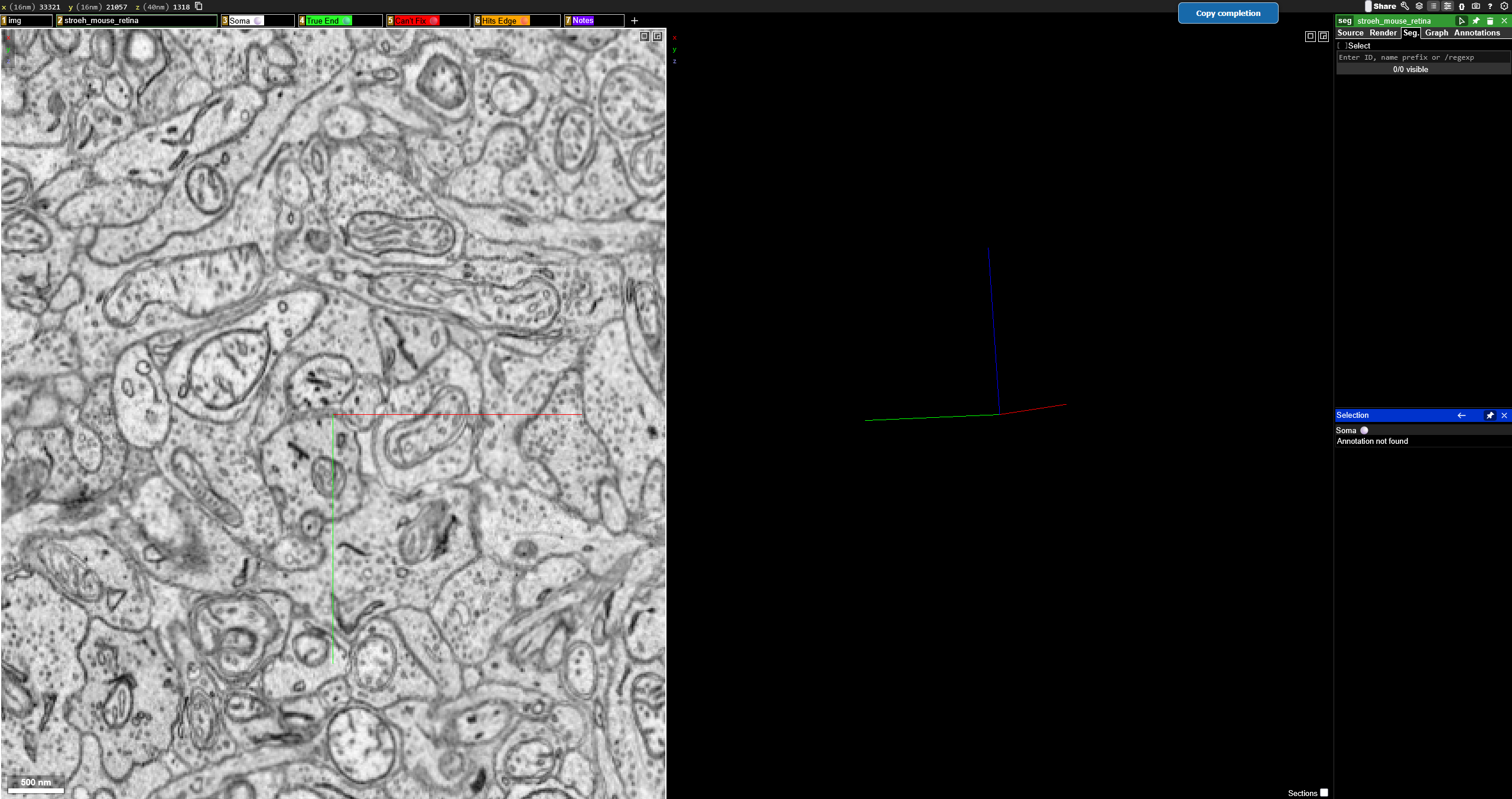
then adjust the settings as you want them to be.
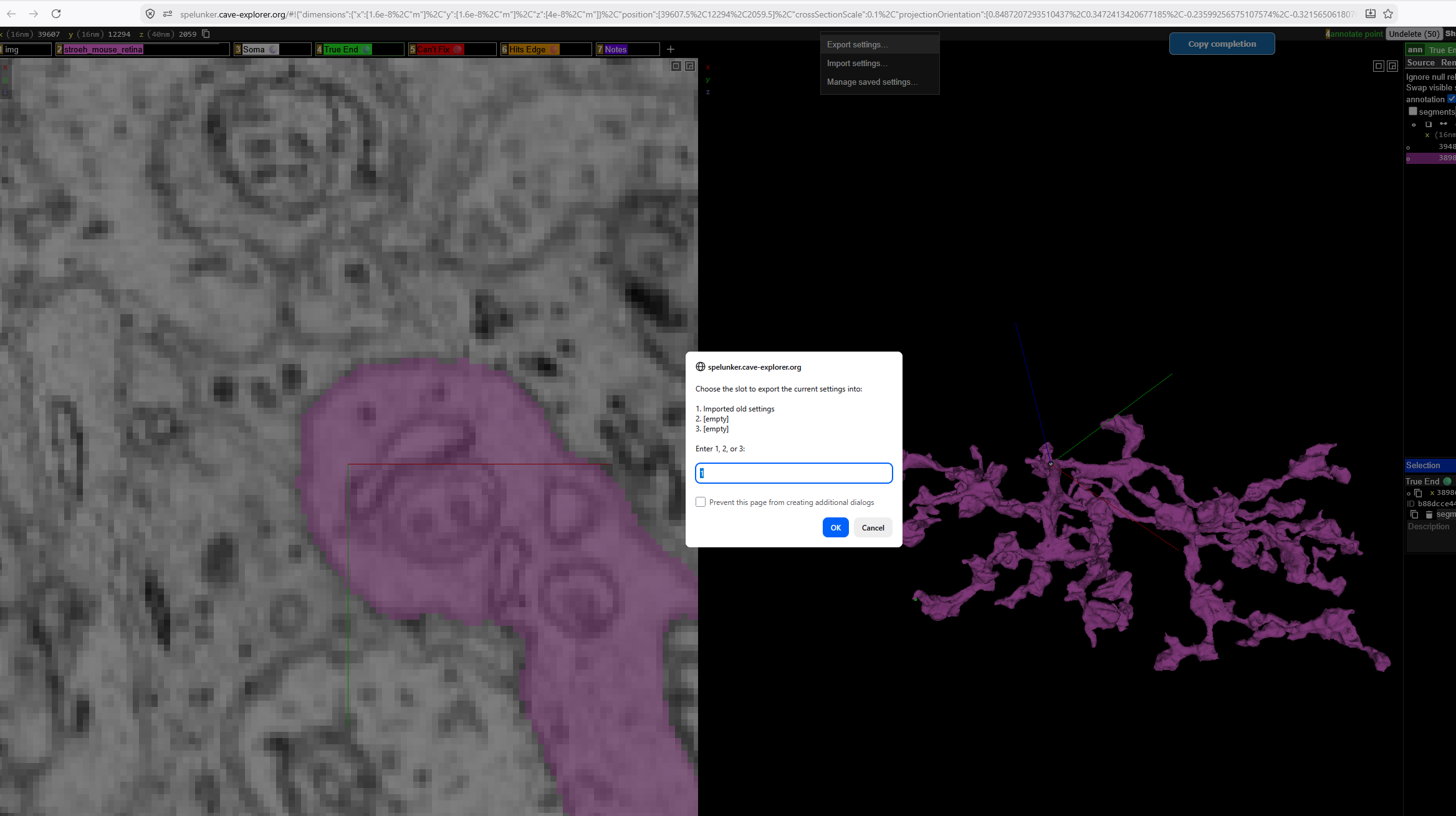
then right mouse click on the grey bar up top like this:
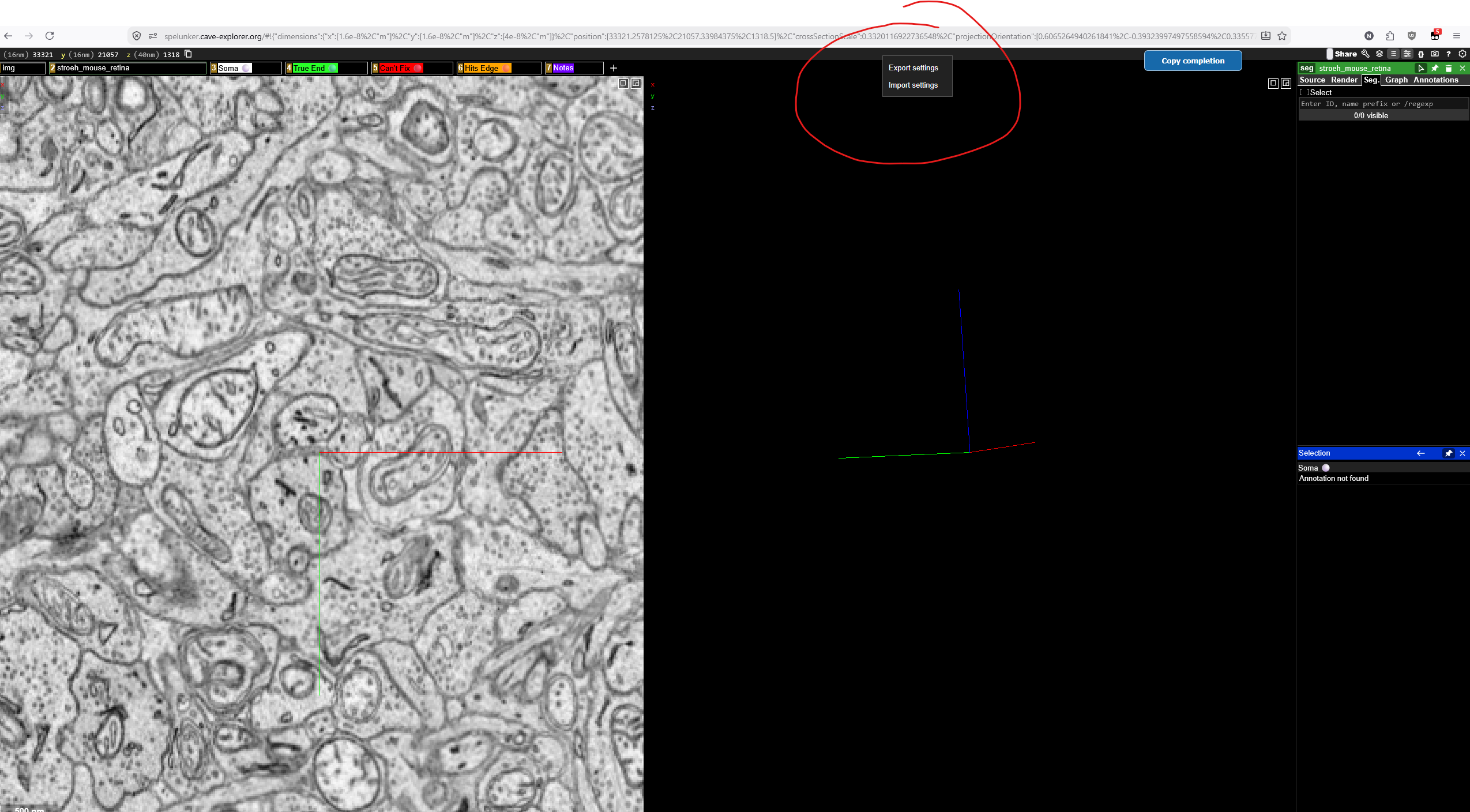
select export settings.
and you’re done. You can close that link and open any other, if you right click mouse on that bar and select import it’ll import all of the settings without you having to re-edit them every single time.
3rd script by me/chatgpt:
this automates the settings import so that you don’t have to import them every single time, you just click any of the starting links from the gsheet, It’ll wait a variable amount of time for the page to stabilize/finish loading then auto-import the settings. it’s variable because it was giving me errors if I had it too low (below 3s) and it didn’t always have to wait 10-15s either, so now it waits for the page to finish loading/stabilize/serialize, then it auto-imports with a corresponding msg in the console that it has done so.
If you don’t adjust any setting(s) with every new link then you can ignore scripts 2 and 3.