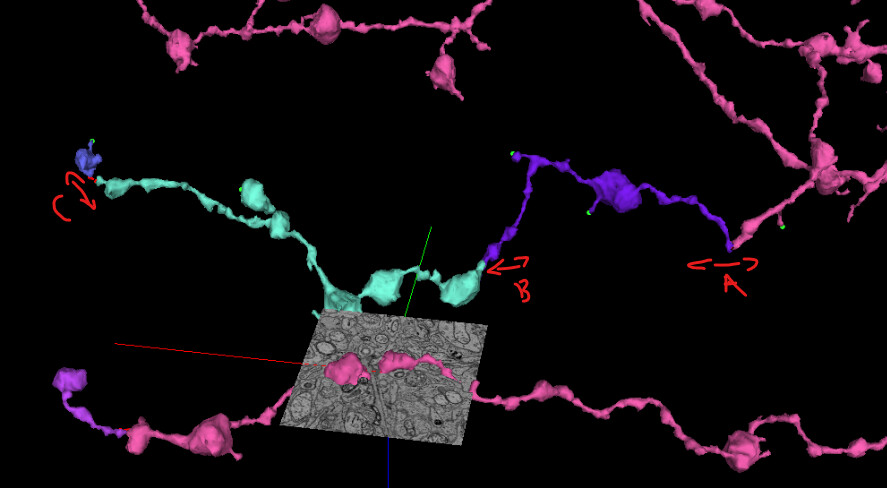
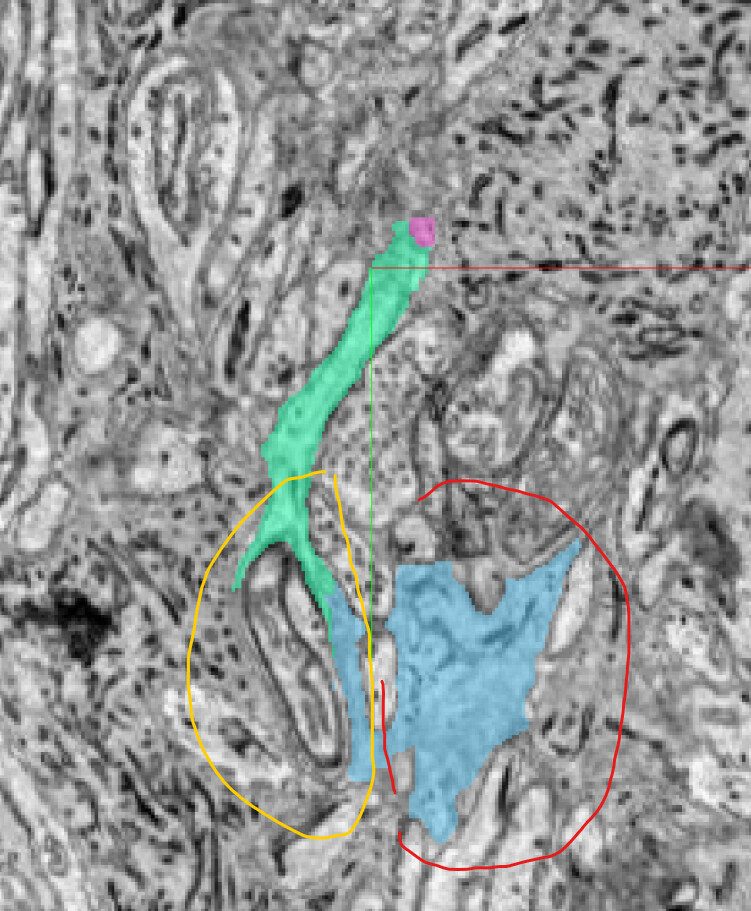
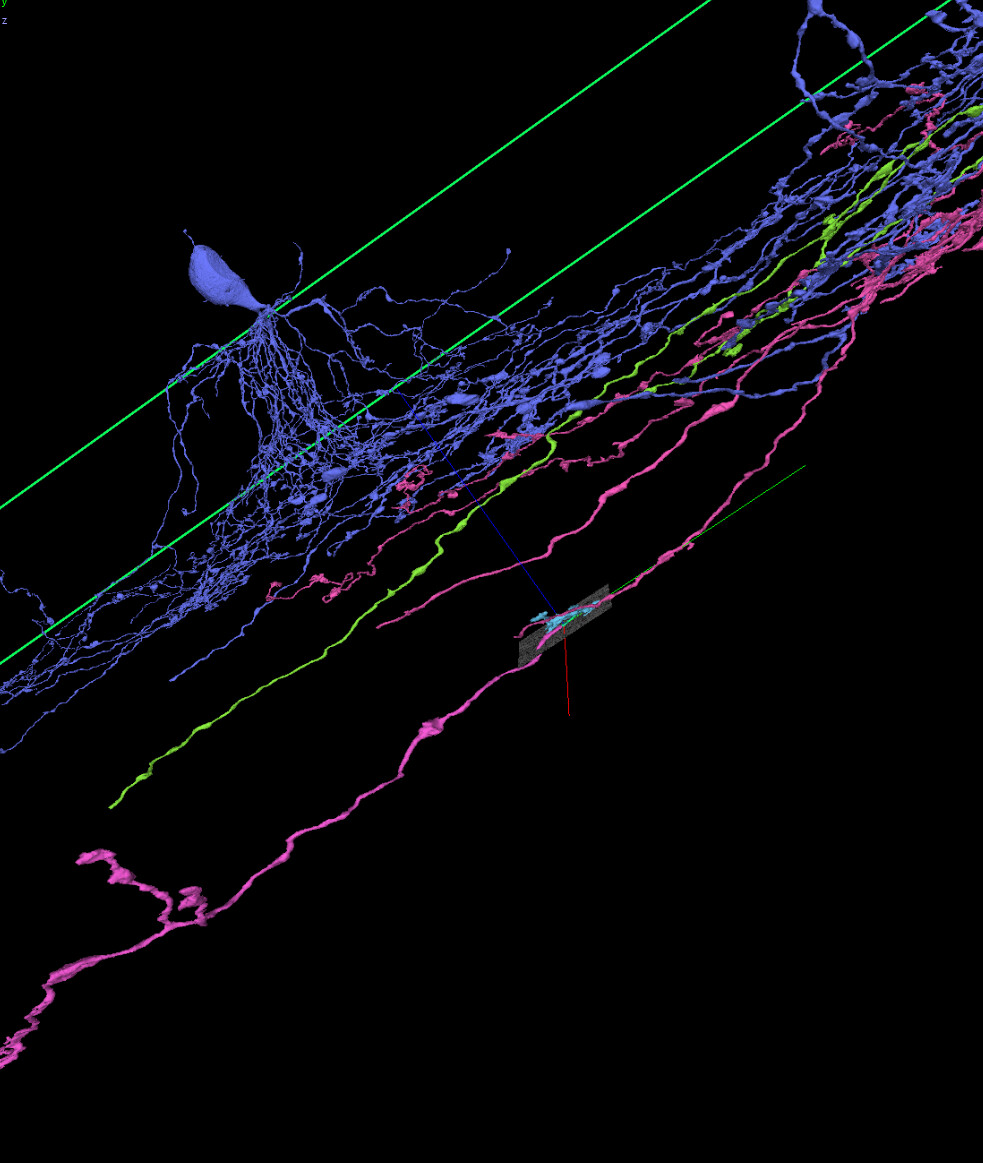
just to make sure I understand fully:
if i have 2 (or more) SBs I select NEW-SAC and if I have a sac and a non sac I select NEW-OTHER?
I’ll finish the remaining non claimed entries and then fix the stuff from the comments section.

just to make sure I understand fully:
if i have 2 (or more) SBs I select NEW-SAC and if I have a sac and a non sac I select NEW-OTHER?
I’ll finish the remaining non claimed entries and then fix the stuff from the comments section.
Thank you!
I meant one line for each cell, so if there’s an SAC and a non-SAC in a comment, put each one in its own row at the end of the list and give it the appropriate label (NEW-SAC for the SAC and NEW-OTHER for the non-SAC) and fill in the other information for the row (name, link, cell ID, etc). Don’t change the label for the original cell, just put any extraneous cells on the bottom of the list (you can delete them from the comments as well).
Hope that clarifies things!
I think I understand, I did a test at row 65, is that ok?
Also, a question I’ve had ever since the early FW days,
asfaik it doesn’t matter as long as you are merging the neighboring segments (ie. no A>C before doing either A>B, B>A or B>C, etc.)
okey dokey, yeah ive been doing a > b > c, was just curious if A > B > C vs A < B > C matters (or not) lol
Rather than have these next to the existing cells, could you please add them to the end of the sheet? I put an example from the first one in line 65 that you had (colored cyan now, so that one’s already done).
Could you update with the others that you did? Each should be in a separate row rather than grouped together. If you can also fill in the Final link column, and start/end dates (if you have them) that would be great too. Let me know if this makes sense!
okey dokey, will do. Thanks.
Finished all unclaimed entries, and -by the time you see/reply to this I will have- did all the extra columns from -the- comments. Sooooooo…new cells when? lol
Excellent, thanks for your work on this! I’ve requested a new task, I’ll let you know when it’s available!
Oh, but in the meantime could you move all of your “extra” entries down to the bottom of the sheet rather than having them in columns P-Z? So move the first one down to row 145, then 146, etc.
okey dokey. I’ll do it tmrw (01:00 here).
All done, I’d have copy-pasted origin(al) SegIDs as well (where applicable) but it won’t allow me to copy/paste/type in that column.
Thanks for your work on these!
A couple remaining issues – the “SAC?” column doesn’t seem to match up with the “Cell-Type” column for some of these, could you go in and fix those? Also, some links have more than one cell inside them, could you make sure there is only one cell per link?
Hmm I’m realizing that splitting out the cells into different links may be difficult/take awhile since all the annotation points are in the same layers. I think we still prefer this if you would be able to take the time to do it, but let me know if it’s too large of a task and I’ll ponder some other options…
I added the same final link to all rows of the same initial row, was the only way i could think of to maintain annotations and so on since I dont know if there’s a/ny reason to export/import annotations between links.
oh wait you mean each row’s final link to only have 1 cell in with annotations for only 1 cell…yeahhhh in some cases idk how easy that’d be to do, it’d be very time consuming. I have added different annotation tabs in some cases (ie: true ends, 2nd sac, 3rd sac annotations etc) but also in some cases for non-sac’s they’re all in one annotation tab which im guessing would mean i have to go in and delete each annotation manually per link?
Yeah, since the annotations are not separated by layers, it definitely becomes a bit of a chore. OK to leave it for now, we may need to address again in the future depending if/when the endpoint annotations start getting evaluated. I’ll keep you posted.
itd be nice if somehow annotations could be ‘baled’ into cells/neurons, much like light info can be baked in 3d models. Then you double click on a cell in 2D, it appears in 2/3D and the annotations (tab?) appears as well. Remove the cell the annotations go w/ it.
not a question but we don’t have a suggestions thread in ew2:
I wish we could alter voxels, not ‘just’ be able to split segments appart.
ie:
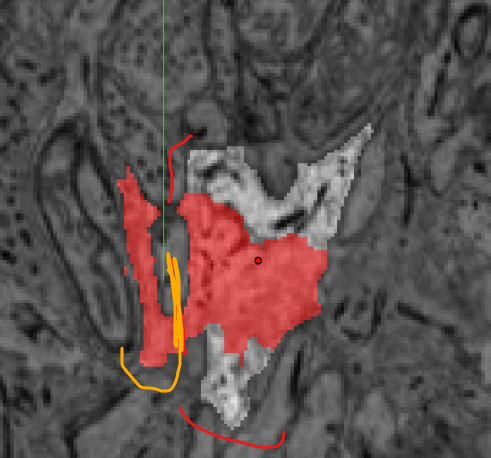
Come to think of it in zfish we could do a bit of that by altering how much that slider was towards 0/1? Not exactly the same thing but very similar up to a point (couldnt go below/above 0/1).
And just in case anyone wonders (what im doing in ew2 w/o gsheet cells): I’m breaking up large-r mergers to individual segments.