Pyr/Eyewire II API requests?

Hi all - and particularly @KrzysztofKruk and @Nseraf,

I want to build an API so that you can build your own scripts and customizations for the game. Is there anything else you would like beyond the ability to: read the current cell and view, listen for events (claim, complete, cell changed), add a toolbar button or side panel, add an annotation layer, store your own settings?

Claude wrote up this scripts page for tampermonkey: please check it out https://eyewire-ii-community-dot-brain-wire-dot-seung-lab.ue.r.appspot.com/scripts.html

Amy

2 Likes

To be honest, it’s hard to say, what could be needed/useful for any potential future scripts. They usually aren’t created as a part of a master plan, but are rather made when a certain opportunity happens, i.e. a thing could be done faster, a statistics would be informing, a part of the UI could be rearranged to be more intuitive, etc., etc. And only then I start to think, how to improve a given thing/issue, i.e. how it could look and work after applying a script. The last step is finding out, how to actually do it from the programming perspective. The last two steps are often in a loop, when a selected way is too difficult/impossible to implement.
Saying all that, the current API seems reasonable and if something is missing, I hope we’ll be able to ask for it in the future or just plug a script directly into the Neuroglancer guts :wink: .

1 Like

Thanks, that’s really helpful. We’ll start with that small set and keep window.viewer open, so you can always go straight to the neuroglancer internals. When a script needs something the API doesn’t have, post it here and we’ll add it.

3 Likes

yeah, from my -small- experience in ‘creating’ (chatgpt creates, I ask politely lol) scripts from either eyewire or neuroglancer (EW2 so far), player scripts usually fill a specific need or niche, ie: I want to be able to export and import settings in neuroglancer so that i dont have to edit them each and every time in each neurog. link or copy date, segID and final link in one go via a button vs having to go copy segID > paste in gsheet > copy paste Date from above > switch to neurogl. > copy share link > paste.

or create a script that makes names in cube inspect panel clickable.

So, yeah I agree with the assessment that it’s difficult to tell outright from now what we may need or want a day, a week, a month or several months from now in each different dataset or gsheet that comes along as these needs will be born from using the game/software and realising that ‘this’ need is probably something that HQ might not want to or be able to or be able to do in a timeframe that will satisfy the need (ie ask for something in march and hq can realistically make it happen by august bc of other stuff in the pipeline with greater urgency or importance), so voila chatgpt (or in kk’s case programming knowledge/ability) creates ‘it’ and we’re all happy, lol.

But thanks for creating this!

What I can say from having seen how chatgpt works it really likes documentation of how things work and/or a github where code can be found.with API calls or explanation of how things work. When I asked it to create me the clickable names in inspect panel it found eyewire’s github and was able to find the needed API calls etc, likewise with neuroglancer.

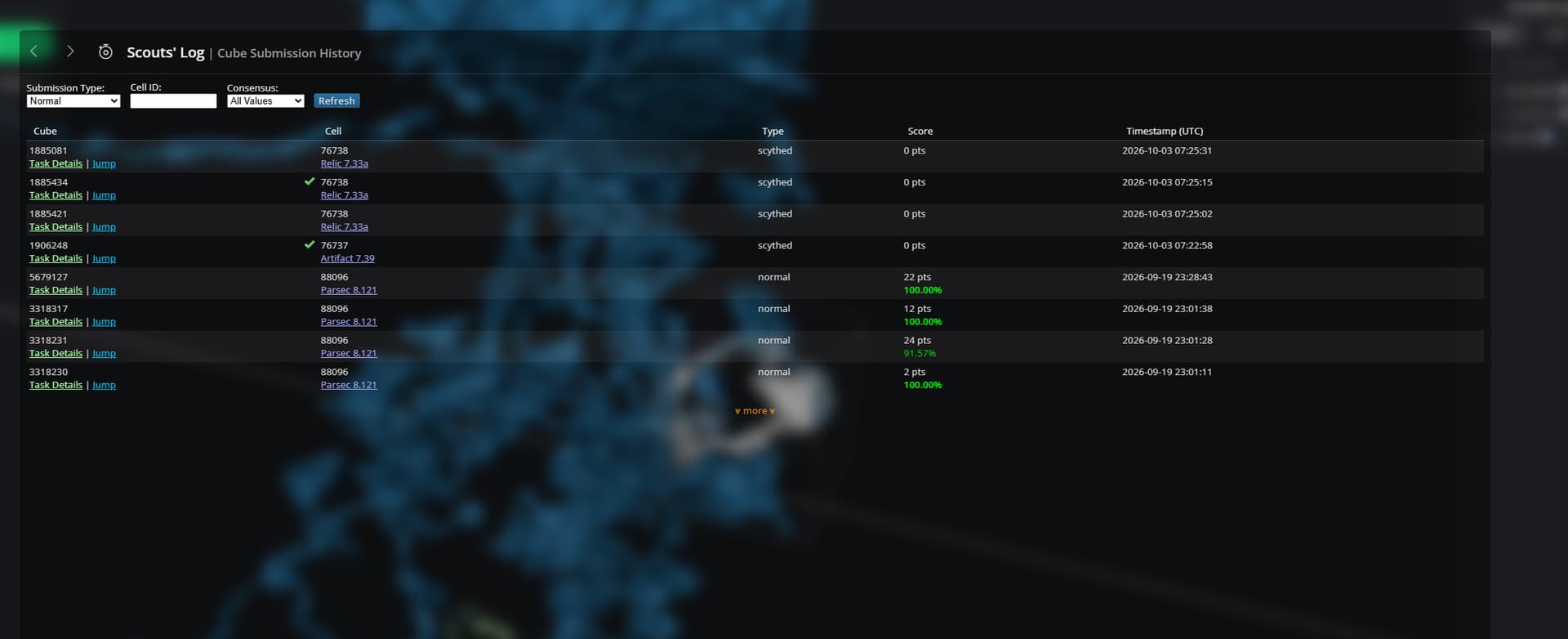
But when I asked it if it could ‘download’ me my cube history all time it couldn’t find where/how/if fp/ft etc fscores are stored and/or called from the github, or from the F12 source code so in the end it could only do it from the history button in the scout’s log


which only goes back to july of 2015 or something like that, after that it didn’t know nor could it find how to get to nov. 2013. (it’s not really important I just wanted to find anything I might have played that got accuracy below 80% and see (and laugh) my early mistakes from when I was a new player hah.

So, anything in player profile, or ‘actionable’ (ie: cut/merge) that pulls info via one or more API call that can be documented or be had in github would/will help any future player scripting effort. Ie if we want to create a player script that breaks down ‘edits’ in profile to cuts/merges/cell completes or cell type id edits. (if that doesn’t exist already I haven’t looked in profile in new EW2).

1 Like

the script I mentioned above: New player script! Clickable names in cubes panel

1 Like

Thanks!

This is already deployed – the Delta Menu (the little delta triangle to right of segID has a dropdown list of cell types. completing a cell also fills in all necessary data - no copy pasting required!

Here is a scripts guide that chatGPT should be able to use: EyeWire II · Writing scripts’

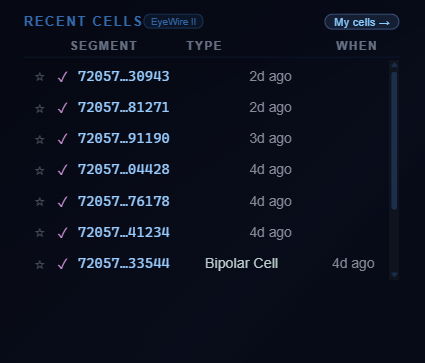
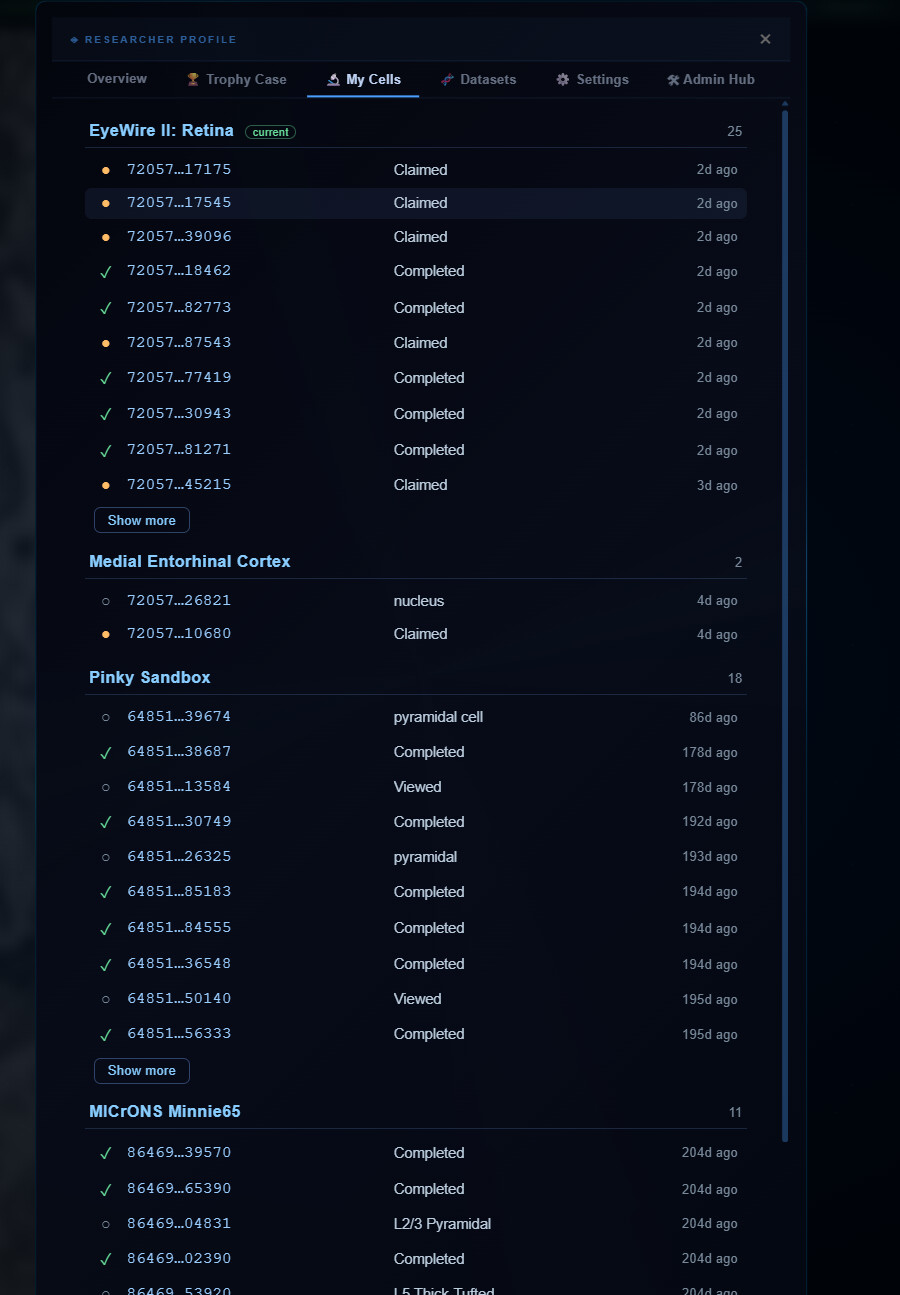
You can actually see your full history in your profile: image

Click “my cells” and it shows a list of ALL the cells you’ve claimed, completed, annotated organized by dataset.

I don’t know how this will work once there are many thousands of cells!

Does this answer your questions?

2 Likes

yeah, thanks. Once there are thousand of cells…it’s gonna be interesting lol, my guess is that it’ll either become slower or if it ends up using a lot of RAM it might crash the tab (at least going by similar behaviour in EW).

1 Like

yeah, it will probably need so called virtual scrolling, i.e. only the visible portion of the list is actually added to the DOM tree and the rest is stored simply as a list in the memory (a few MBs at most) and added or removed to the list on the fly. The scroll bar length and position is simulated by changing padding or size of some filler elements. From the user’s point of view it behaves exactly as it was a normal long list.

1 Like